7. Preventive Maintenance/System Operational Check-Out
7-92
5. Hardware Verification
Properly install and prime the disposable set (see Chapter one for installation of
the disposable, prime, and infuse) before beginning the Hardware Verification
process.
Hardware mode verifies:
a. Valve operation
b. Fluid Out and Air Detectors
c. Battery voltage.
d. Flow Rate (Pump speed)
e. Input and Output Temperature Probes, and
f. Pressure sensor.
A password is required to access the SERVICE screen, to insure that this mode
is not accessed accidentally.
Press the SERVICE key, at power-up, to access the Calibration/Set-up screen.
This screen remains active for 4.5 seconds before the system enters the Prime
mode screen.
• Press HARDWARE from the Calibration/Set-Up screen.
• Enter the Password 013192.
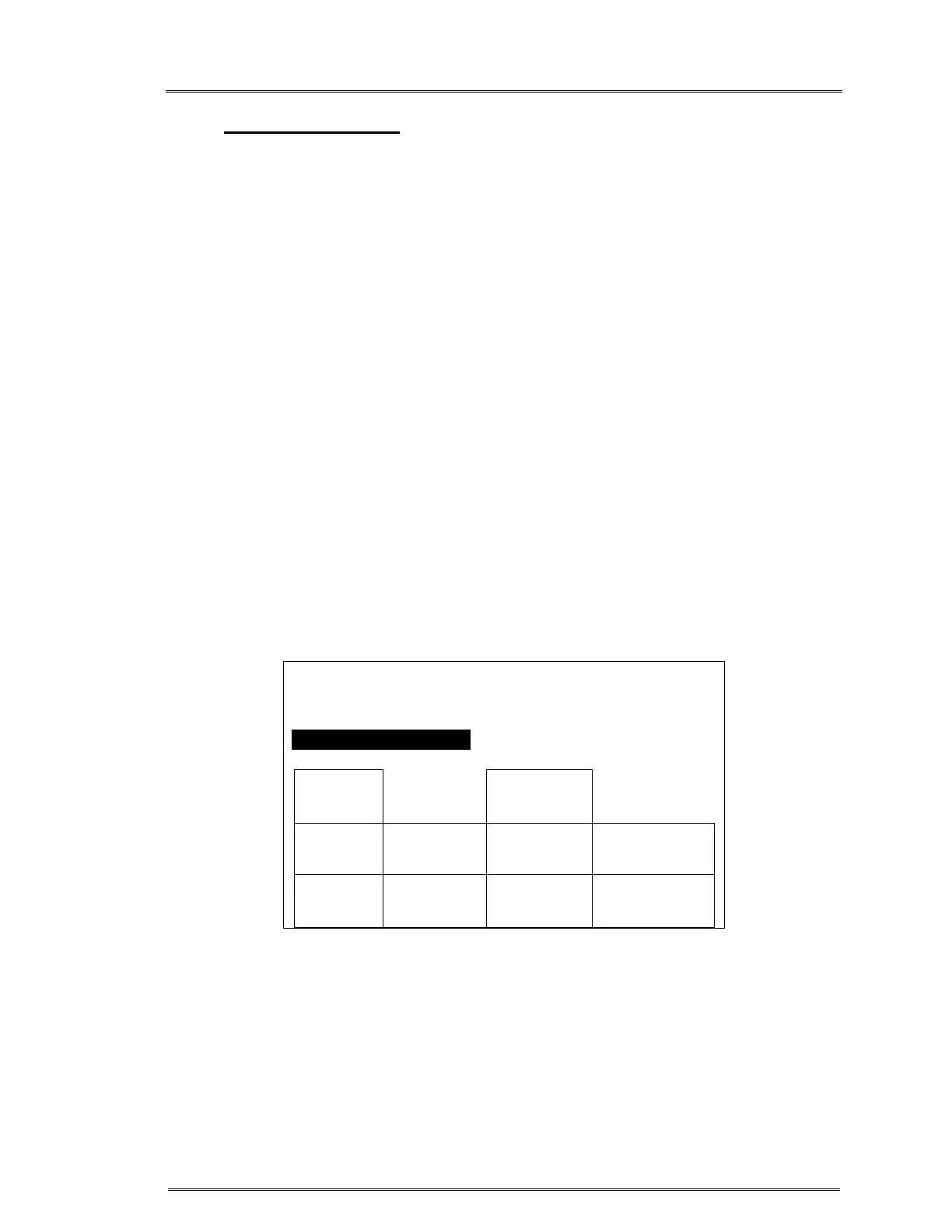
Calibration/Setup screen
CALIBRATION/SET-UP
TIME 23:59 DATE: 12-31-14
BOLUS 200 ML PRESS LIMIT 300MMHG
AC POWER PRESENT
DATE
TIME
DISPLAY
BRIGHT
TEMP
CAL
PRESS
CAL
POWER
CAL
MEDIUM
KEYRATE
PRESS
LIMIT
HARD-
WARE
SETUP
BOLUS
EXIT
SERVICE



 To Next Page