6. Setting System Parameters and Systems Calibration
6-73
Parameter Setup is performed in the Service mode.
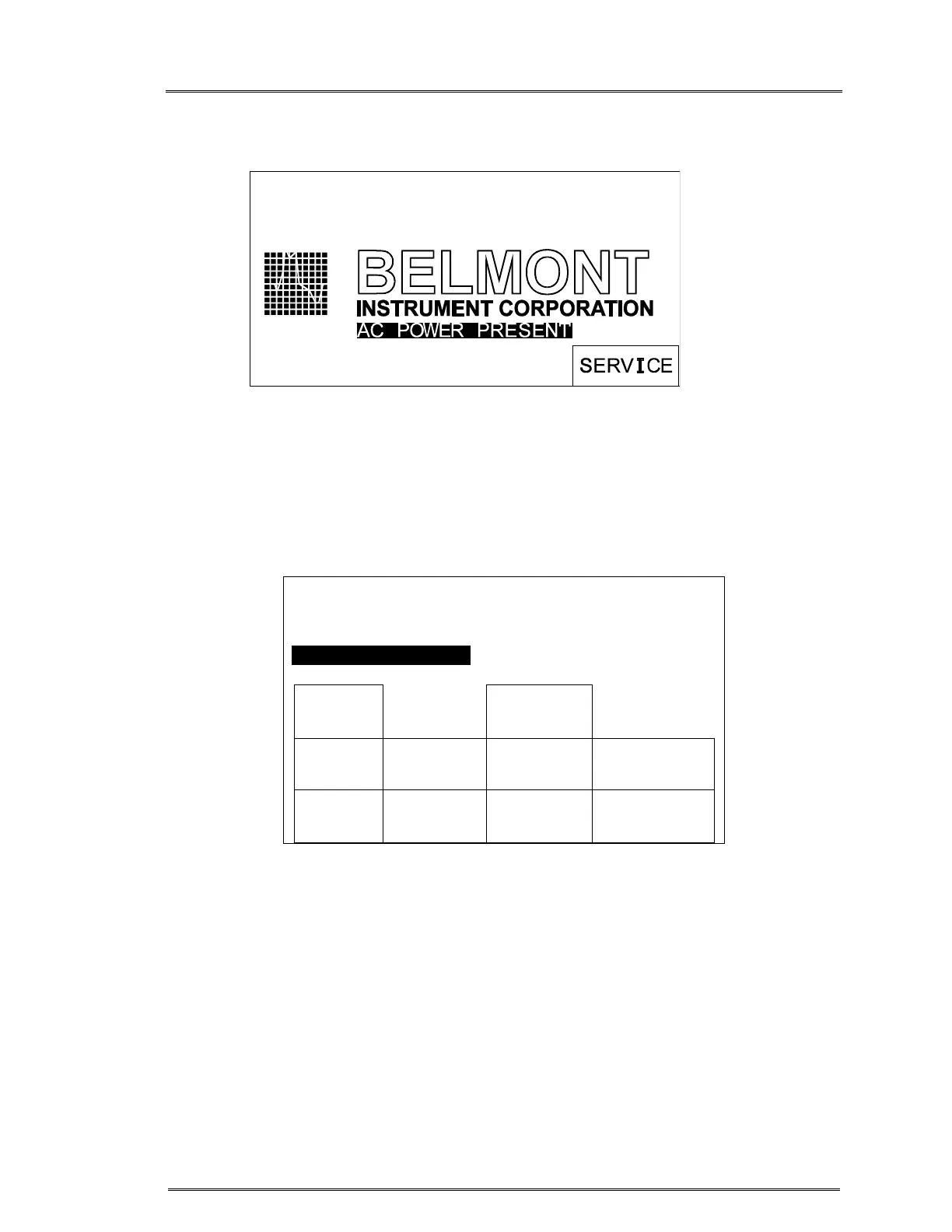
SERVICE mode screen
Pressing the SERVICE key accesses the Calibration/Set-up mode. This key appears on
the BELMONT logo screen only at system powered-up. This screen remains active for
4.5 seconds before the system enters the Prime mode.
CALIBRATION/SET-UP screen
CALIBRATION/SET-UP
TIME 23:59 DATE: 12-31-14
BOLUS 200 ML PRESS LIMIT 300MMHG
AC POWER PRESENT
DATE
TIME
DISPLAY
BRIGHT
TEMP
CAL
PRESS
CAL
POWER
CAL
MEDIUM
KEYRATE
PRESS
LIMIT
HARD-
WARE
SETUP
BOLUS
EXIT
SERVICE



 To Next Page