6. Setting System Parameters and Systems Calibration
6-74
1. Date/Time
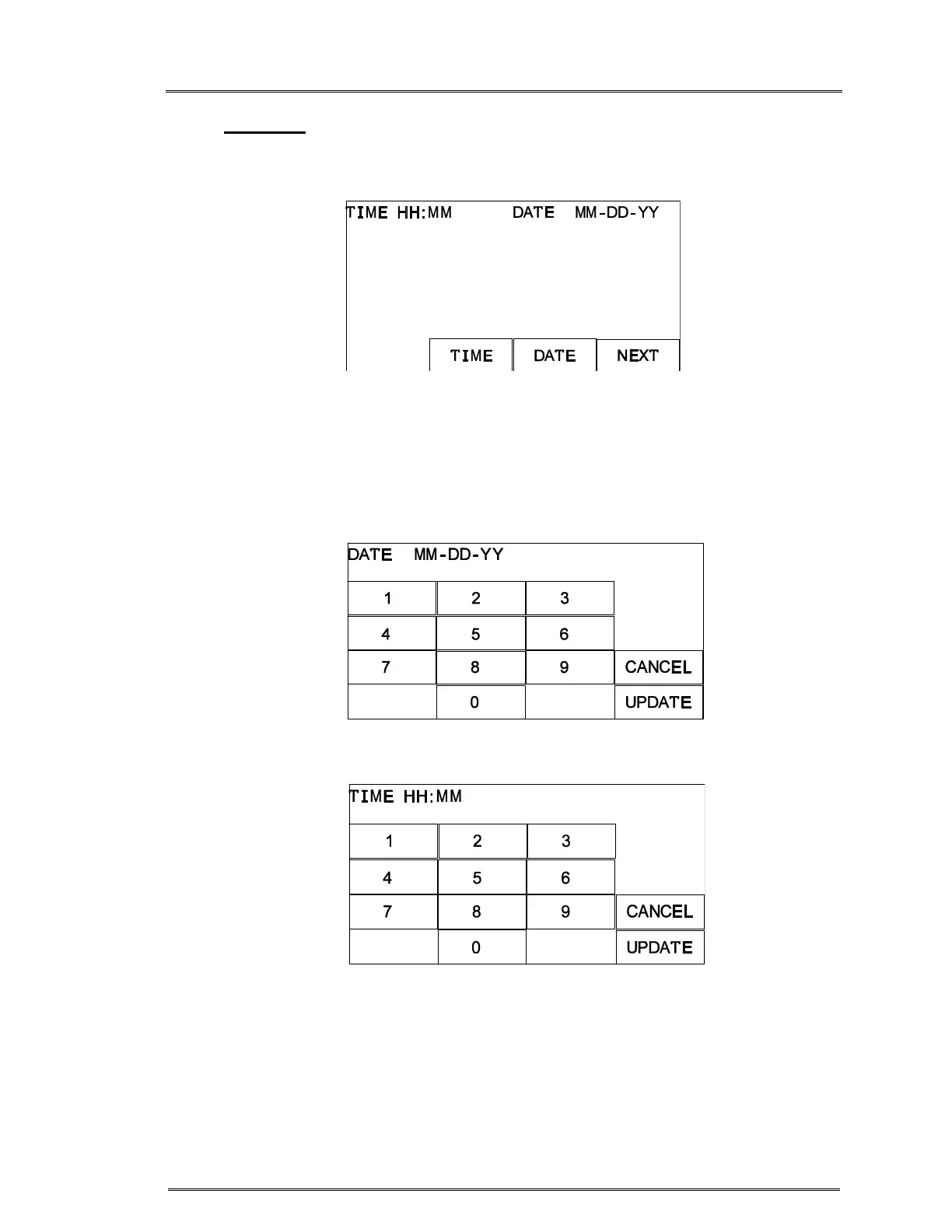
Press DATE TIME in the CALIBRATION/SET-UP screen to set the time and date. Press
either the TIME or DATE key.
Screen after pressing DATE TIME key
A numerical keypad will be displayed. Enter the appropriate time or date
information. Enter the appropriate time in 24-hour clock format (i.e. 1:00 PM =
13:00). CANCEL will erase the entered value and return to the previous Date Time
screen. Press UPDATE to save the new value and return to the previous DATE
TIME key screen. Press NEXT to return to the Calibration/Set-Up screen.
Screen after pressing DATE
Screen after pressing TIME



 To Next Page