6. Setting System Parameters and Systems Calibration
6-82
3.3.5 Press PUMP SPEED once to set the flow rate to 0 ml/min and
stop the pump.
3.3.6 Press CANCEL to exit and return to the Calibration/Set-Up
screen.
3.4 Calibrate:
3.4.1 Press POWER CAL. Enter password 013192.
3.4.2 Enter the measured flow rate. Press UPDATE to continue.
3.4.3 Prime: The system primes the disposable set automatically with
100 ml of fluid and determining the proper power module settings
for the unit. To abort the procedure, press CANCEL. Two flow
rates are used during calibration, 500 ml/min first followed by 10
ml/min. The entire procedure requires about eleven minutes.
3.4.4 Keep the 3.0 L Reservoir filled with cold fluid during the entire
procedure.
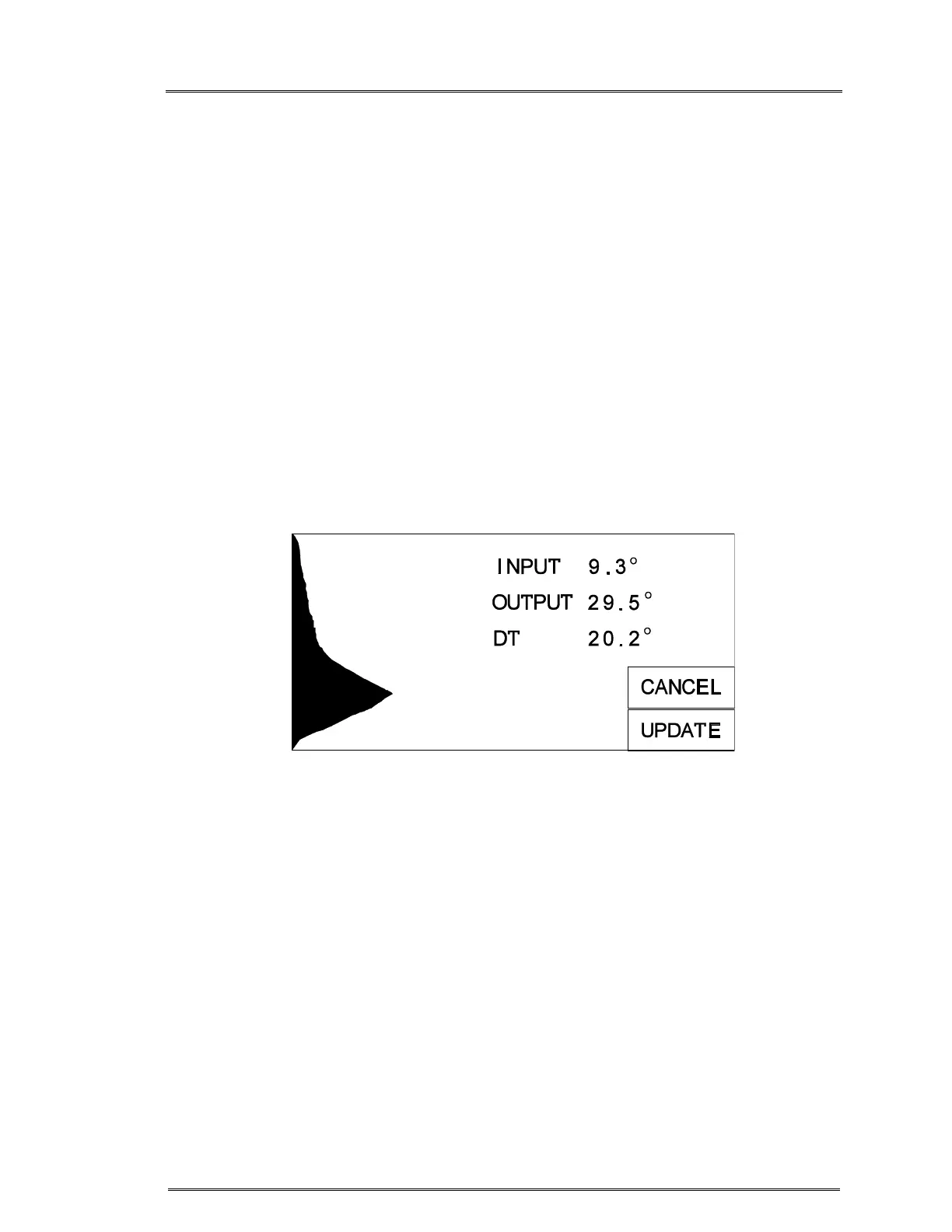
Power calibration screen, waiting to update
3.4.5 The input and output temperature to the heat exchanger will be
displayed. Wait for the DT value, the difference between input and
output temperature, to stabilize. When the system has stabilized,
the UPDATE key will appear.
3.4.6 Press UPDATE to complete the calibration. The display will return
to the Calibration/Set-Up screen.
3.4.7 The power module and pump are now calibrated.
The FMS2000 requires minimal service and care. Preventive maintenance should be
performed regularly to optimize performance and reduce the likelihood of downtime.
Listed below are routine maintenance (as needed), periodic maintenance (at least once
a year), and system operational check-out (after module changed).



 To Next Page