50
2
Doctor Unit Section
OPERATION SETTING
1Rࠈ6(7
USP
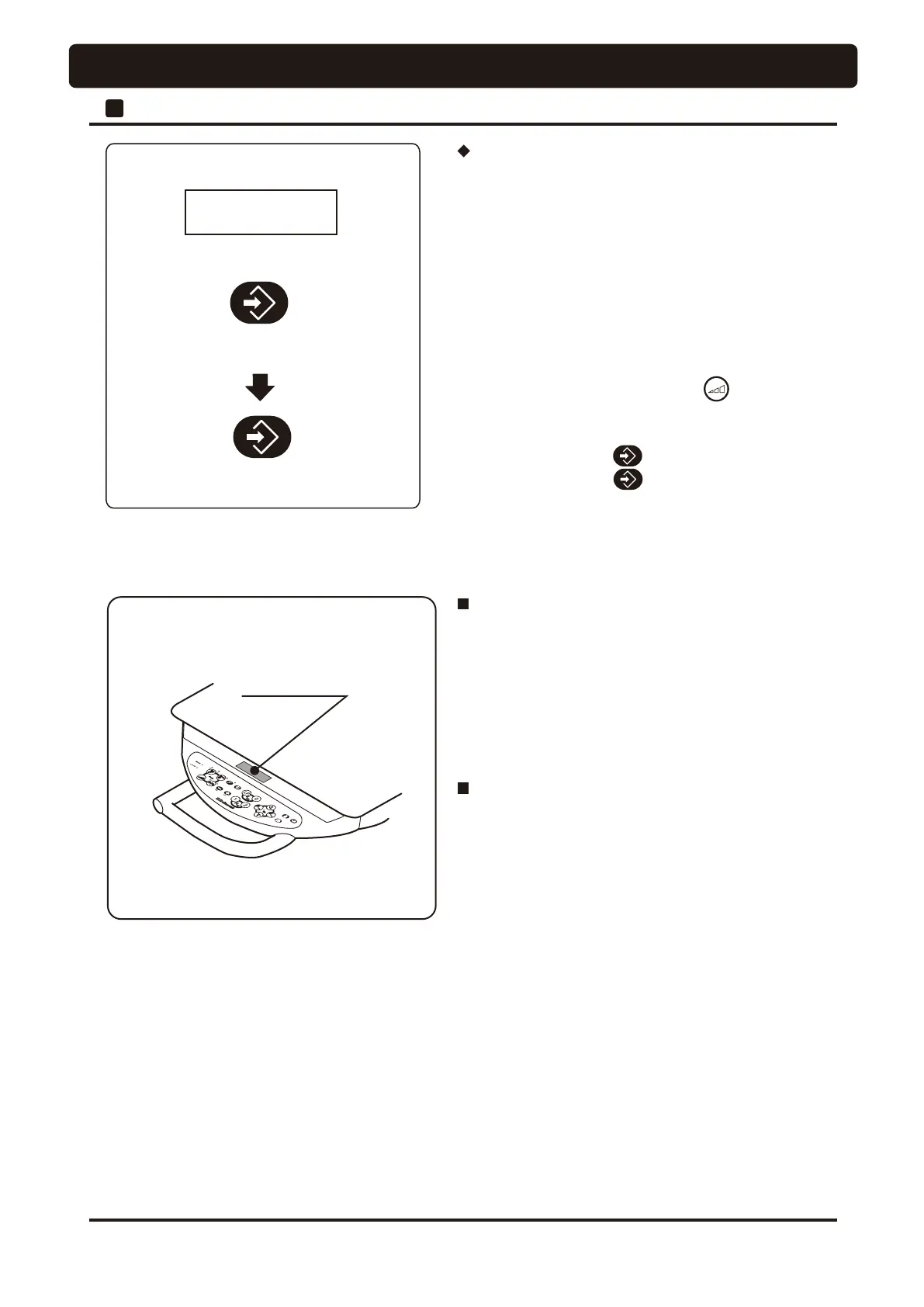
Save frequently-used mode
Keep pressing the store switch
about 1 second
Keep pressing the store switch
about 2 seconds
Indicator
Indicator off function
• The indicator is off if no operation is performed for a fixed
length of time. This function is provided for preventing
fluorescent lamp seizure and for power saving.
1) 120 seconds after steady state display appeared since the
main switch (power) was turned on.
2) 30 seconds after normal operation
Indicator abnormality and troubleshooting
• There are cases where the display on the indicator becomes
abnormal due to noise.
In such a case, turn off the main switch and turn it on again
about 5 seconds later.
* However, there is a possibility where reset does not occur
if noise is continuing.
Eliminate the cause for the noise, and then turn on the power
again. If it is not possible to identify the cause for the noise,
please contact your dealer or our office.
Description of recurrence mode at the time of
power on and setup
• This recurrence mode is the rotation mode that always
appears first when a micromotor is picked up after the main
switch is turned on.
• It is convenient if a rotation mode frequently used is set as
the recurrence mode.
[Procedure for setup]
1. Turn on the main switch, and pick up a micromotor from
the holder.
2. Press the rotation mode select switch and select a
desired rotation mode (limit mode or preset mode)
to be set.
3. Press the store switch for about 1 second.
4. Press the store switch for about 2 second and the
buzzer sounds to confirm that setup of the selected rotation
mode has been completed.




 To Next Page