DESCRIPTION OF OPERATION AND FUNCTIONS OF COMPONENTS
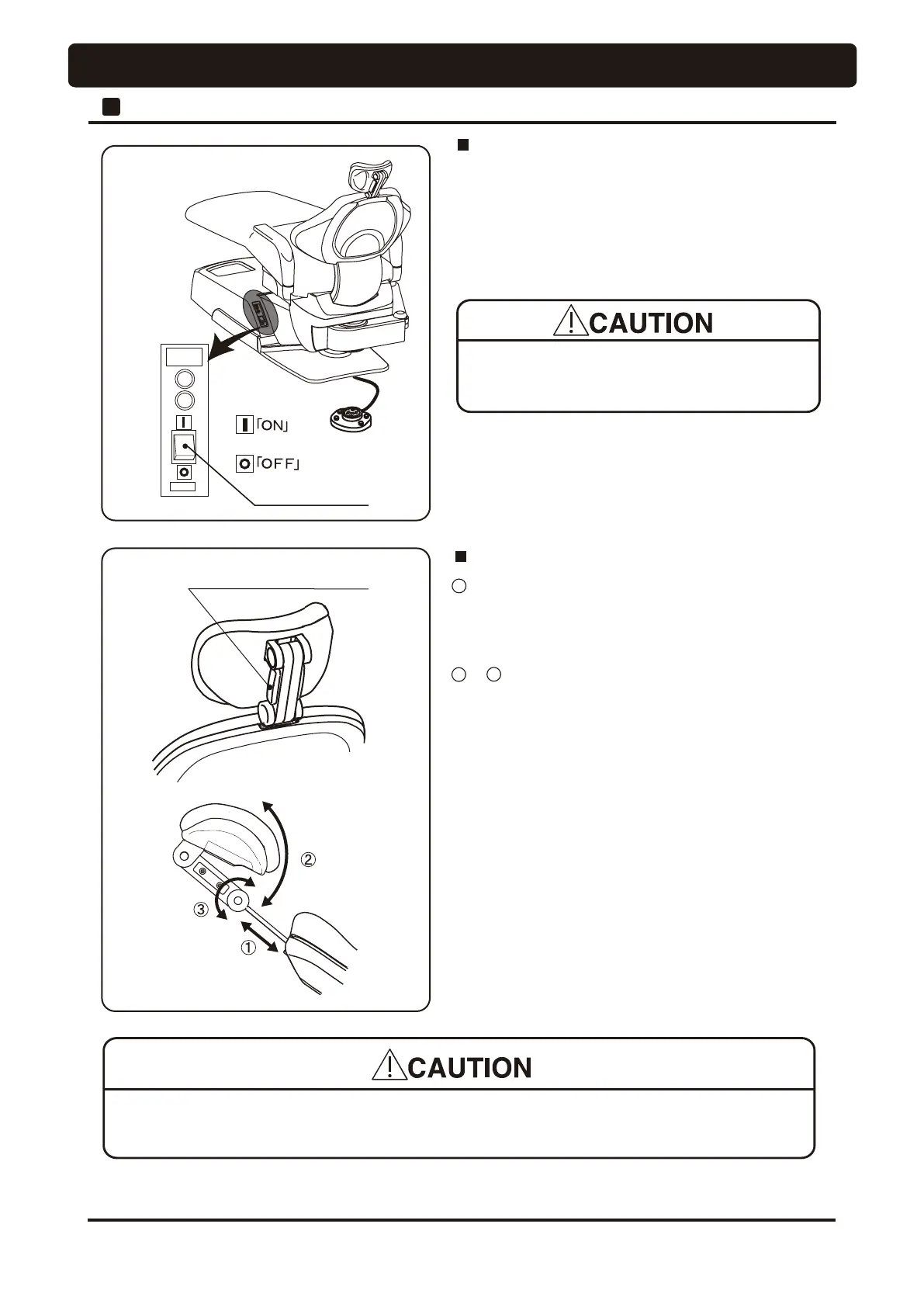
Main Switch
FUSE
F5A/250V
MAINS
14
Main Switch (Chair Section)
Turn on the main switch located on the left side of the pump
cover. A green lamp in the main switch will illuminate.
•
Operate the main switch by hand only.
•
Turn off the main switch after daily operation.
Headrest Release Button
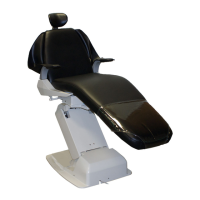
Twin Articulating Headrest Headrest
•
The headrest will be come off from the backrest in case of pulling too much.
•
'RQRWDOORZKDQGV¿QJHUVRr hair to become entangled in the moving parts of the headrest.
1 Height Adjustment
Hold the headrest bar with both hands and adjust headrest
height by pulling out or pressing down on the headrest bar.
2 & 3 Angle Adjustment
Hold the headrest release button to unlock the twin axis
mechanism and adjust headrest angle. The headrest angle is
locked when the headrest release button is released.
* Does not move the right side release button of headrest,
LWLV¿[HG
1 Chair Section




 To Next Page