123
Troubleshooting
Fault Cause Repair
Sewing computer
Upper thread
indicator does not
respond
Update error
Sewing computer fails to run or runs slowly
Turn power switch to «0» (off)
Not activated in the Setup Program
USB stick is not recognized
Update process is blocked (hourglass
stays on Display)
Update-data aren't identified
⦁
check the setting in the Setup Program
⦁
alter the speed control
⦁
place the sewing computer in a warm room one hour before use
⦁
turn the power switch to «I» (on)
⦁
take the sewing computer to the nearest authorized
BERNINA dealer
⦁
activate in the Setup Program
⦁
use a BERNINA USB stick
⦁
remove the stick and turn the sewing computer off and on
again. Proceed with the update as indicated by the message
⦁
don't save update-data in a folder
⦁
unzip update-data
Display is inactive Calibration data incorrect
ECO-function active
⦁
re-calibrate the Display in the Setup Program
⦁
turn off ECO function
Stitch width not
adjustable
Setting activated in the security
program
⦁
deactivate setting
Sewing computer Deleting or overwriting data, e.g.
drawers
Stitch number not known in direct entry
Stitch selection not possible in the
combination mode
⦁
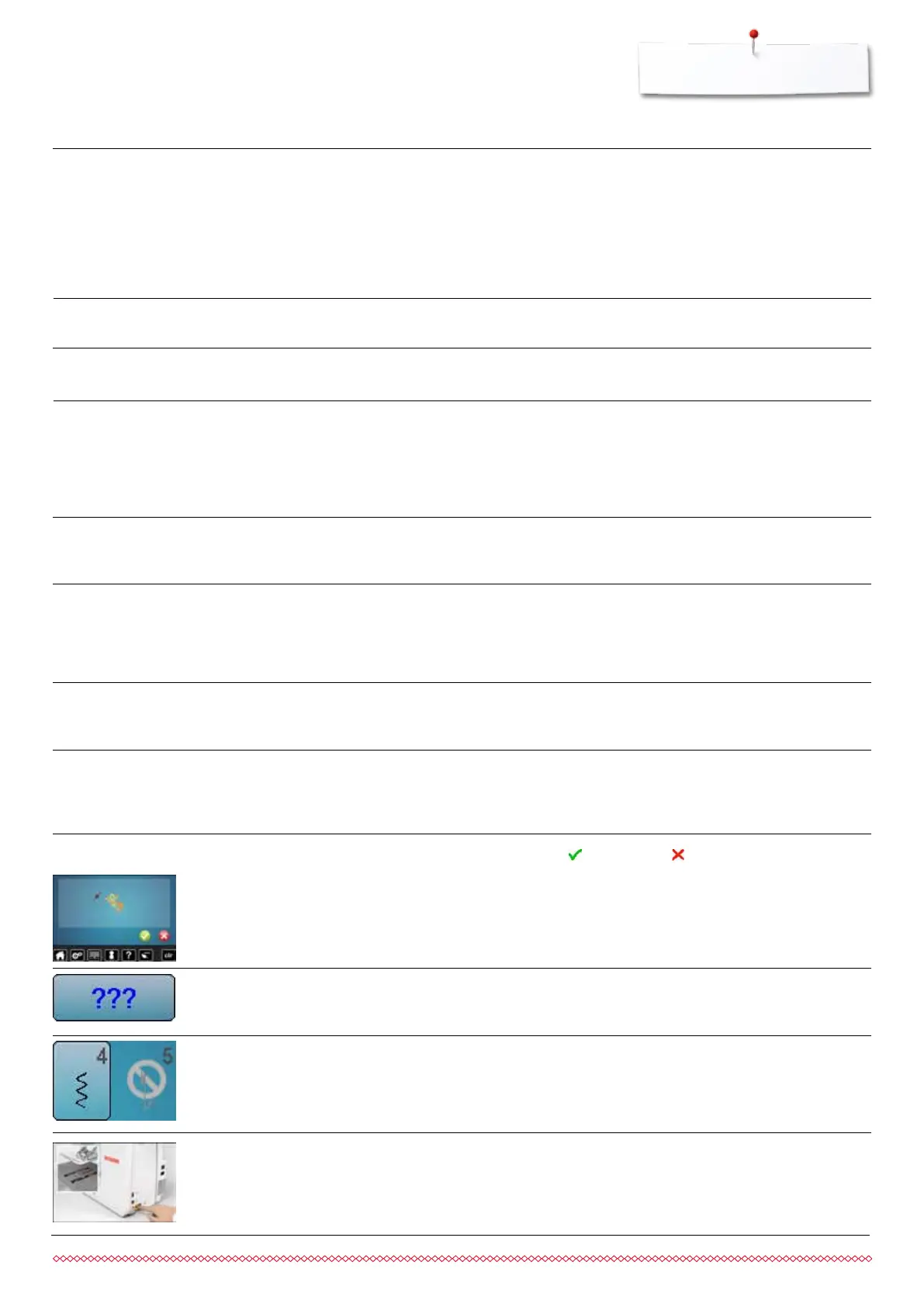
confirm with or cancel with
⦁
check command entered and enter a new number
⦁
make another selection
General Explanation Repair
Messages
Needle breaks Needle not correctly inserted
Fabric was pulled
Fabric was pushed when using thick
material
Poor-quality thread, unevenly wound or
knotted
⦁
tighten the needle clamp screw
⦁
do not pull the fabric during sewing
⦁
use the correct presser foot for thick material (e.g. Jeans foot
No. 8) use height compensating tool when sewing over a
thick seam
⦁
use quality thread (Isacord, Mettler, Gütermann etc.)
⦁
always remove the hook after a needle breakage and check
the magnetic back of the hook for broken off needle parts
Lower feed dog
⦁
press the «Feed dog»-button. The feed dog is lowered
LED sewing light
do not light up
LED defective
Deactivated in the Setup Program
⦁
take the sewing computer to the nearest authorized
BERNINA dealer
⦁
activate in the Setup Program
033805.51.04_2014-02_Manual_B710_EN



 To Next Page