124
Troubleshooting
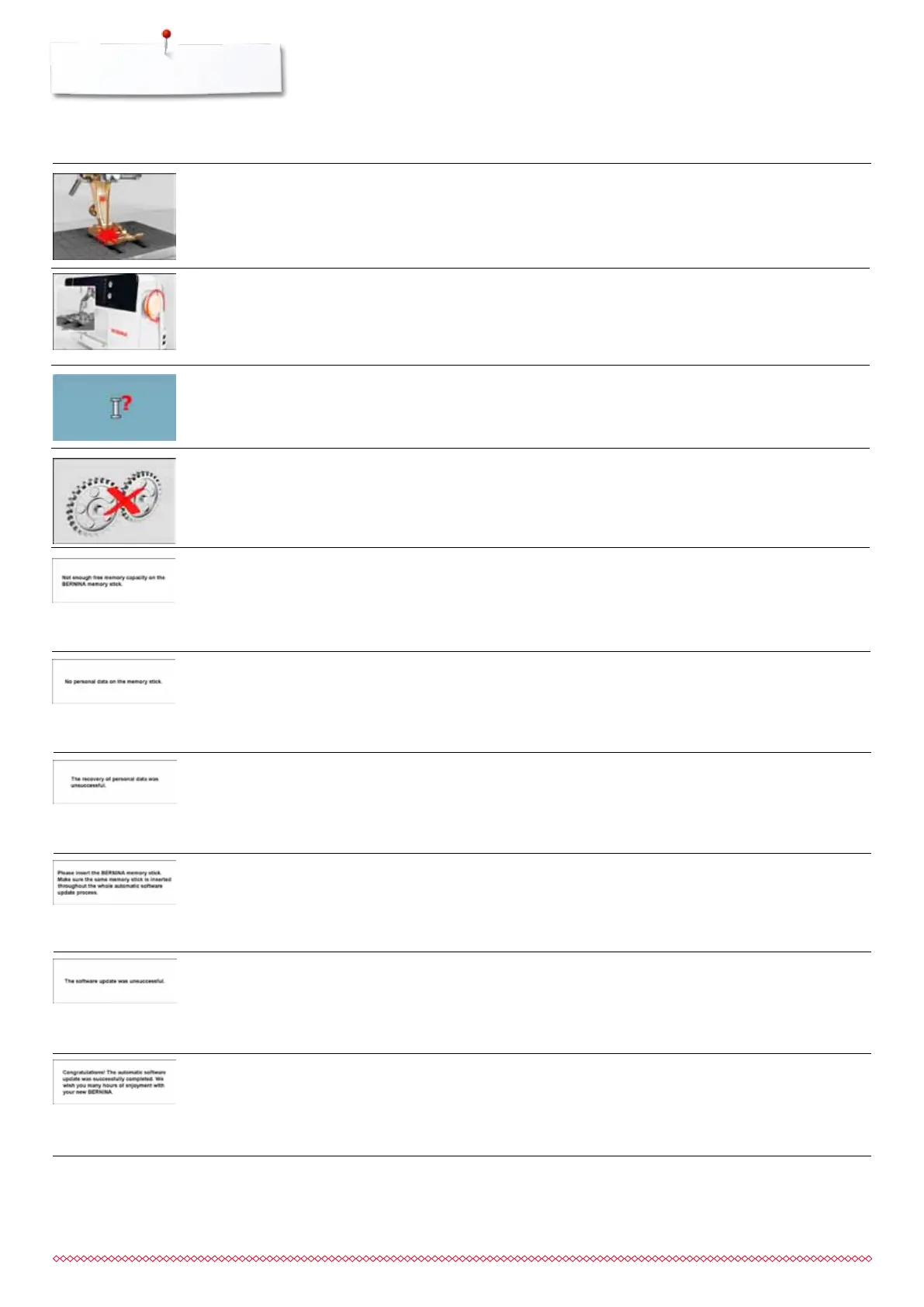
Incorrect needle for the stitch plate
selected
Needle is not in the highest position
Main motor is not running
⦁
check settings in securing program
⦁
turn handwheel
⦁
check hook system. Remove any thread lint from the hook
area/bobbin case
⦁
remove the hook and check the magnetic back of the hook
for broken off needle parts
Upper thread used up
⦁
attach new upper thread spool and thread
Less free space on the USB stick
No personal data available on the USB
stick
During the update process personal
data was not saved on the USB stick
⦁
delete data from USB stick
⦁
check that the USB stick is inserted correctly and re-start the
sewing computer
⦁
the software was correctly updated. Personal data could not
be recovered
BERNINA USB stick is not inserted
⦁
insert BERNINA USB stick and do not remove during the
update process
New SW Version is not available on
the stick
Update successful
⦁
save the new SW Version on the BERNINA USB stick and
start the update again
⦁
the sewing computer has been provided with the latest
software version
General Explanation Repair
Messages
033805.51.04_2014-02_Manual_B710_EN



 To Next Page