73 of 109
13. The Red Wide Angle Driver is now installed and ready to use.
Remove the support wings if using the Conventional Cap Frame or
micro clamps. Support wings may also need to be removed when
design size pushes the physical limits of a specic cap. For instructions
on removing the support wings, see the corresponding section of this
document.
Red Wide Angle Driver Removal
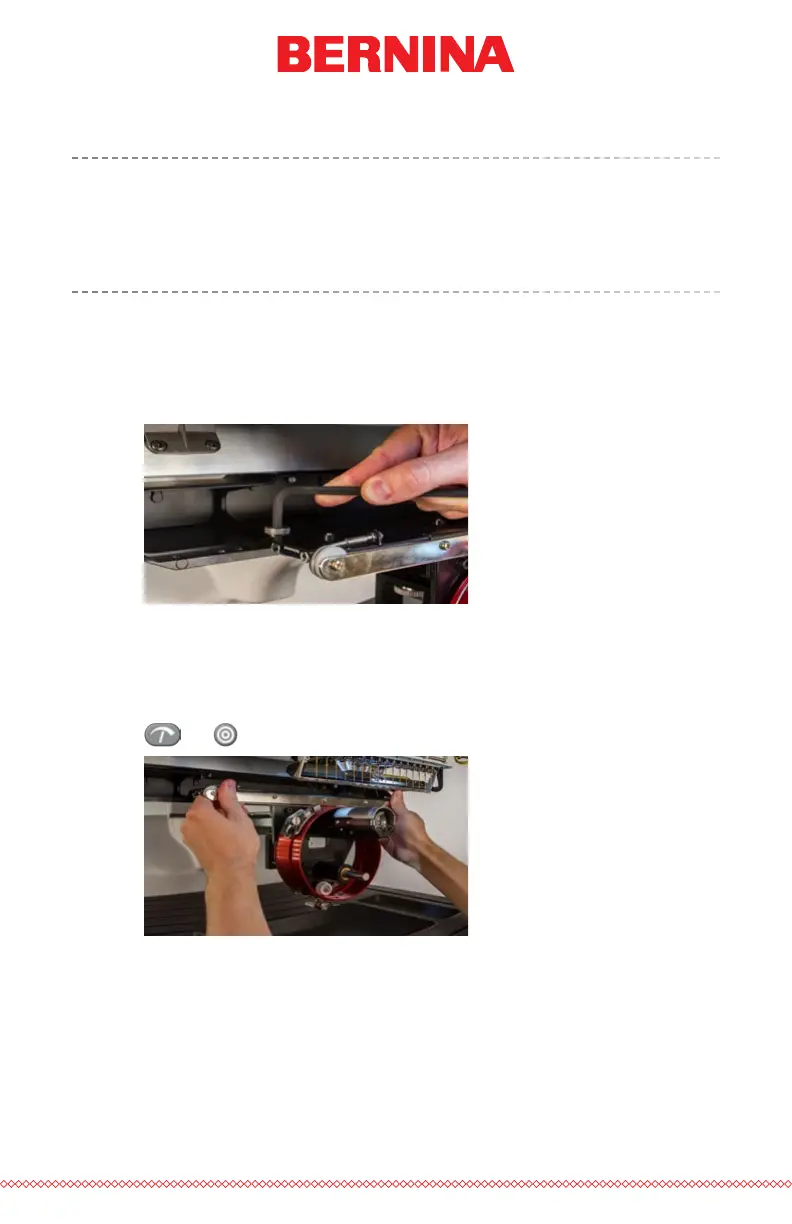
1. Starting with a 6mm Allen wrench, remove the thumbscrews at-
taching the red driver assembly to the x-carriage.
2. Slide the red driver assembly toward you and off of the lower
arm and support shaft. This may be easier if the grabber bar of
the machine is closed. To close the bar, simultaneously press the
“Adjustment” and “Center” keys on the keypad of the machine.
+



 To Next Page