Creative embroidering
152
> Tap «i-Dialog».
> Tap «WordArt».
> To change the distance between the characters in increments of one millimeter, turn the «Upper
multifunction knob».
> Turn the «Lower multifunction knob» to the left or right to curve the writing upwards or downwards.
Changing the stitch type
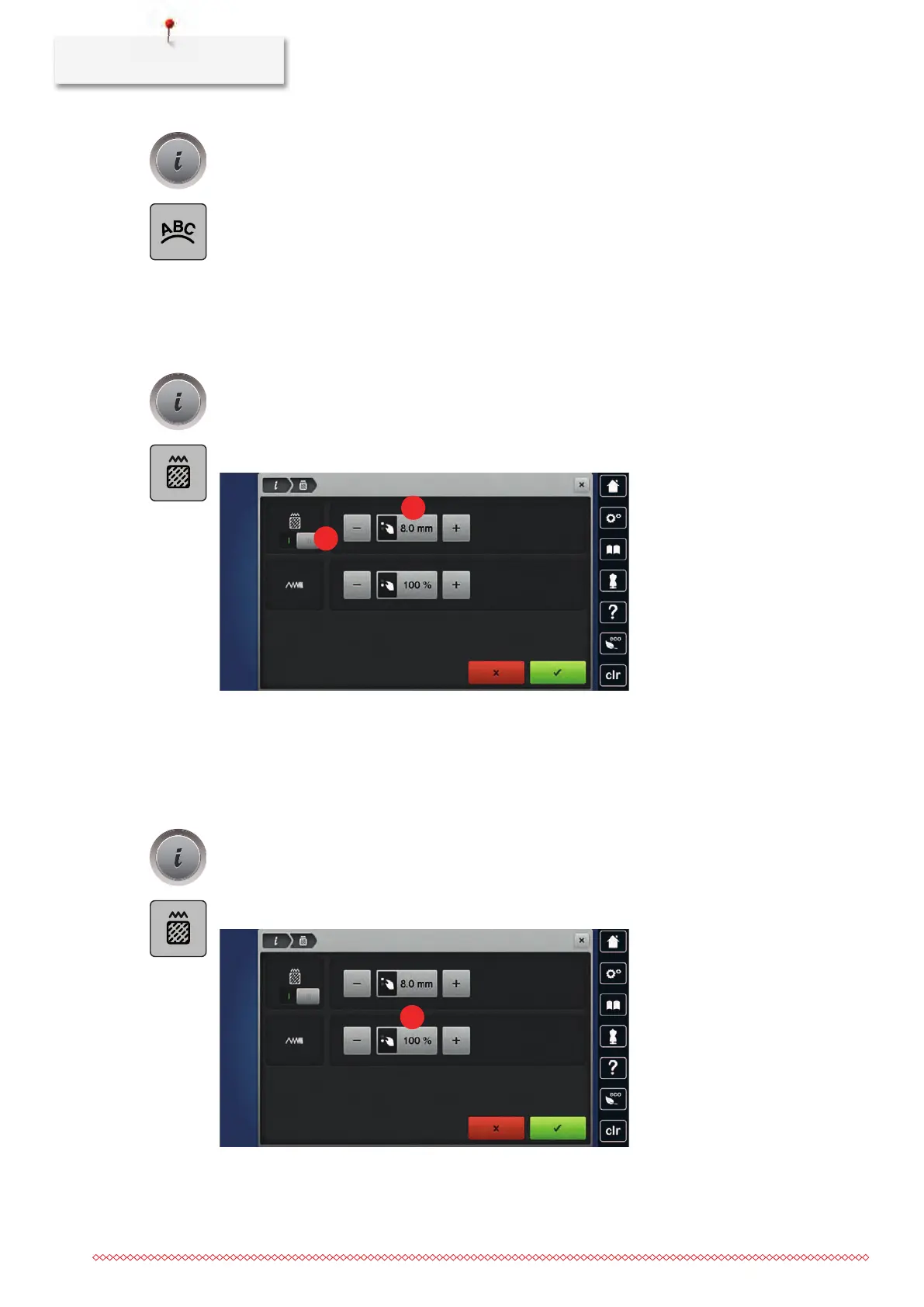
If the satin stitches are too long, they can be changed to step stitches.
> Select an embroidery motif.
> Tap «i-Dialog».
> Tap «Alter Stitch Type/Stitch Density».
> Touch the switch in the upper section of the display (1) to change the satin stitch to the step stitch.
> Set the stitch length to 2.
Altering the stitch density
If the satin stitches are embroidered too densely, the stitch density can be adjusted.
> Select an embroidery motif.
> Tap «i-Dialog».
> Tap «Alter Stitch Type/Stitch Density».
> Adjust the stitch density(1).



 To Next Page