Care and maintenance
171
17 Care and maintenance
17.1 Firmware
Checking the firmware version
The firmware and hardware versions of the machine and the connected embroidery module are displayed.
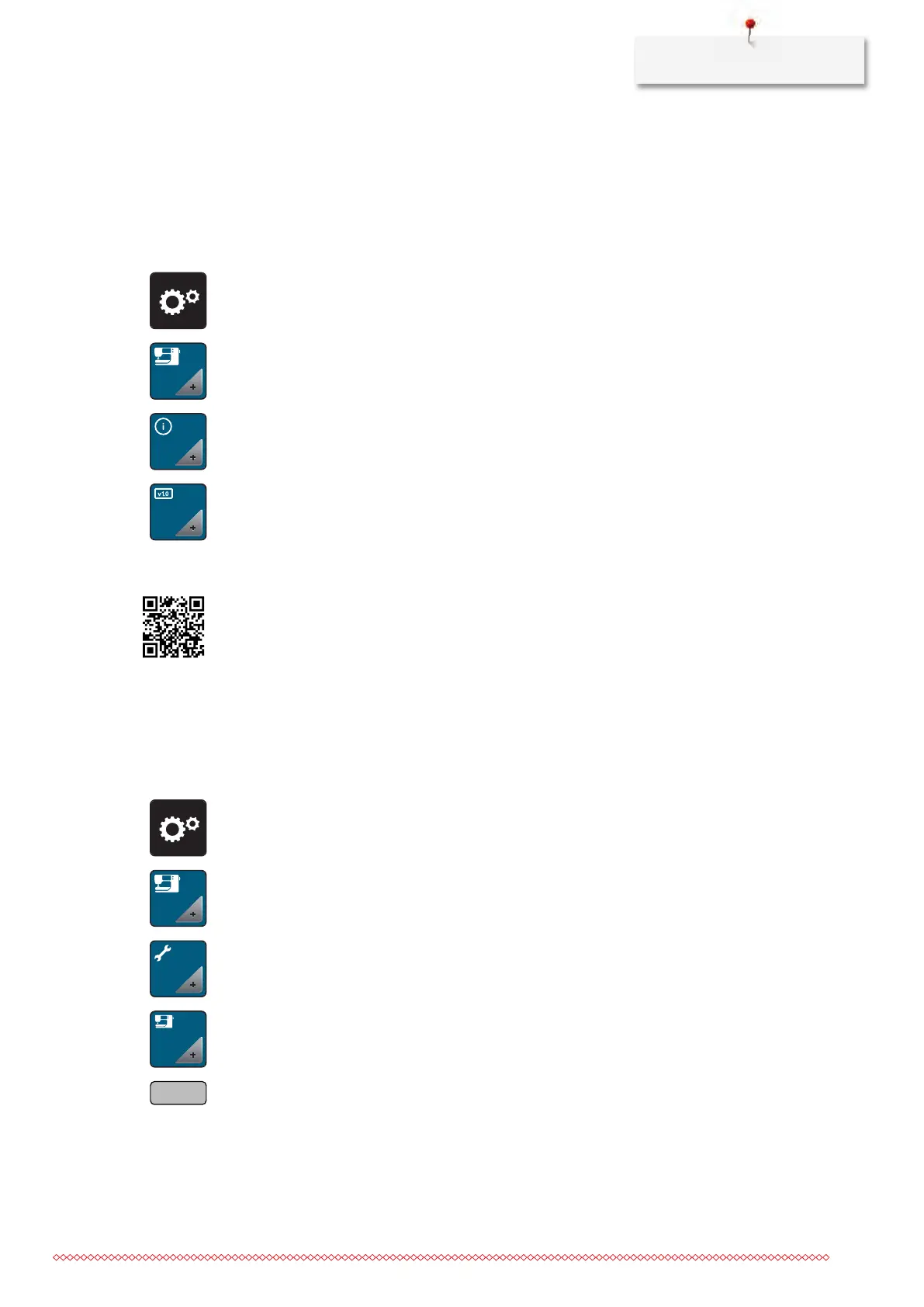
> Tap «Setup Program».
> Tap «Machine Settings».
> Tap «Information».
> Tap «Machine Data».
Updating firmware
The machine's current firmware and detailed step-by-step instructions for the update process can be
downloaded from www.bernina.com In general, personal data and settings are automatically transferred
during a firmware update. For reasons of safety, it is also recommended to save data and settings on a
BERNINA USB stick before the firmware update is started. If personal data and settings should get lost during
a firmware update, they can be transferred to the machine again afterwards.
Prerequisite:
• Accessories such as the Embroidery module or the BSR Foot which are connected to the machine have
been removed.
> Insert the USB stick with the new firmware version into the machine.
> Tap «Setup Program».
> Tap «Machine Settings».
> Tap «Maintenance/Updates».
> Tap «Update Firmware».
> To start the firmware update, tap «Update».
Please note: The update can take several minutes. During the update, do not switch the machine off
and do not remove the USB stick.
– The machine restarts. Once the update is complete, a message appears.



 To Next Page