Creative embroidering
167
> Tap «Sewing Mode».
> Select a stitch pattern.
> Tap «Home».
> Tap «Embroidery Mode».
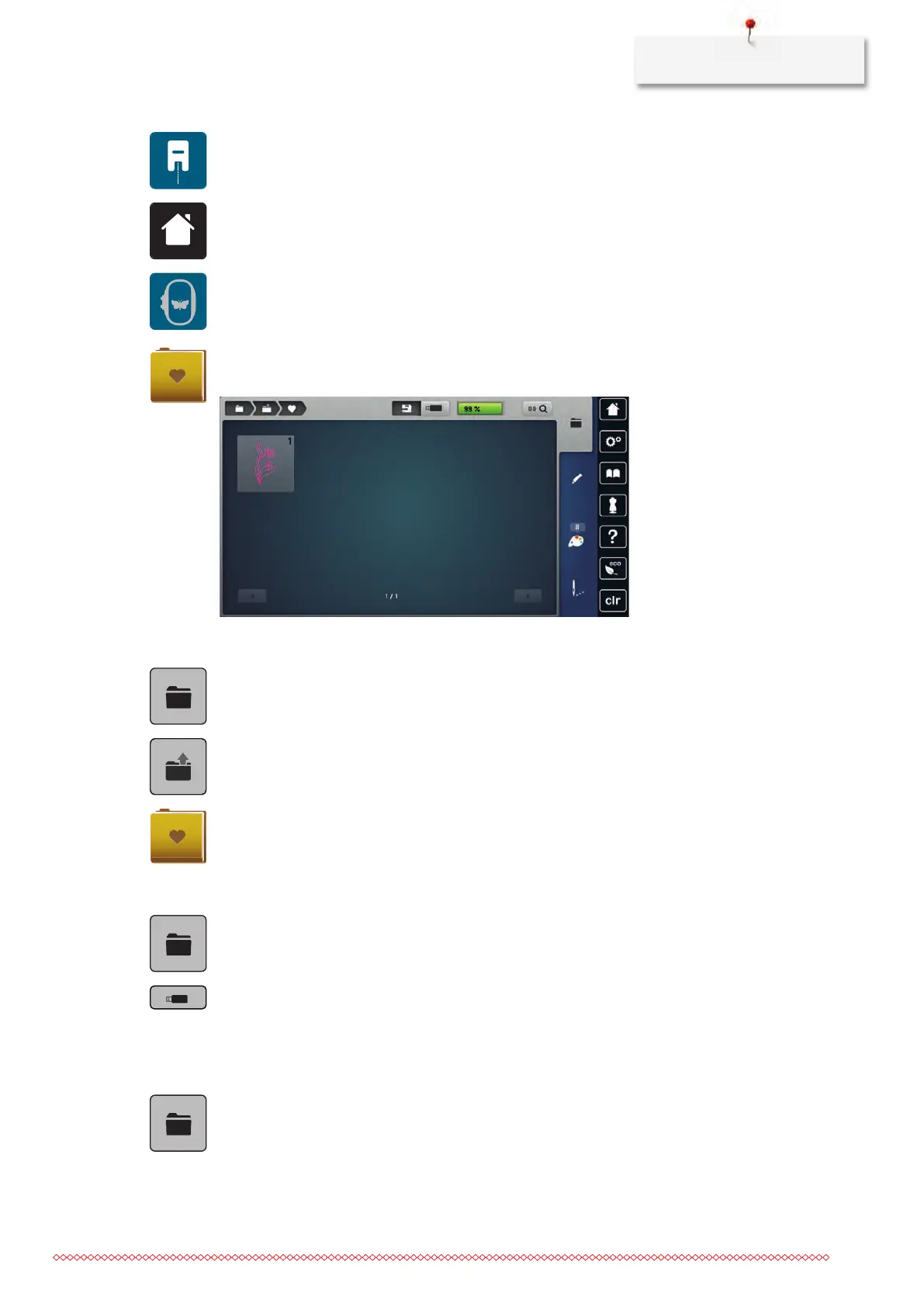
– The stitch pattern is automatically stored in the folder «Personal Embroidery motif».
> Select «Personal Embroidery motif».
> Select an embroidery motif.
Loading an embroidery motif from the personal memory
> Tap «Selection».
> Tap «Load Embroidery Motif».
> Select «Personal Embroidery motif».
> Select an embroidery motif.
Loading an embroidery motif from the BERNINA USB stick
> Tap «Selection».
> Insert the BERNINA USB stick into the USB port of the machine.
> Tap «USB Stick».
> Select a personal embroidery motif.
Deleting an embroidery motif from the personal memory
The embroidery motifs which are saved in the personal memory can be deleted individually.
> Tap «Selection».



 To Next Page