Creative embroidering
157
> Turn the «Upper Multifunctional knob» or the «Lower Multifunctional knob» to the left or to the right to
position the needle above the respective mark on the fabric.
> To confirm the changed position, tap «Save Position».
– The point changes color and is set. The embroidery motif is adjusted accordingly.
> To reset the changes and revert to the default settings, tap «Reset Pinpoint Placement».
15.7 Combining embroidery motifs
Combining embroidery motifs
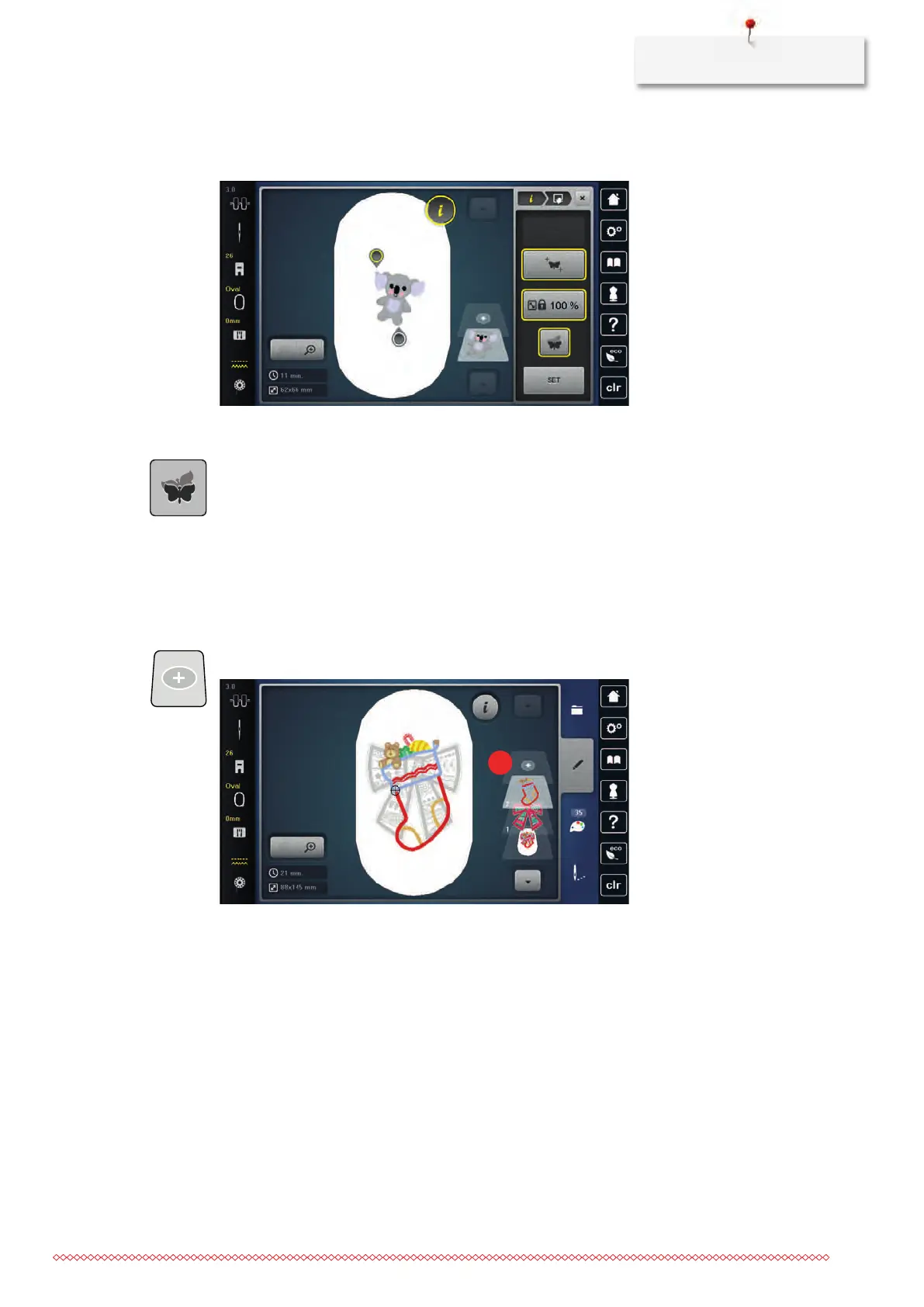
In the Combi-mode several embroidery motifs can be combined.
> Select an embroidery motif.
> Tap «Add Embroidery Motif».
> Select another embroidery motif.



 To Next Page