Creative embroidering
154
> Tap «Change Embroidery Motif Sequence».
> Select the required embroidery motif and move it to the corresponding position.
Grouping embroidery motifs
Embroidery motifs can be added to or removed from a group. The grouped embroidery motifs can be
processed in the same way as for one embroidery motif.
The sequence of the embroidery motifs in the group can be changed. (see page153)
If the grouping of a embroidery motif has been canceled, i.e. the embroidery motif has been broken down
into different elements/colors, the colors are no longer combined for new groupings. With alphabets, the
length of the connecting stitches must first be set to 1 in the setup. The cancellation of the group then
works for all letters.
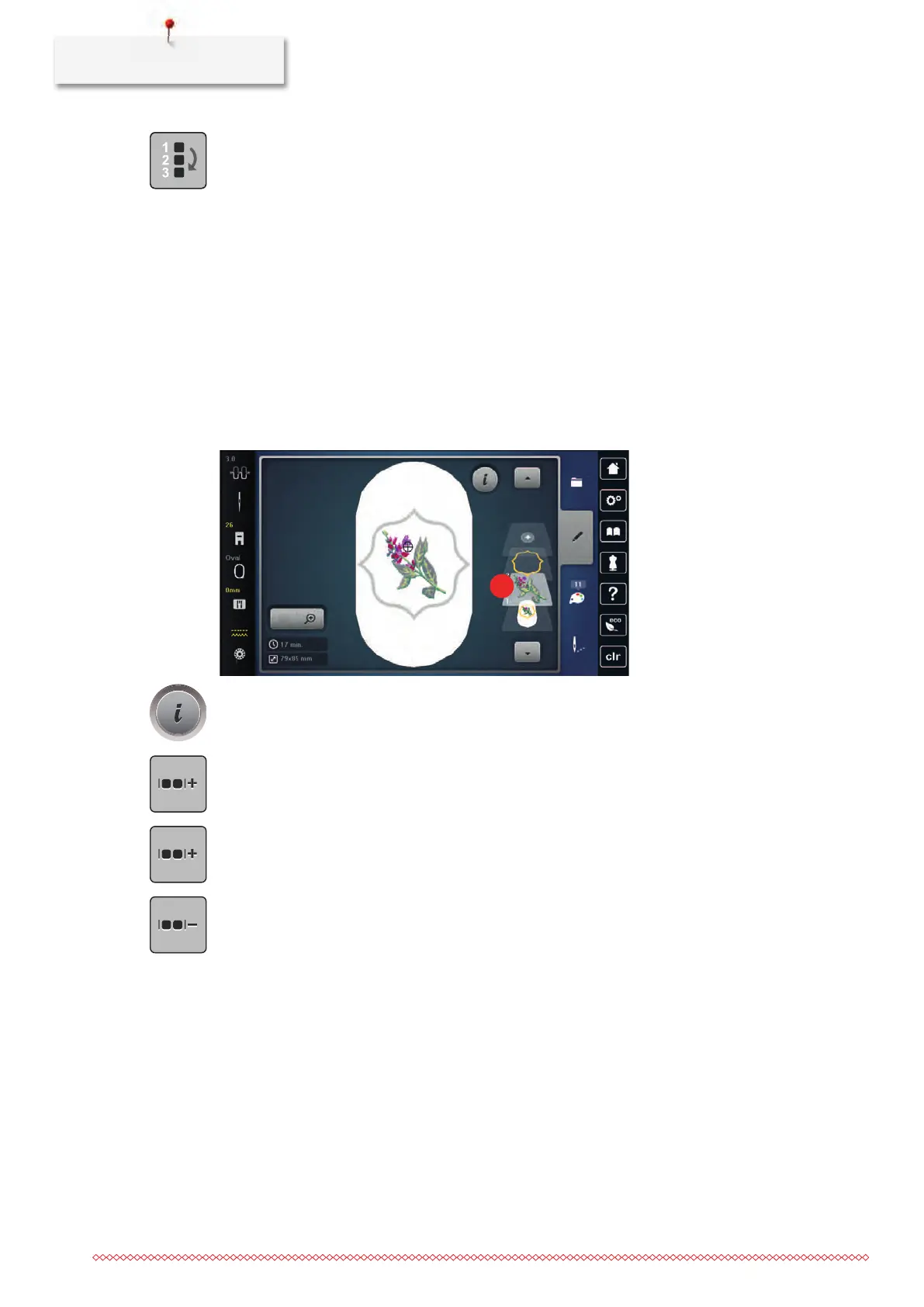
> Create an embroidery motif combination.
> Select the embroidery motif (1) in the embroidery motif combination.
> Tap «i-Dialog».
> Tap «Group Embroidery Motifs».
> Tap «Group».
– Embroidery motifs above the selected embroidery motif are added to the embroidery motif group.
> Select the embroidery motif group.
> Tap «Ungroup».
– The grouping is canceled.
or
> Create an embroidery motif combination.



 To Next Page