Creative sewing
73
Creating Stitch pattern combinations
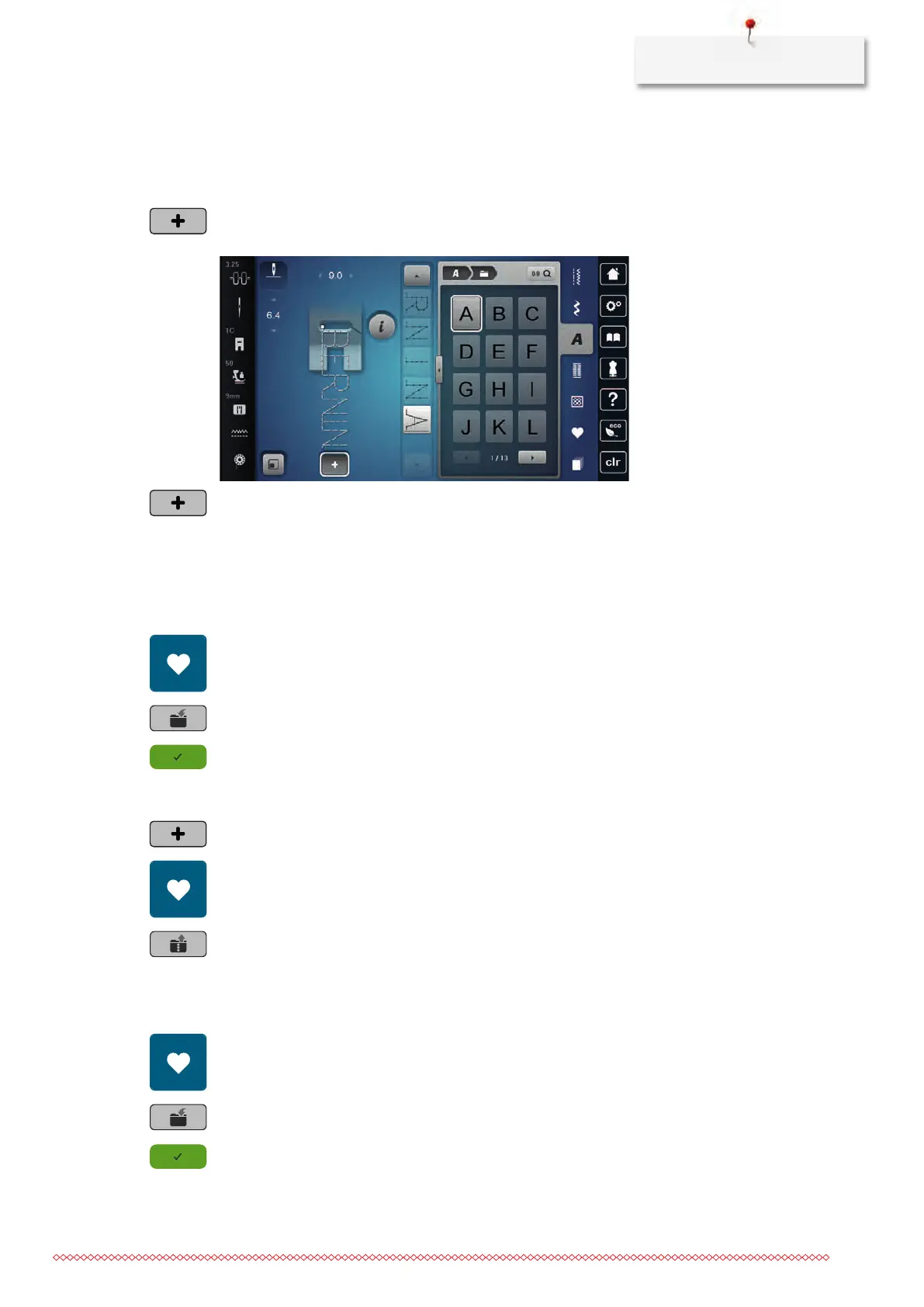
In the Combi-mode stitch patterns and alphabets can be combined according to your wish. By combining
any alphabet letters, the logo BERNINA can be created.
> Tap «Combination Mode/Single Mode».
> Select the desired stitch patterns.
> To get back to the Single Mode, tap «Combination Mode/Single Mode» again.
Saving a stitch pattern combination
To use an individually created stitch pattern combinations again, they can be saved in the folder «Personal
Memory».
> Create a stitch pattern combination.
> Tap «Personal Memory».
> Tap «Save stitch pattern».
> To save the stitch pattern combination, tap «Confirm».
Loading a stitch pattern combination
> Tap «Combination Mode/Single Mode».
> Tap «Personal Memory».
> Tap «Loading a stitch pattern combination».
> Select a stitch pattern combination.
Overwriting a stitch pattern combination
> Create a stitch pattern combination.
> Tap «Personal Memory».
> Tap «Save stitch pattern».
> Select the stitch pattern combination which is to be overwritten.
> To overwrite the stitch pattern combination, tap «Confirm».



 To Next Page