Creative embroidering
161
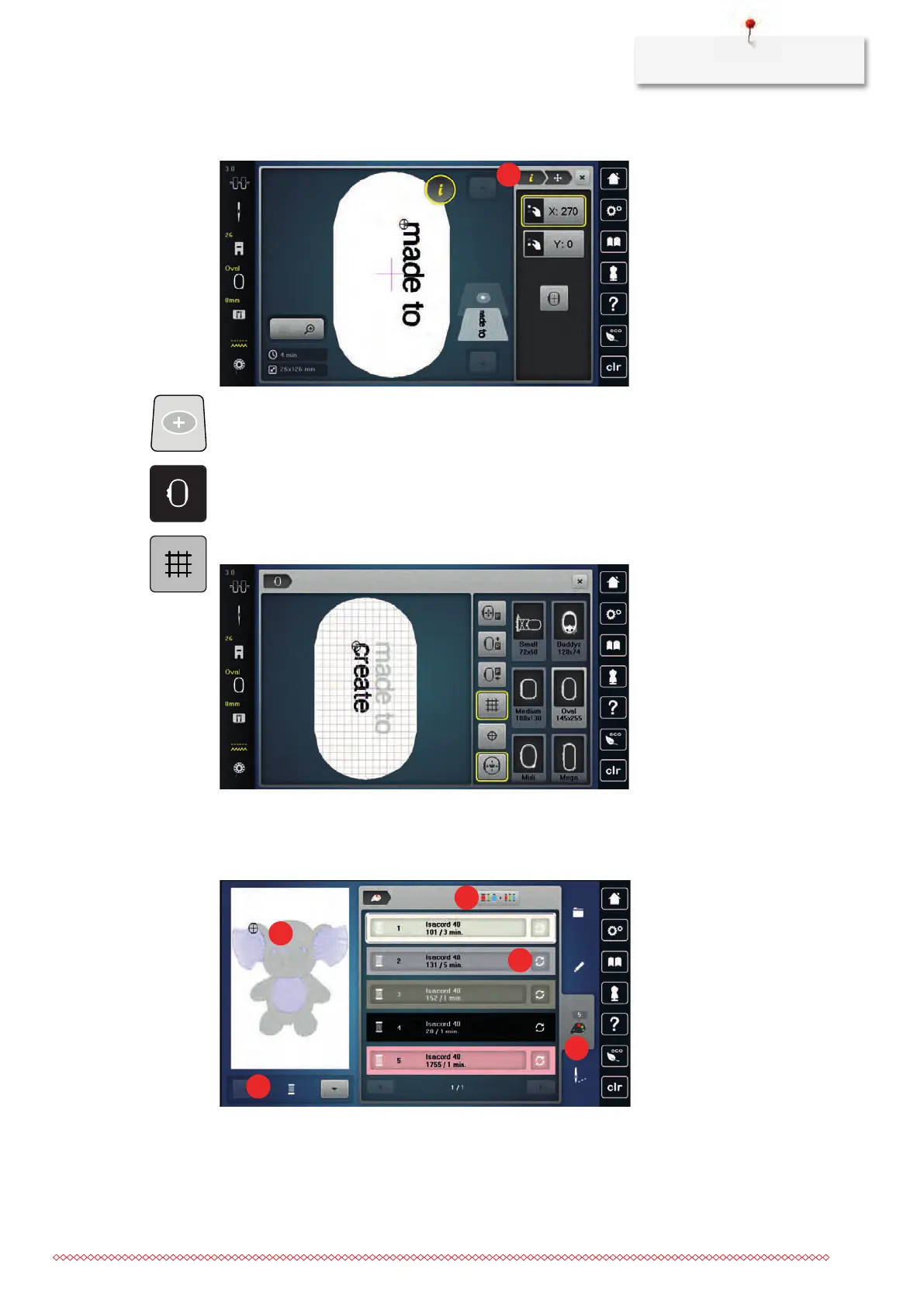
> Turn the «Lower Multi-function knob» to move the embroidery motif vertically.
> Tap «Add Embroidery Motif».
> Enter the text and rotate it if necessary.
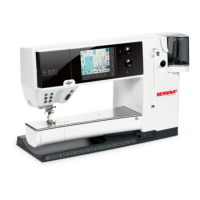
> Tap «Hoop Indicator/Select Hoop».
> To position the text lines more precisely, tap «Grid On/Off».
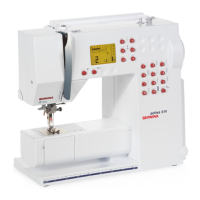
15.9 Changing the colors of the embroidery motif
Overview changing the color
1 «Color indication» 4 «Altering color/brand»
2 Preview for selected color 5 «Color Information»
3 «Assign Thread Brand»



 To Next Page