Setup Program
53
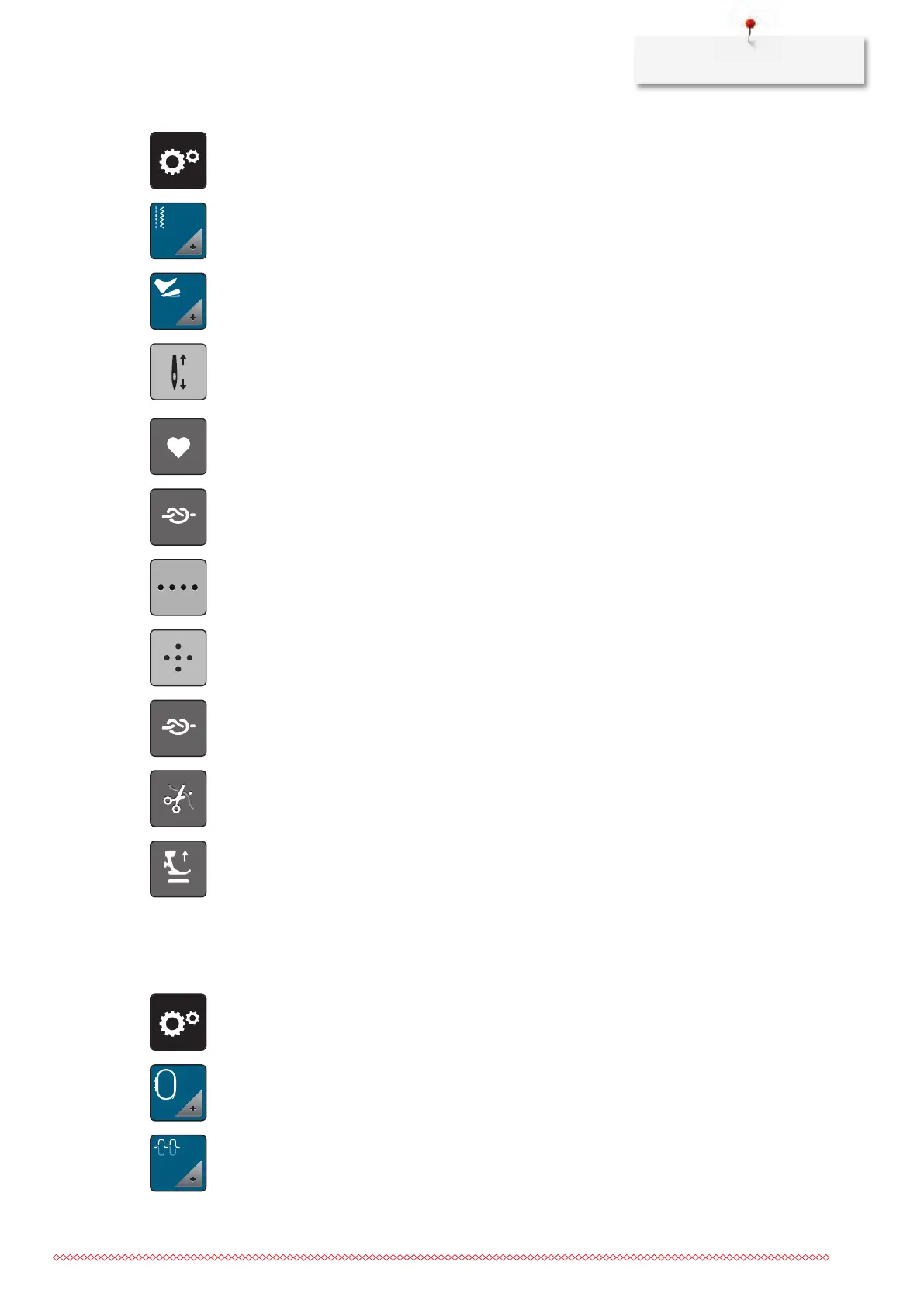
> Tap «Setup Program».
> Tap «Sewing settings».
> Tap «Programming the foot control».
– «Needle up/down» is activated in the default setting.
– The Back-kick on the foot control raises or lowers the needle.
> To program the Back-kick, tap «Programming the Back-kick».
> To sew 4 securing stitches in place, tap «Securing Stitches».
> To program subsequent securing stitches, tap «Securing stitches in close succession».
> To program the number of securing stitches, tap «Minus» or «Plus».
> To program 4 securing stitches in place, tap «Securing stitches in place».
> To deactivate the automatic securing via the Back-kick, tap «Securing Stitches».
> To activate the automatic securing via the Back-kick, tap «Securing Stitches» again.
> To deactivate the automatic thread cut via the Back-kick, tap «Automatic Thread Cutter».
> To activate the automatic thread cut via the Back-kick, tap «Automatic Thread Cutter» again.
> To keep the lowered position of the presser foot via the Back-kick, tap «Lift the presser foot».
> To keep the raised position of the presser foot via the Back-kick, tap «Lift the presser foot» again.
3.2 Embroidery settings
Adjusting the upper thread tension
Changes to the upper thread tension in the Setup Program affect all of the embroidery motifs.
> Tap «Setup Program».
> Tap «Embroidery settings».
> Tap «Adjusting the upper thread tension».
> Adjust the upper thread tension.



 To Next Page