SECTION 1 SAFETY PRECAUTIONS
______________________________________________________________________
1-8
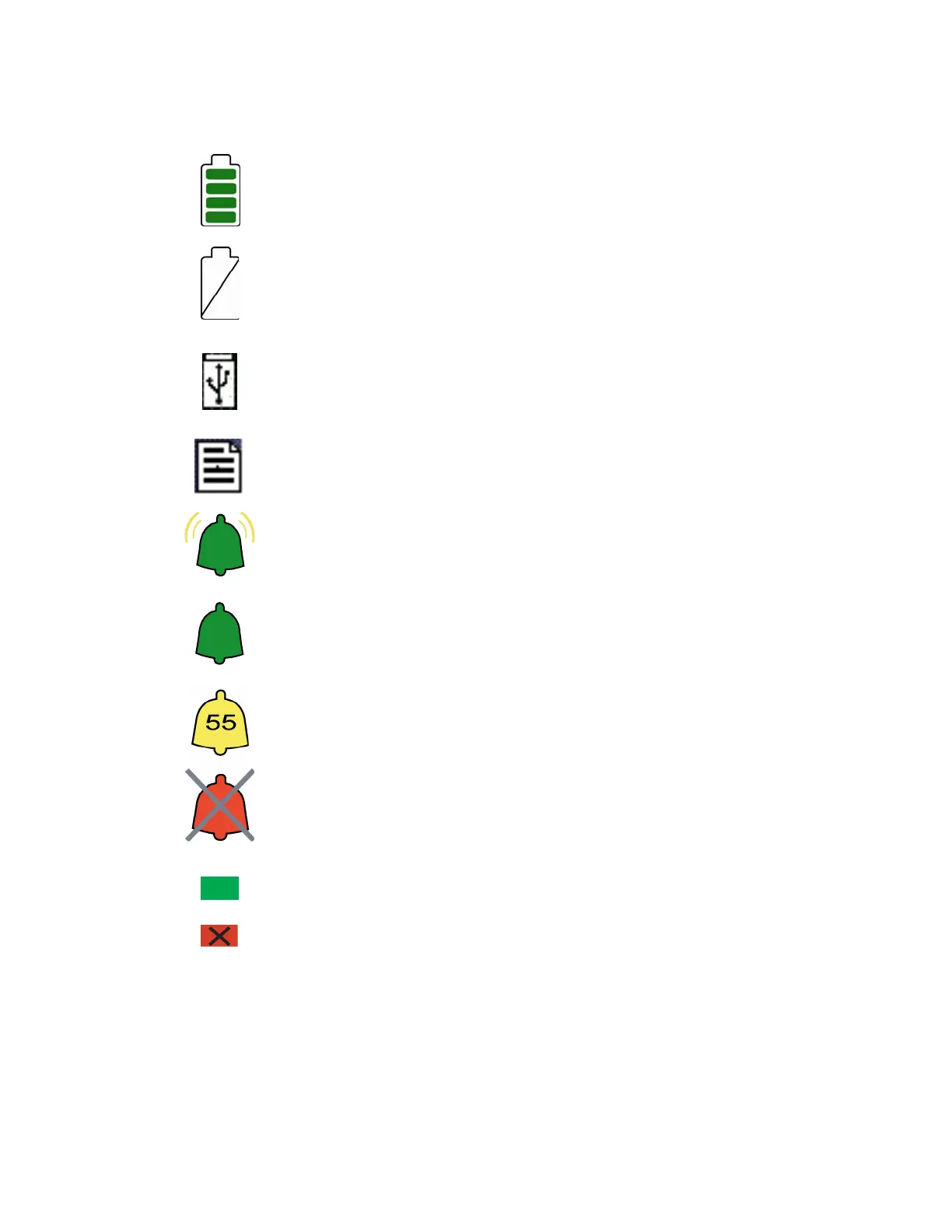
Operating on Battery
No Battery is Installed in Monitor
USB Drive: Data Export is in Progress
A Printable File Is Being Transferred to the USB Drive
Ringing Bell Icon - High Priority Alarm Sounding
Green Bell Icon - Alarms Active
Yellow Bell with Countdown Timer - Alarms Paused
Red Bell with ‘X’ - Alarms Silenced
A green box denotes ON or active condition.
A red box with an ‘X’ denotes OFF or cancel.
Figure 1 - Symbol Key (page 3 of 3)



 To Next Page