SECTION 3 OPERATING THE BIS VISTA MONITORING SYSTEM
______________________________________________________________________
3-26
3.5.14 Configuration Information
To access Configuration Information:
1. Press [MENU].
2. Press [Next].
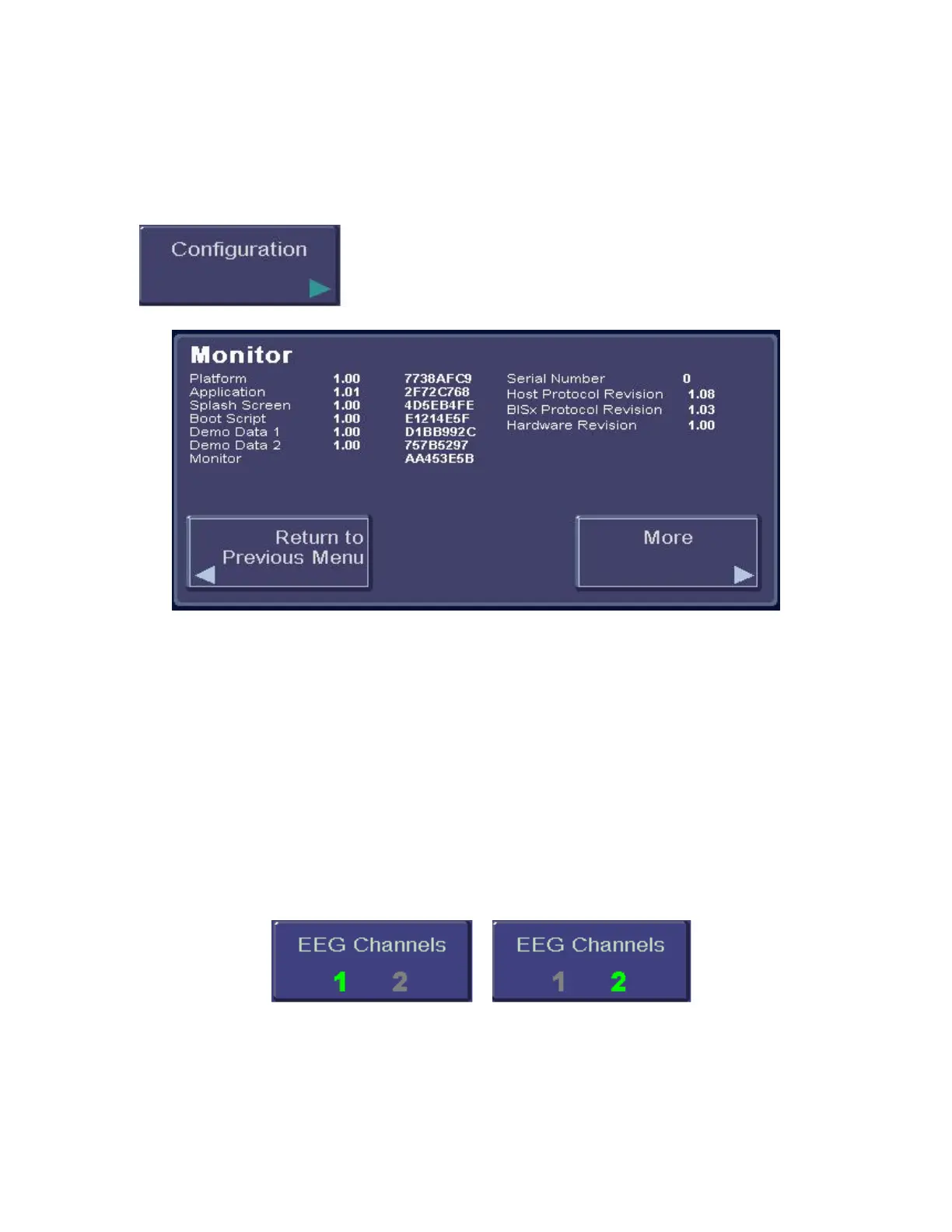
Figure 26 - Configuration Information
This option displays the current Monitor Mode and its settings, including:
• Monitor: Hardware and software revisions and the monitor serial number.
• BISx: Serial number, revisions and checksum.
• Sensor: Lot code, serial number and sensor type.
• Languages: Language revision numbers.
3.5.15 EEG Channels
To access EEG Channels:
1. Press [MENU].
2. Press [Next] to get to the next menu.
3. Press [Next] to get to the third menu.
Figure 27 - EEG Channels
The BIS VISTA monitor has the ability to display one or two channels of filtered EEG. To
change the EEG display press the [EEG] touch key until the desired number of channels (1
or 2) is displayed in green. Press [HOME] to exit.



 To Next Page