SECTION 3 OPERATING THE BIS VISTA MONITORING SYSTEM
______________________________________________________________________
3-22
To change the monitor mode:
1. Press [MENU] to access menu options.
2. Press [Monitor Mode].
3. Press the desired Mode.
4. Press [Return to Previous Menu] or press [HOME] to exit.
To permanently keep the monitor in the new mode, press the [View/Save Settings] touch
key in the menu system, then press [Save Active].
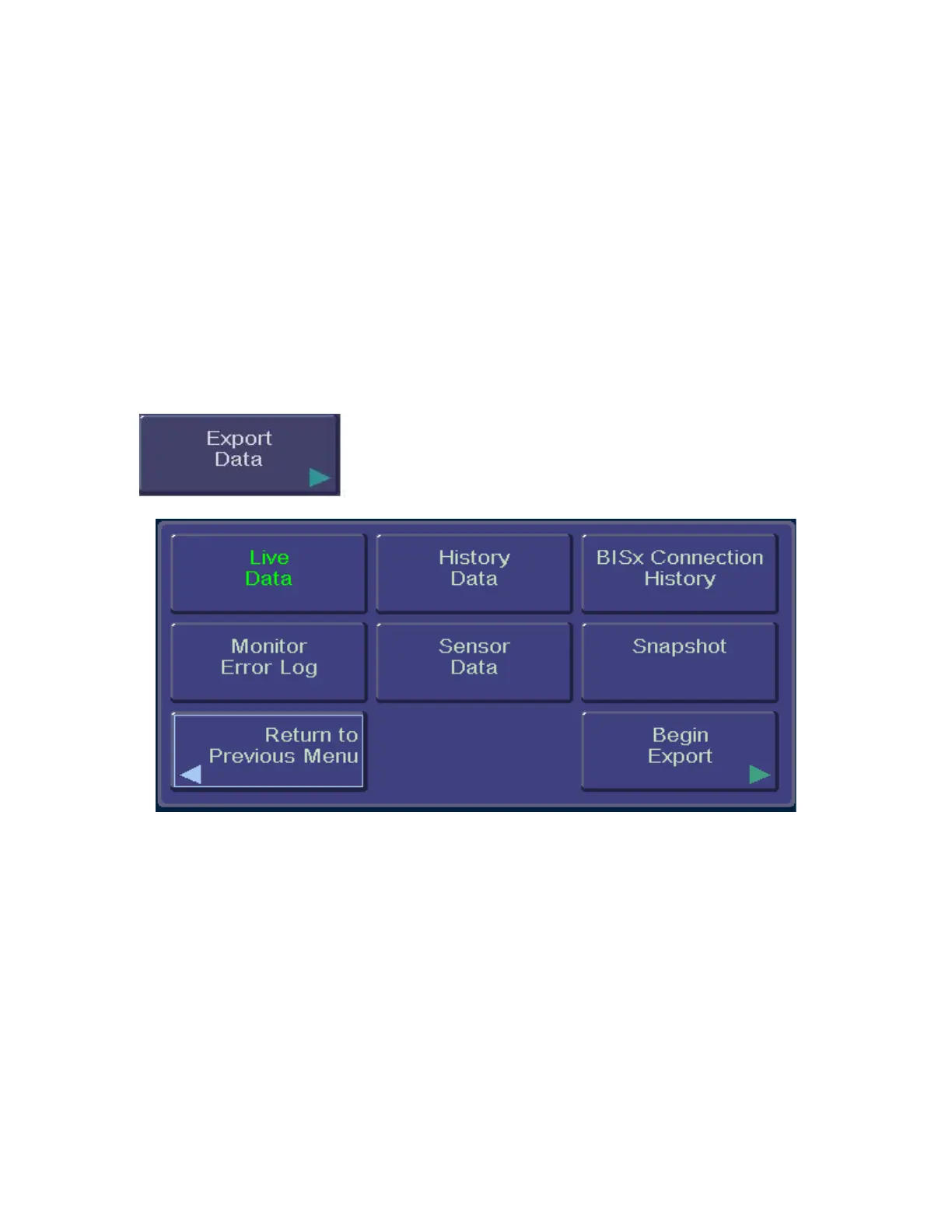
3.5.11 Export Data
To access the Export Data function:
1. Press [MENU].
2. Press [Next].
Figure 23 - Export Data
• This selection allows the user to send data to a removable drive via the USB port
(Type A) at the rear of the monitor, or to a device connected to the monitor’s serial
port. For a list of acceptable USB drives, please contact Aspect Medical Systems
Technical Service. (Contact information is listed on the back cover of this manual.)



 To Next Page