SECTION 3 OPERATING THE BIS VISTA MONITORING SYSTEM
______________________________________________________________________
3-29
The BIS VISTA system uses filters to screen out undesirable interference from the raw EEG
signal display. The Notch filter includes filters for both 50 and 60 Hz. Filters ON or OFF
does not affect processing of the Trend variables (i.e., BIS, EMG, and SR). Viewing the
EEG signal without filters may aid in troubleshooting signal problems. If you prefer to
observe the raw EEG without the filters, they may be turned off.
To turn the Filters off, press [Filters].
• When the key shows a green box, the filters are ON.
• When the key shows a red box with an ‘X’, the filters are OFF.
This change is not saved with the Save Settings option. Filters will default to ON.
3.5.19 Impedance Checking
To access Impedance Checking:
1. Press [MENU].
2. Press [Next] to get to the next menu.
3. Press [Next] to get to the third menu.
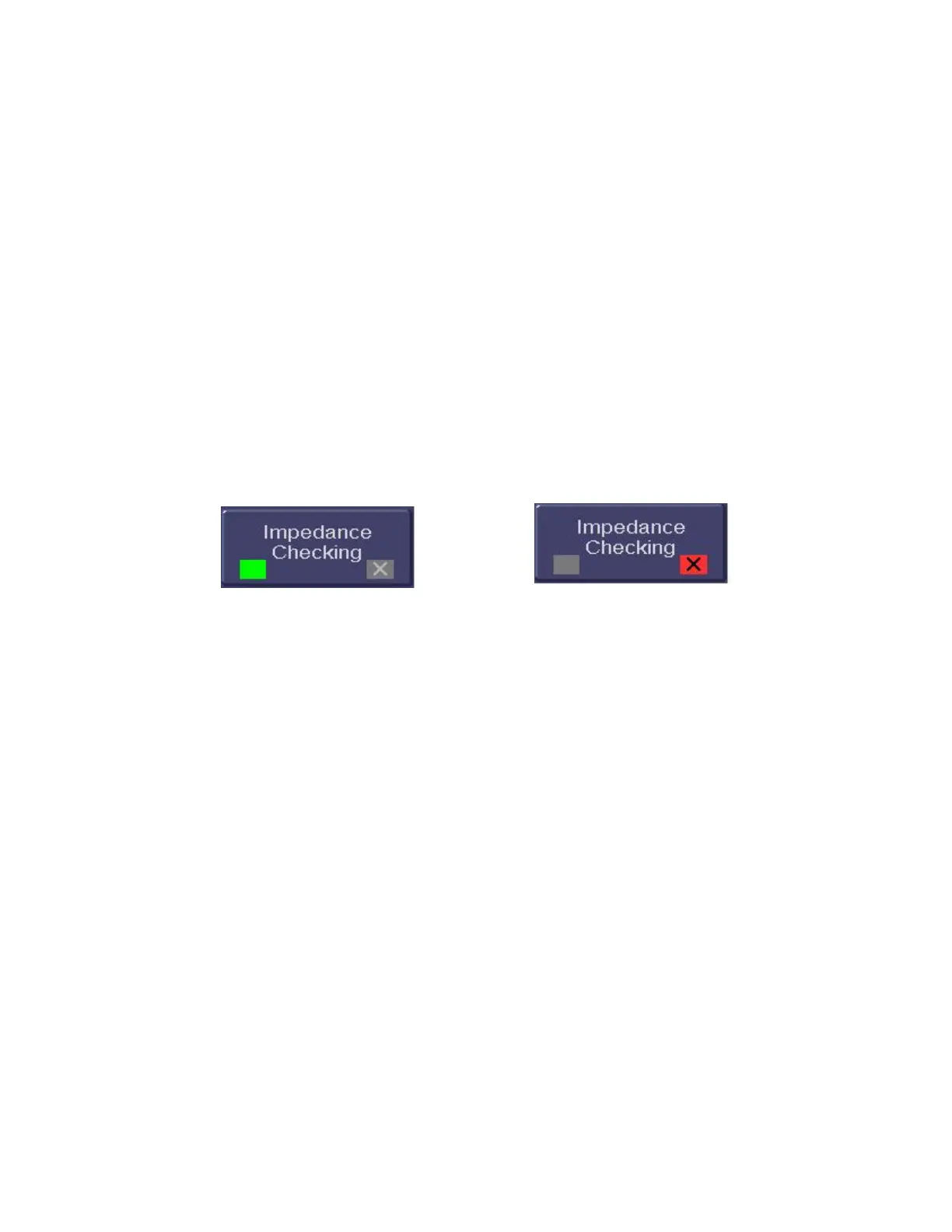
Figure 31 - Impedance Checking ON/OFF
The BIS VISTA system continually checks impedance levels during a procedure by
generating a 128 Hz test signal. Occasionally this signal may interfere with other equipment.
If this becomes a problem, you may turn off the continuous impedance checking.
Impedance levels will still be tested at startup, but once they pass, they will not be tested
again until a new case is begun.
To turn continuous impedance checking off, press [Impedance Checking]. The key
display will change from a green box to a red box with an ‘X’. Press [HOME] to return to
the main screen. The message, “Impedance Checking Off” will display on the screen during
processing.
Note:
Turning off continuous impedance checking will not be saved by the “Save Settings” feature.
The next time the monitor is started up or a new sensor is connected, the monitor will re-
enable continuous impedance checking.



 To Next Page