SECTION 6 DIAGNOSTICS AND TROUBLESHOOTING
______________________________________________________________________
6-3
6.2 Diagnostic Menu
The Diagnostic Menu contains functions to test and maintain the BIS VISTA system. If you
should experience a problem with the BIS VISTA system, Aspect’s Technical Service
Department will direct you in using these functions. To contact Aspect, please refer to the
back cover of this manual.
6.2.1 Diagnostic Codes
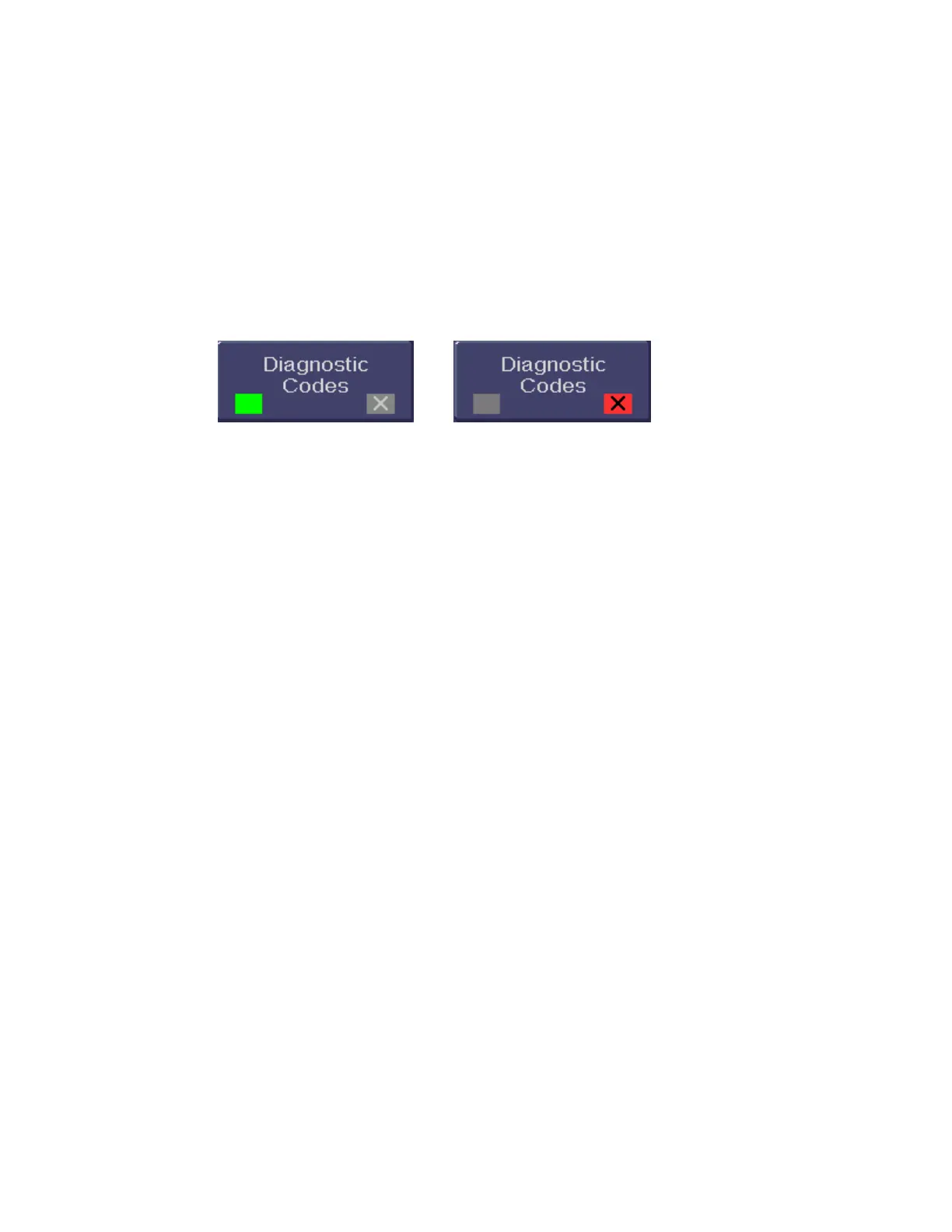
Figure 37 - Diagnostic Codes ON/OFF
If you are experiencing problems with the BIS VISTA system, Aspect’s Technical Service
may direct you to turn the Diagnostic Codes ON so that numeric diagnostic values will be
displayed in the Message Region of the screen. To do so, press the [Diagnostic Codes]
touch key until a green box appears. Press [HOME] to exit.
6.2.2 DSC Self Test
The DSC Self Test tests the digital signal acquisition and conversion functions of the BISx.
It is a thorough test of the entire signal processing chain. The DSC test reports PASS/FAIL
status. When the BISx passes the test, noise, high-pass blocked, high-pass normal and gain
values are also reported. If any of the self-tests fail, notify your Biomedical Engineering
Department or your Aspect Medical Systems service representative. See Section 6.5 “What
to do if the BIS VISTA System Requires Service.”



 To Next Page