Service menu Operating instructions eS10
78 38034911005 en
9
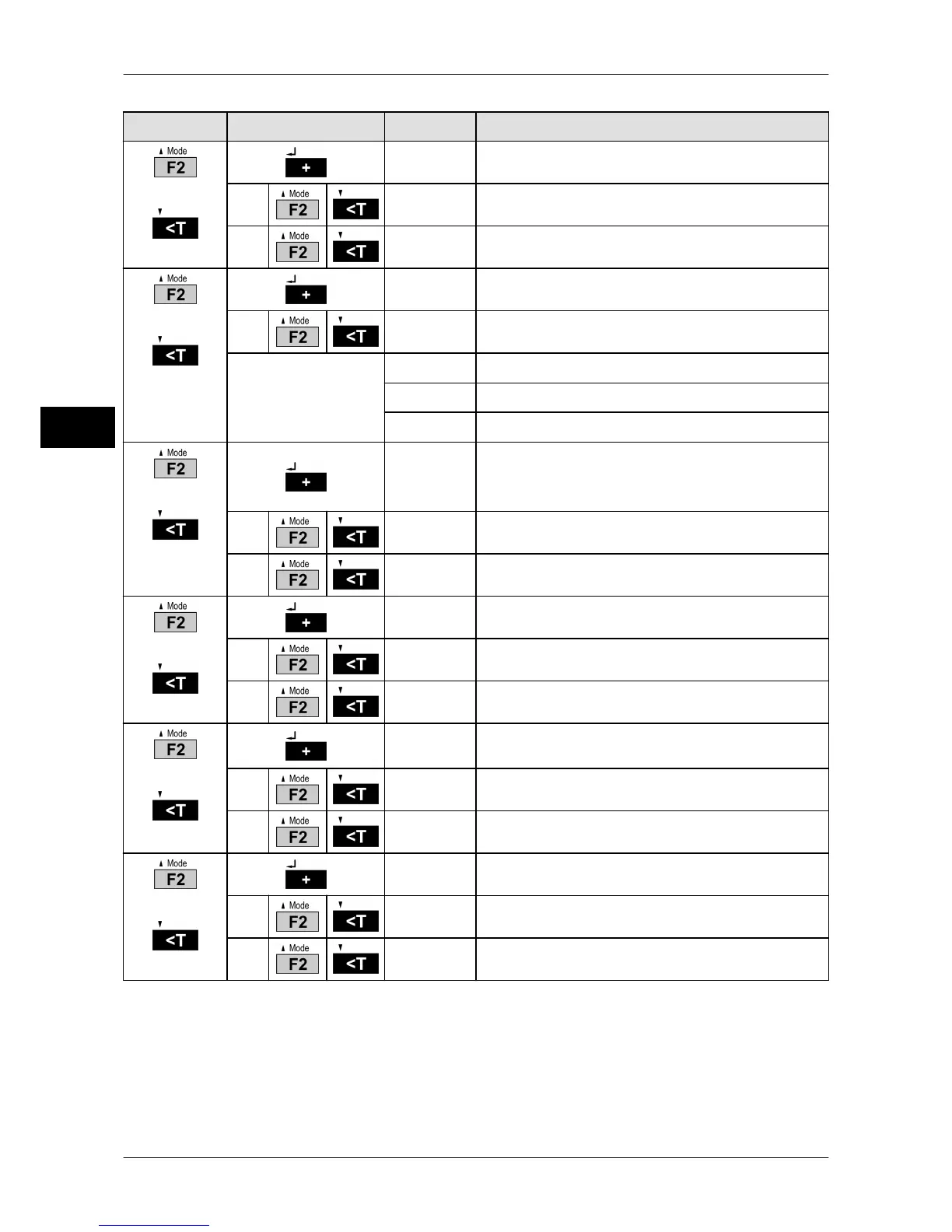
Selection
Subselection Display Explanation
or
05 0
Weight change required for new recording
0
Function not active
1
Function active
or
06 0
Reference weight filter
0
0.5 s
Setting changes with
each keystroke.
1
1.0 s
to
9
25 s
or
07 0
Auto recording
Requirement for this is: The scale is in equilibri-
um and within tolerance limits.
0
Function not active
1
Auto recording for tolerance control
or
08 0
Software update
0
Operating mode weighing operation
1
Operating mode software update
or
09 0
Load factory data (EDP/Printer/General set-
tings)
0
Function not active
1
Factory data is loaded
or
10 0
Parallel inputs and outputs
0
Control cable not active
1
Control cable active



 To Next Page