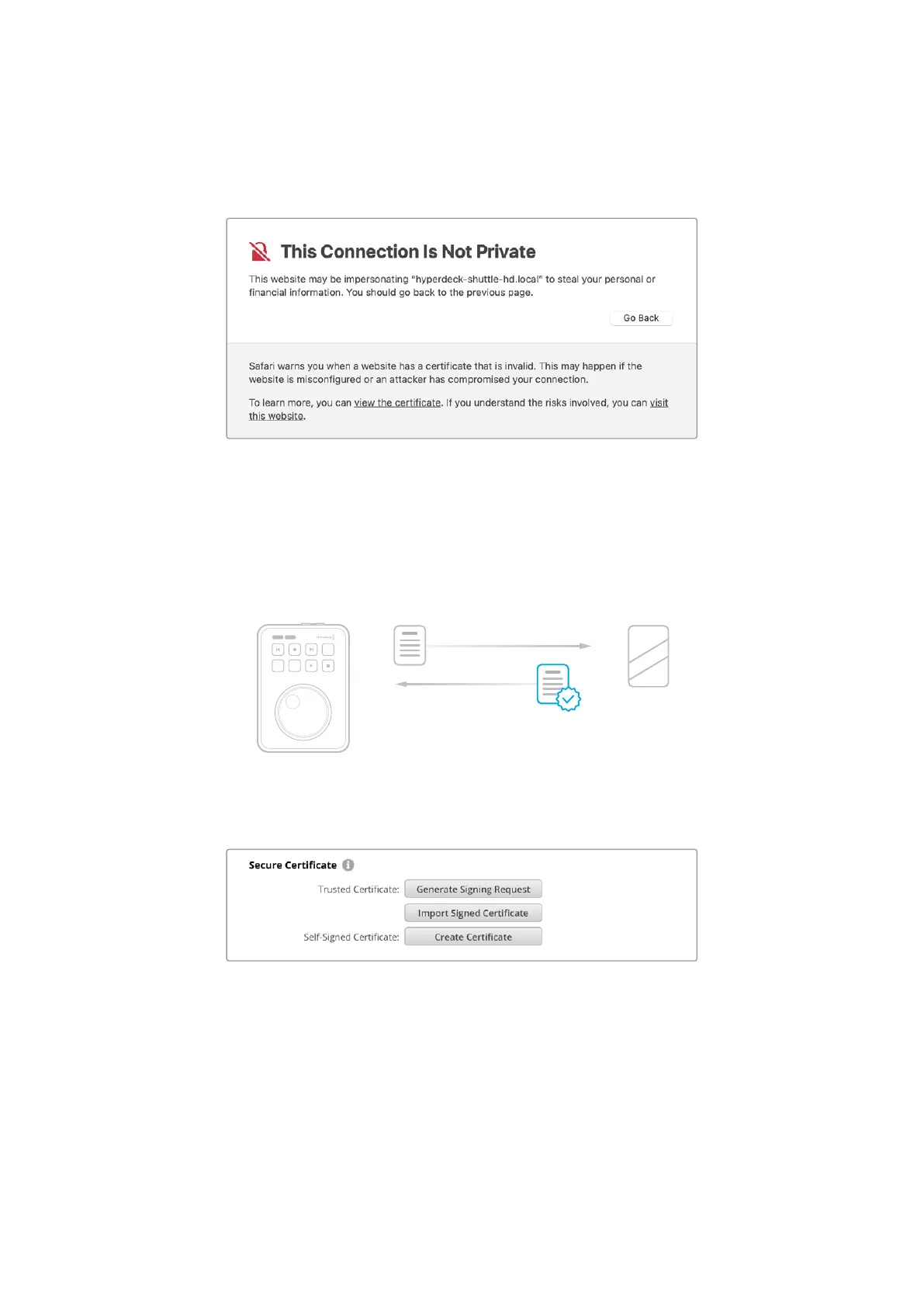
When using a self signed certificate to access media files using HTTPS, your web browser
will alert you to the risks of accessing the site. Some browsers will allow you to proceed once
you confirm you understand the risks, however other web browsers may prevent you from
proceeding at all.
To ensure access is granted to any web browser, you will need to use a signed certificate.
Toobtain a signed certificate, you first need to generate a certificate signing request, or CSR,
using Blackmagic HyperDeck Setup utility. This signing request is then sent to a certificate
authority, also known as a CA, or your IT department to be signed. Once completed, a signed
certificate with a .cert, .crt or .pem file extension will be returned which you can import into your
HyperDeck Shuttle HD.
HyperDeck Certif icate Authority
JOG SCR
CLIP
MENU SET
To generate the certificate signing request CSR:
1 Click on the ‘generate signing request’ button.
32Blackmagic HyperDeck Setup


 To Next Page
 Loading...