If there are several AMADEUS modules in your SEMPRA, you can determine which of the existing
AMADEUS sound modules of your organ you want to save the data from when saving sound data. In
addition, all user sound banks can be saved at once or individual banks or even just sections of a single
bank.
When loading sound files, you can specify into which of the existing AMADEUS modules the data
should be loaded.
ATTENTION: If the instrument has several AMADEUS modules, but you load additional sound data into
only one of these modules, these sounds may not be available on all manual parts, as the parts are
organized in such a way that they play different sound modules in order to take full advantage of the
polyphony of the systems.
Saving sound data to USB
Insert the USB stick on which you want to store the sound data into one of the USB sockets on the
organ.
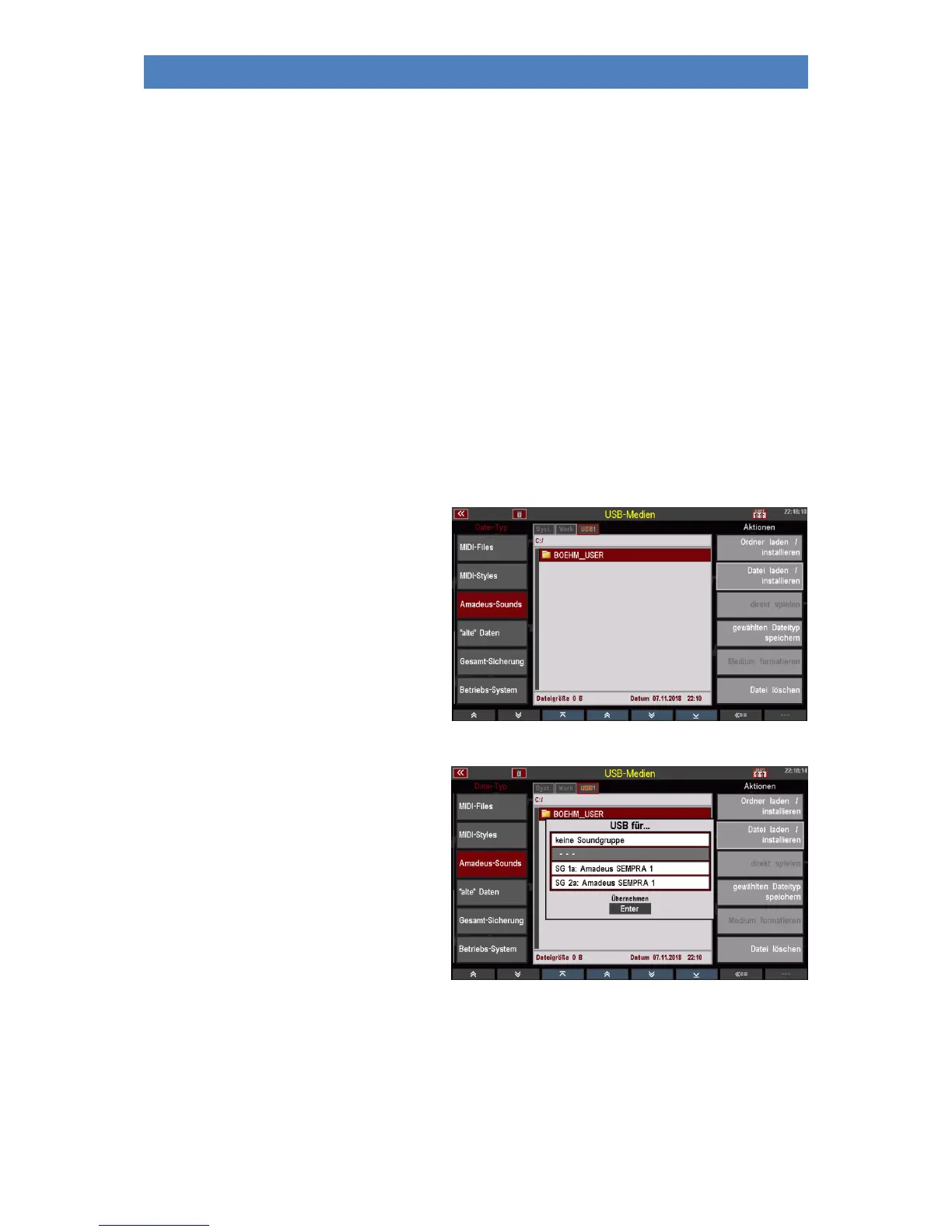
• Open the USB menu with the [USB]
button.
• Select the file type Amadeus Sounds
in the column on the left.
• Tap on the Save selected file type
field on the right.
• If several AMADEUS modules are
present, the display first asks from
which sound module the data
should be stored.
Select the module by placing the
cursor on the corresponding line and
confirming with [ENTER].
You can also select "No sound
group" to cancel the function.



 To Next Page