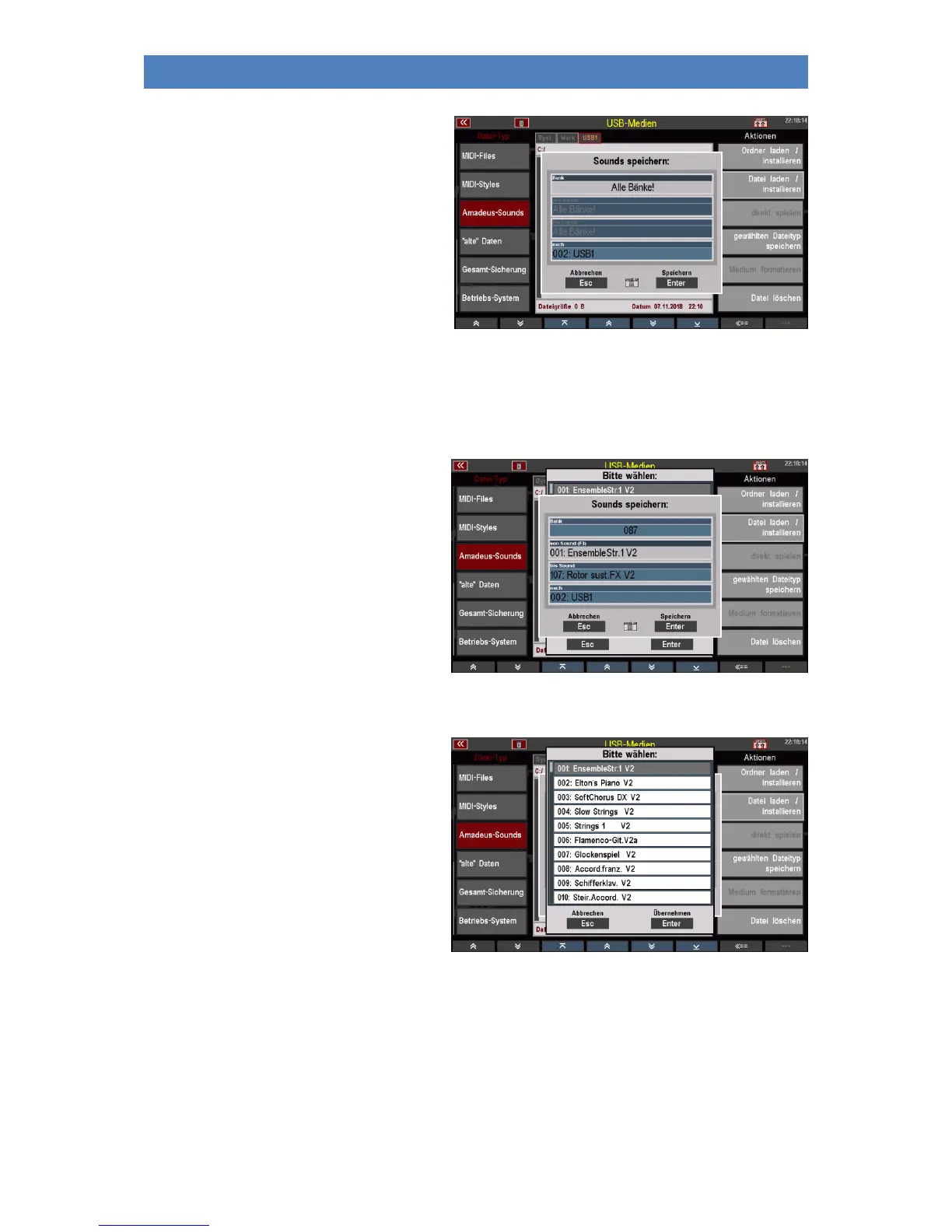
• Once you have selected and
confirmed the sound system, a box
will appear in which you can select
whether to save all sound banks or
just a single bank.
• In the Bank field, select "all banks"
or use the data wheel to select the
bank you wish to save. If you select a
specific bank, you can specify the
first or last sound number to be saved within that bank in the Sound / to Sound fields. So,
you can also save only a part of a bank up to single sounds.
• The display first suggests the entire bank (sound numbers 1...127).
• If you only want to save a part of the
bank, enter the first and the last
sound to be saved (turning the data
wheel).
• You can also tap the fields to make
the selection in the list display.



 To Next Page