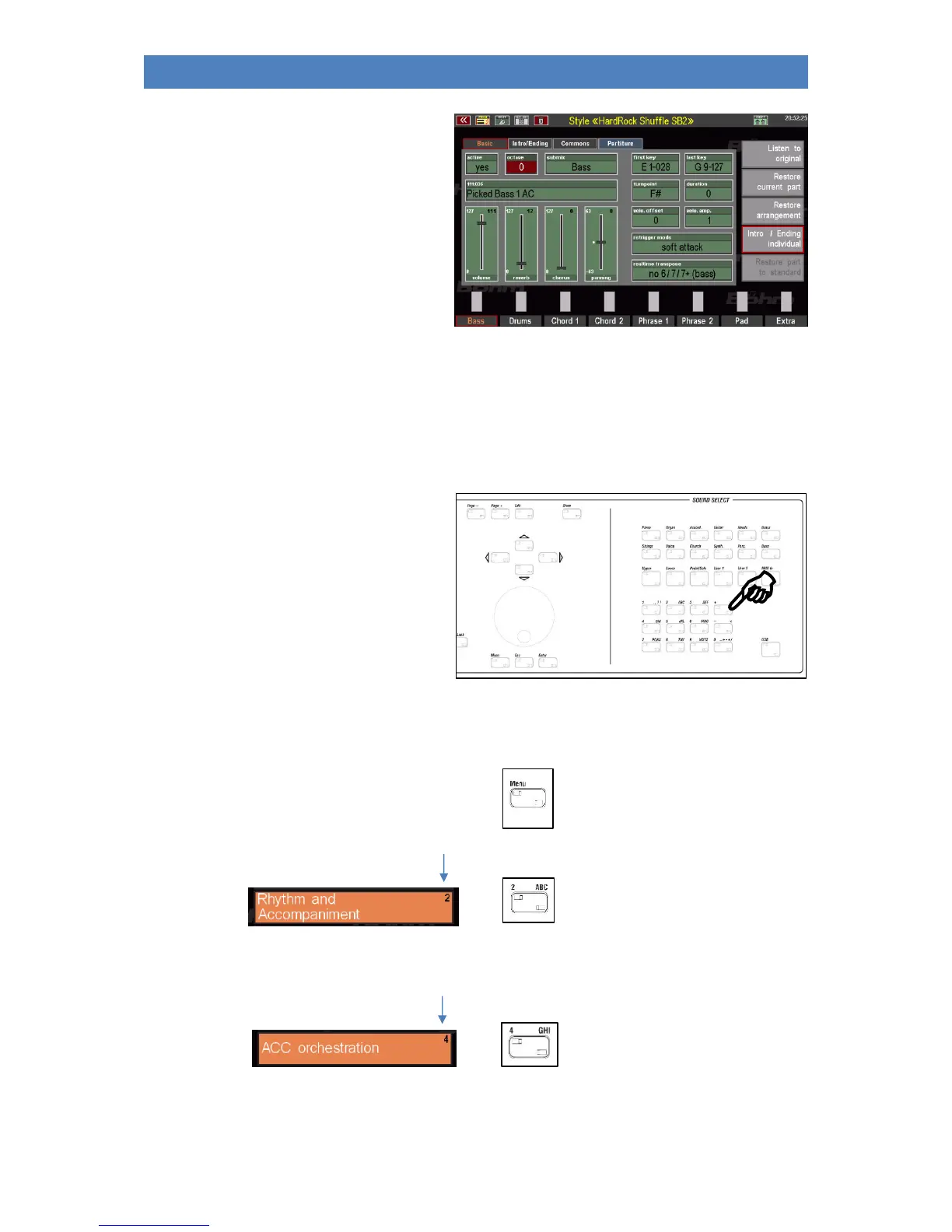
Voilá! The display opens the editor, in this
case for a style.
If we had assumed a playback, the screen
would look a bit different, but more about
that later.
Here we were only concerned with the basic
maneuvering in the menu.
Therefore, simply exit the menu by pressing the [Esc] key or the [Menu] key again and return to the
basic screen of the SEMPRA.
Another tip: You have probably noticed the small numbers with which the individual menu items are
additionally marked:
You can also enter submenus in the BMC
menu simply by entering the corresponding
menu digits.
These must be entered in the
order in which the menu items are to be
called up in order to access a specific function.
In our example (calling the style editor), this means that we could also call the editor via the following
key sequence:
[MENU]
I I I
[2]
I I I
[4]



 To Next Page