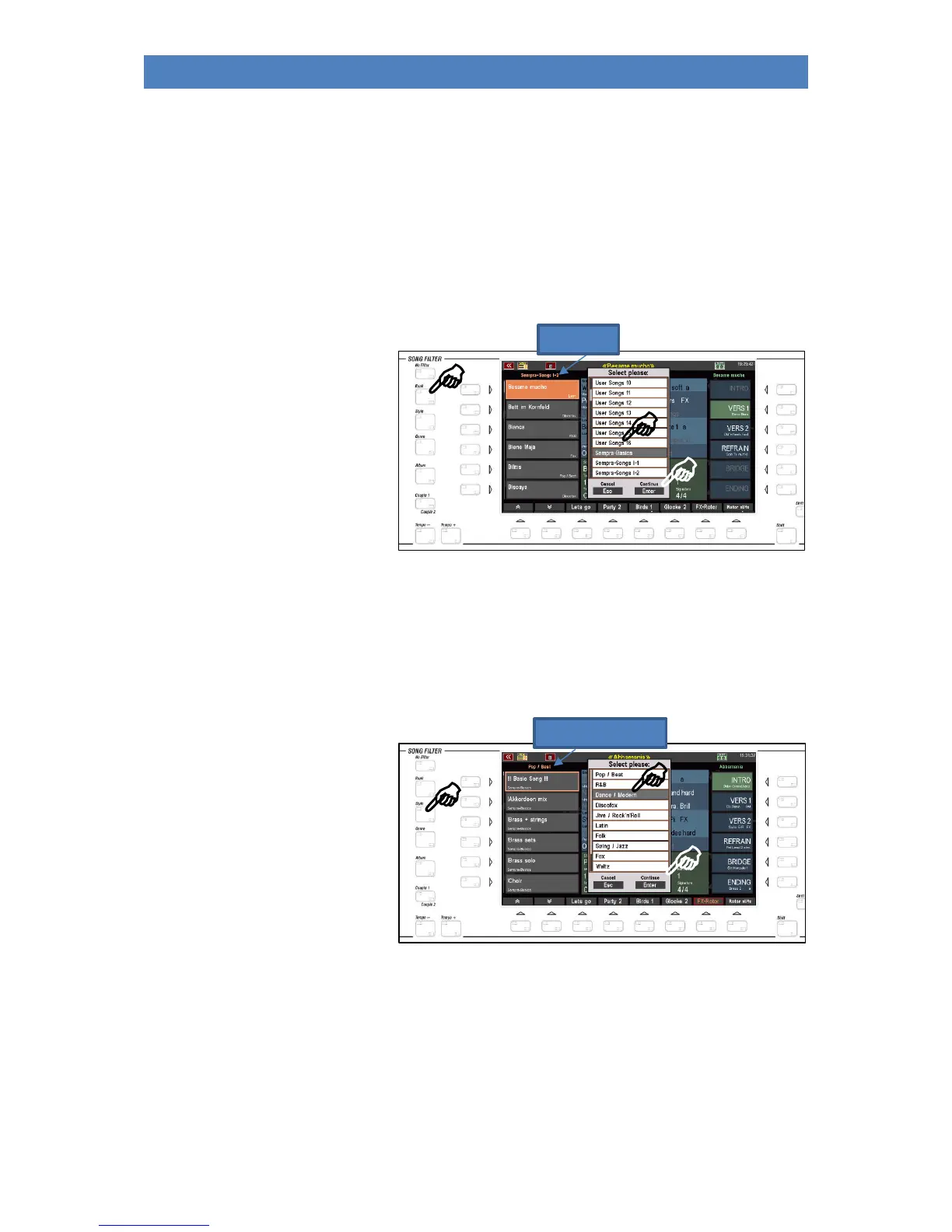
• To filter the SONG list, press one of the [Bank], [Style], [Genre] or [Album] buttons.
• By pressing the same button again, you can select within the selected filter category:
Bank: The SONGs in your SEMPRA are organized in a total of 80 banks of 64 SONGs each. 16 of them
are USER banks, which you can fill with your own SONG files. The 64 other banks are factory
banks that contain the factory SONGs and cannot be overwritten. You also have access to a
previously selectable SONG bank on a connected USB stick via the USB SONGS bank.
• Press the [Bank] button one time to enable filtering of the SONG list by banks. Then only the
up to 64 SONGs of the selected bank are listed.
• Press the [Bank] button again,
to select the SONG bank to
display. A selection list of all
SONG banks appears in the
display.
• Select the desired bank by
touching it or using the data
wheel and confirming with
[ENTER].
• The name of the selected
bank is shown in the display above the SONG list.
Style: You can also display the SONG list filtered by style groups.
• Press the [Style] button once to enable filtering of the SONG list by style category. Only the
SONGS that use an accompaniment of the corresponding category will then be included in
the list.
• Press the [Style] button again
to select the style category.
• Select the desired category
by touching it or using the
data wheel and confirming
with [ENTER].
Genre: Another option is to filter the SONG list by musical genre.
• Press the [Genre] button once to activate the filtering of the song list by genre. Only the
SONGS that are assigned to the corresponding genre will then be included in the list.



 To Next Page