• You can use [SHIFT] and the [F1] view to switch between the two views for sound selection
at any time. The last selected variant remains active as long as you do not switch the view
again.
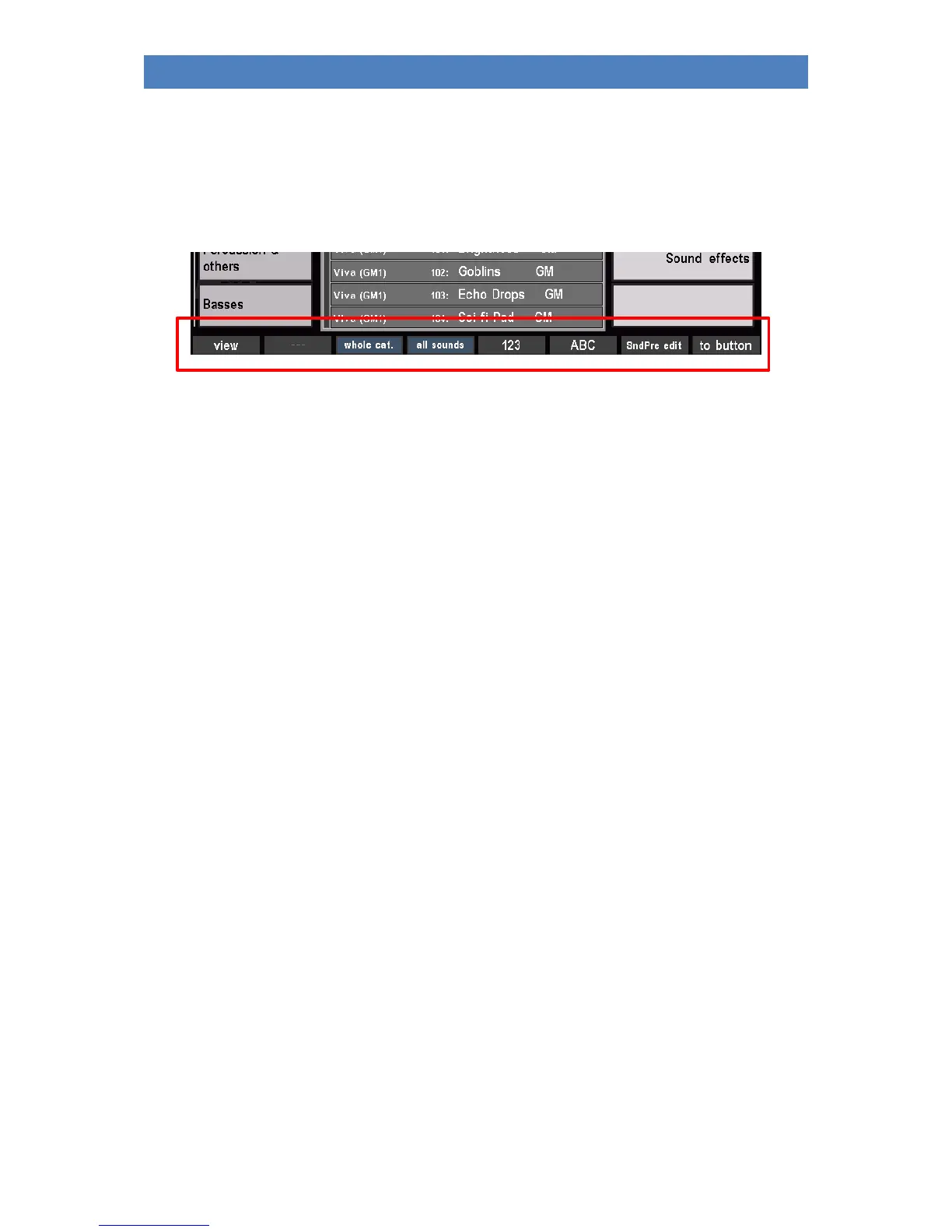
Now switch back to the list view of the sounds again. Here you will find some more interesting
functions on the SHIFT level of the [F] keys:
View: Switching the sound list view
whole category: All sounds of the selected category are displayed in alphabetical or numerical
order in the list, regardless of the group classification.
all Sounds: All existing sounds are displayed in a complete list, independent of the
categories and groups.
123: Numerical sorting of the sound list
ABC: alphabetical sorting of the sound list
SndPre. edit: Calling the Soundpreset Editor (this will be discussed in a separate chapter of
this manual)
to button: Assigns the selected sound from the list to the sound button currently active
in the SOUND SELECT section of the control panel. With this function you can
assign the 12 sound buttons on the right side of the control panel
individually. If you press the F button, the LED in the sound button will blink.
A push on this sound button confirms the takeover.
Press [ESC] to return from the sound list to the part editor or ([ESC] 2x) to the basic screen.



 To Next Page