141
Fixing the pitch of vocals/Adding a backing chorus to vocals (Vocal Tool Box)
Section 3
Rev0.02
Copying Vocal Tool Box
settings (Patch Copy)
The BR-1200CD’s function for copying patches proves
extremely useful when you want to create a number of effect
patches with slightly different settings.
1.
Press [F3] (WRITE•COPY) on the Pitch Correction or
Harmony Sequence screen.
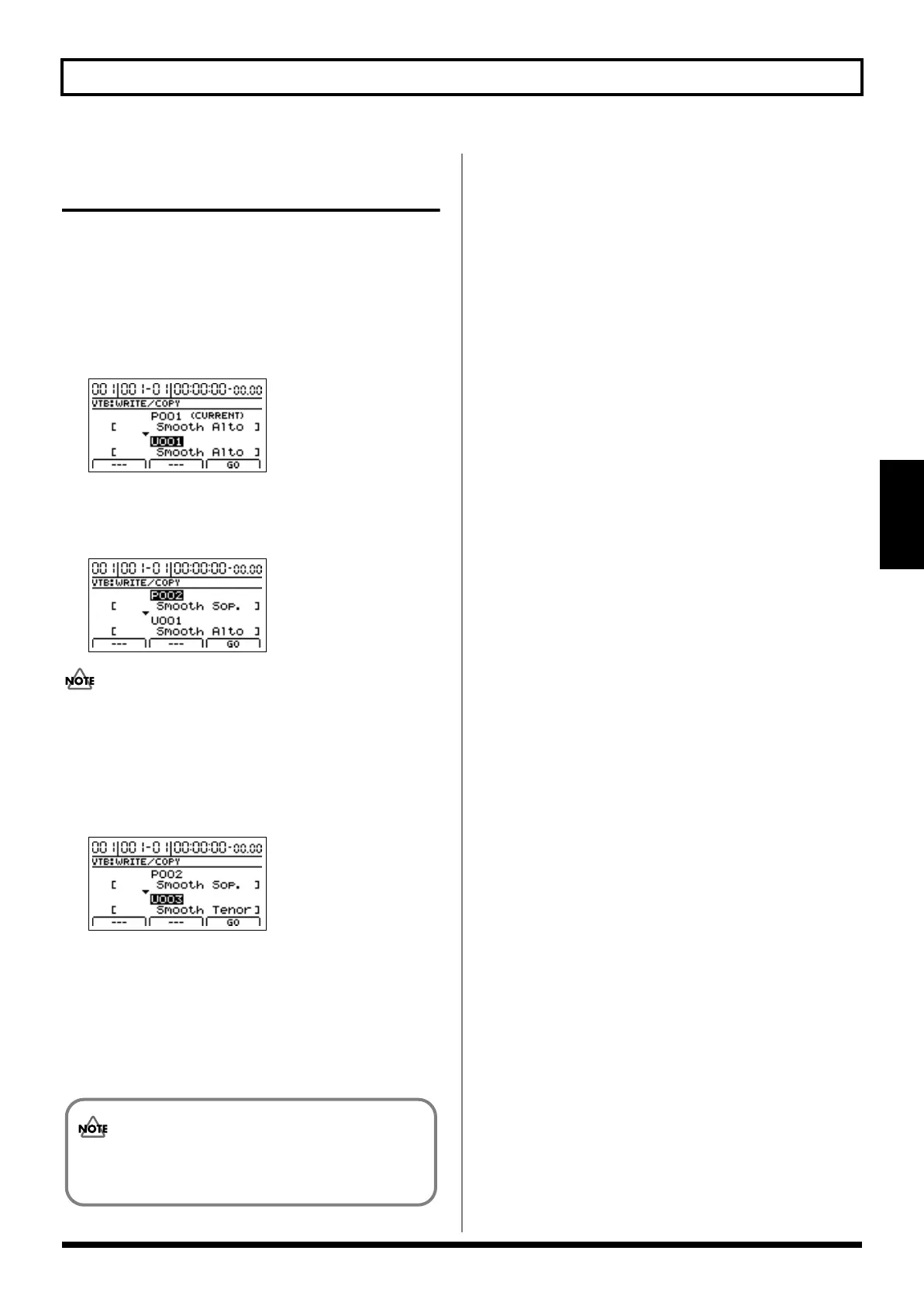
The Vocal Tool Box Write/Copy screen will appear.
fig.35-14d
2.
Move the cursor to the copy-source patch number and
select the patch to be copied using the TIME/VALUE
dial.
fig.35-14ad
Although “*TMP(CURRENT)” may be displayed in this
field when you call up the Patch Write/Copy screen
after modifying patch settings, this may be freely
changed.
3.
Move the cursor to the destination patch number and
select a destination patch using the TIME/VALUE dial.
fig.35-14bd
4.
Press [F3] (GO).
The patch will be copied. When the message
“Complete!” appears, it indicates that copying has been
completed.
5.
Press [EXIT/NO] several times to return to the top
screen.
It is important to remember that the destination
patch will be fully overwritten by the patch specified
with copy-source patch.
BR-1200CD_e.book 141 ページ 2007年8月24日 金曜日 午前11時33分



 To Next Page