211
Section 4
Rev0.02
Using a metronome
The BR-1200CD can be used to play a metronome in place of
a drum performance when recording or practicing.
Setting the track type
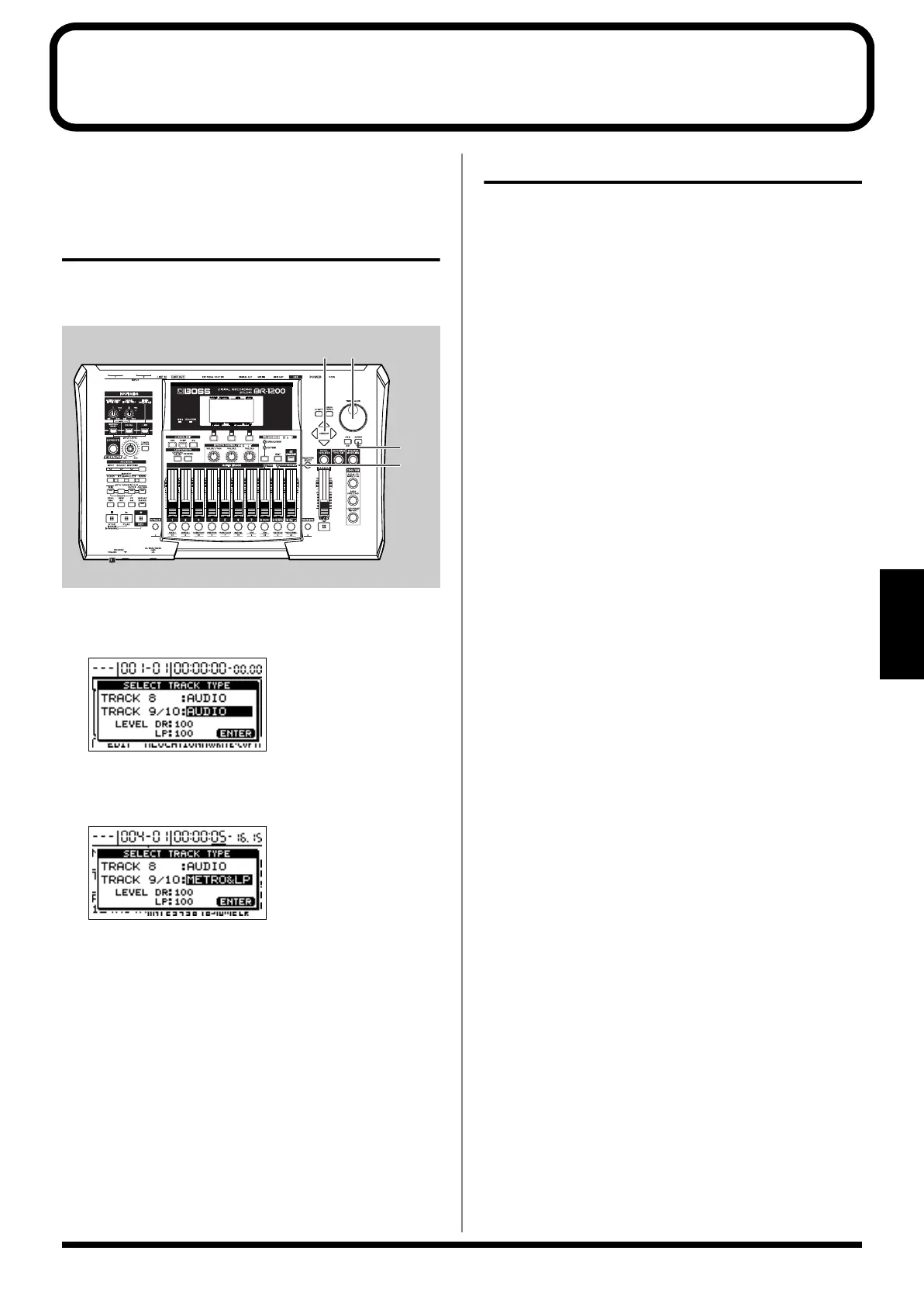
To use a metronome, you must first of all set up Track 9/10
as a Metronome track using its track type setting.
fig.21-39
1.
Press [TRACK TYPE SELECT].
The Track Type Select screen will appear.
fig.20-003d
2.
Move the cursor to “TRACK 9/10” and select
“METRO&LP” using the TIME/VALUE dial.
fig.20-004d
3.
Press [EXIT/NO] to return to the top screen.
The DRUMS&LOOP PH. indicator from TRACK TYPE
SELECT will light up to indicate that Track type has
been set up for use as a metronome track.
You will now be able to use the metronome.
4.
If you wish to store the track type setting, save the
current song (p. 70).
Playing a metronome
Simply changing the track type may not be sufficient to allow
a metronome to be played. Use the following procedure in
such a case.
1.
Press the track button [9/10] several times until it lights
up.
Pressing the button repeatedly allows you to cycle
through the available choices, which are: Flashing
→
On
→
Off.
Off:
The metronome will not be played.
Flashing in red:
The metronome will be played only when the BR-
1200CD is recording.
Flashing in green:
The metronome will be played when the BR-1200CD is
recording or performing playback.
On:
The metronome will be played even when the BR-
1200CD is stopped.
2.
Raise the fader for Track 9/10 to a suitable level.
You will now be able to hear the metronome.
1
2
3
2
BR-1200CD_e.book 211 ページ 2007年8月24日 金曜日 午前11時33分



 To Next Page