60
Selecting drums to act as a guide for recording
Rev0.02
Changing the drum sounds
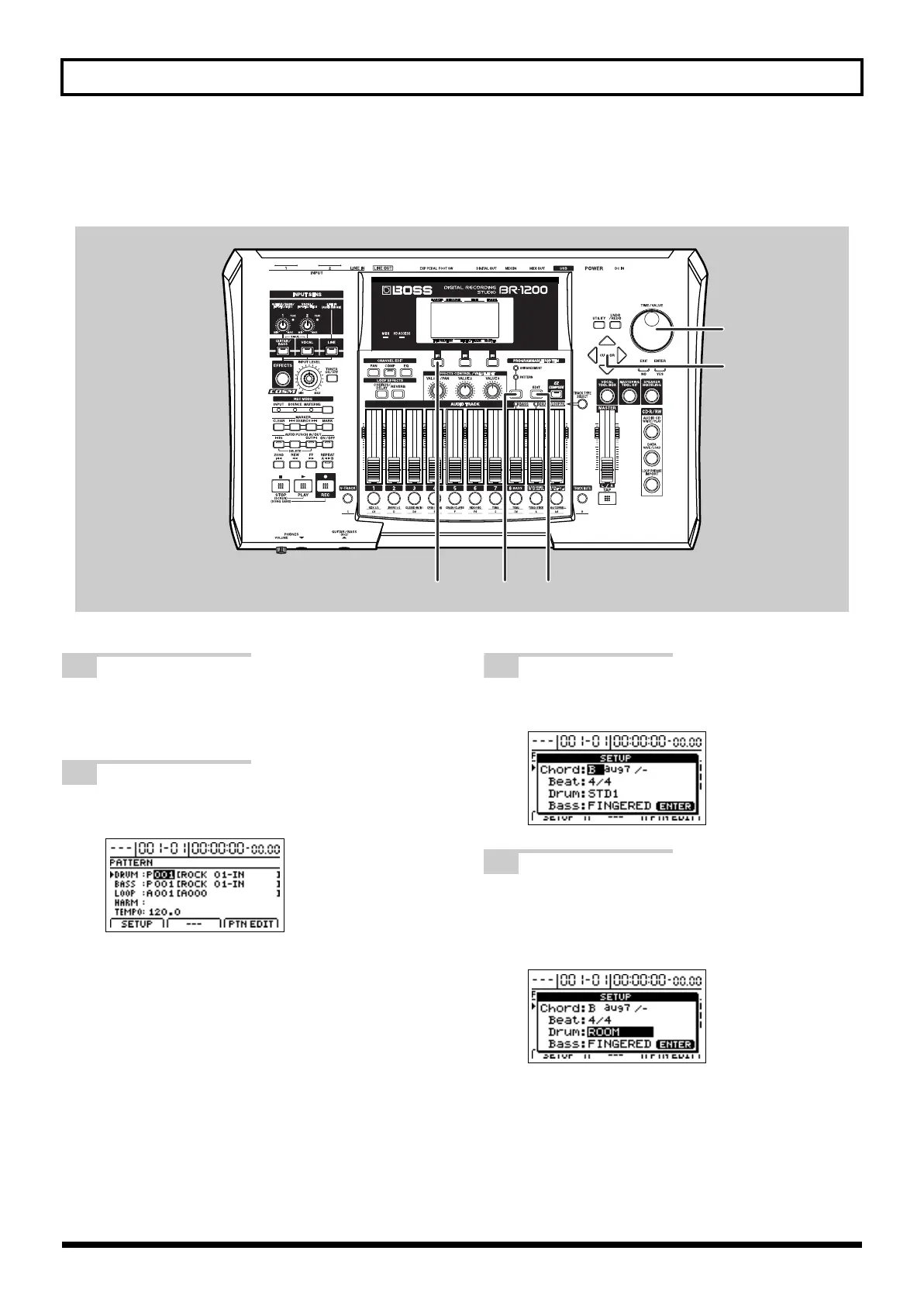
Drum patterns can be given a completely new feel by changing the sounds of the drums that they use.
fig.07-30g
1
Press PROGRAMMABLE RHYTHM
[ARRANGEMENT/PATTERN] so the
PATTERN indicator is lighted.
2
Press PROGRAMMABLE RHYTHM [EDIT].
The Pattern Select screen will appear.
fig.07-28d
3
Press [F1] (SETUP).
The Pattern Setup screen will appear.
fig.07-32d
4
Move the cursor to Drum and select a new
drum kit using the TIME/VALUE dial.
The drum pattern will be played using sounds from
the newly selected drum kit.
fig.07-32d
123
4
4
BR-1200CD_e.book 60 ページ 2007年8月24日 金曜日 午前11時33分



 To Next Page