274
Rev0.02
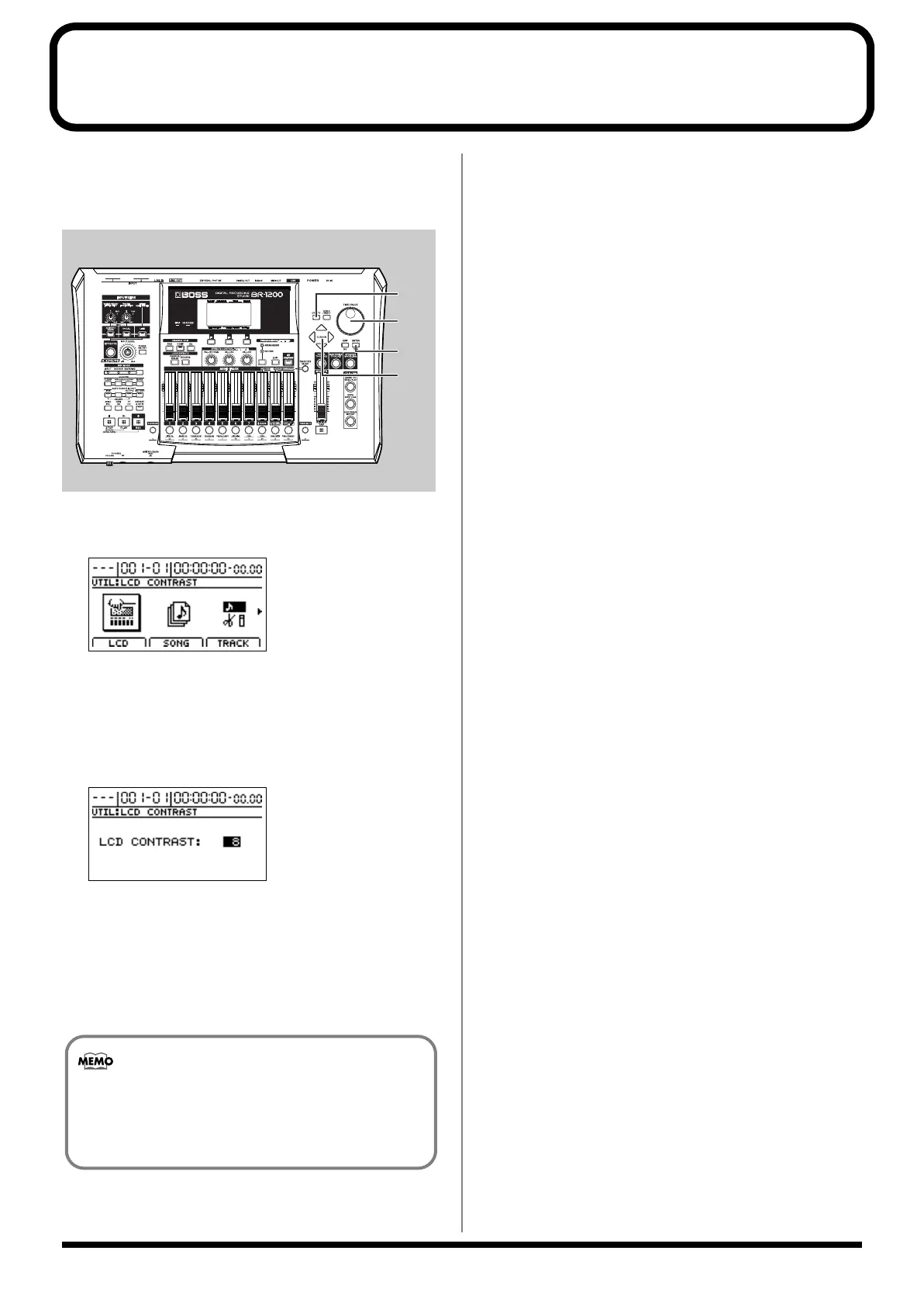
Adjusting the display’s contrast
In certain locations, the BR-1200CD’s display may be difficult
to read. In such cases, use the following procedure to adjust
the display’s contrast.
fig.53-25
1.
Press [UTILITY].
The Utility screen will appear.
fig.53-26d
2.
Move the cursor to the LCD icon and press [ENTER/
YES].
Alternatively, press [F1] (LCD) if the LCD icon is
currently displayed.
The LCD Contrast screen will appear.
fig.53-27d
3.
Turn the TIME/VALUE dial to adjust the contrast.
Setting range: 1 through 16
Higher values produce a darker display and vice-versa.
4.
When you have finished adjusting the contrast, press
[EXIT/NO] several times to return to the top screen.
2
2
1
3
If you press and hold [UTILITY] while turning the
TIME/VALUE dial, you will be able to change the
contrast in real time. Choose the method that best
suits the BR-1200CD’s setup.
BR-1200CD_e.book 274 ページ 2007年8月24日 金曜日 午前11時33分



 To Next Page