237
Using the CD-R/RW drive to exchange data
Section 5
Rev0.02
Erasing data from a CD-RW disc
(CD-RW Erase)
If you are using CD-RW discs, you will be able to erase
unneeded data from the discs and reuse them for data storage.
1.
Insert the CD-RW disc to be erased into the BR-
1200CD’s CD-R/RW drive.
The drive’s access indicator will begin to flash. Wait until
this indicator stops flashing and turns off before
proceeding.
2.
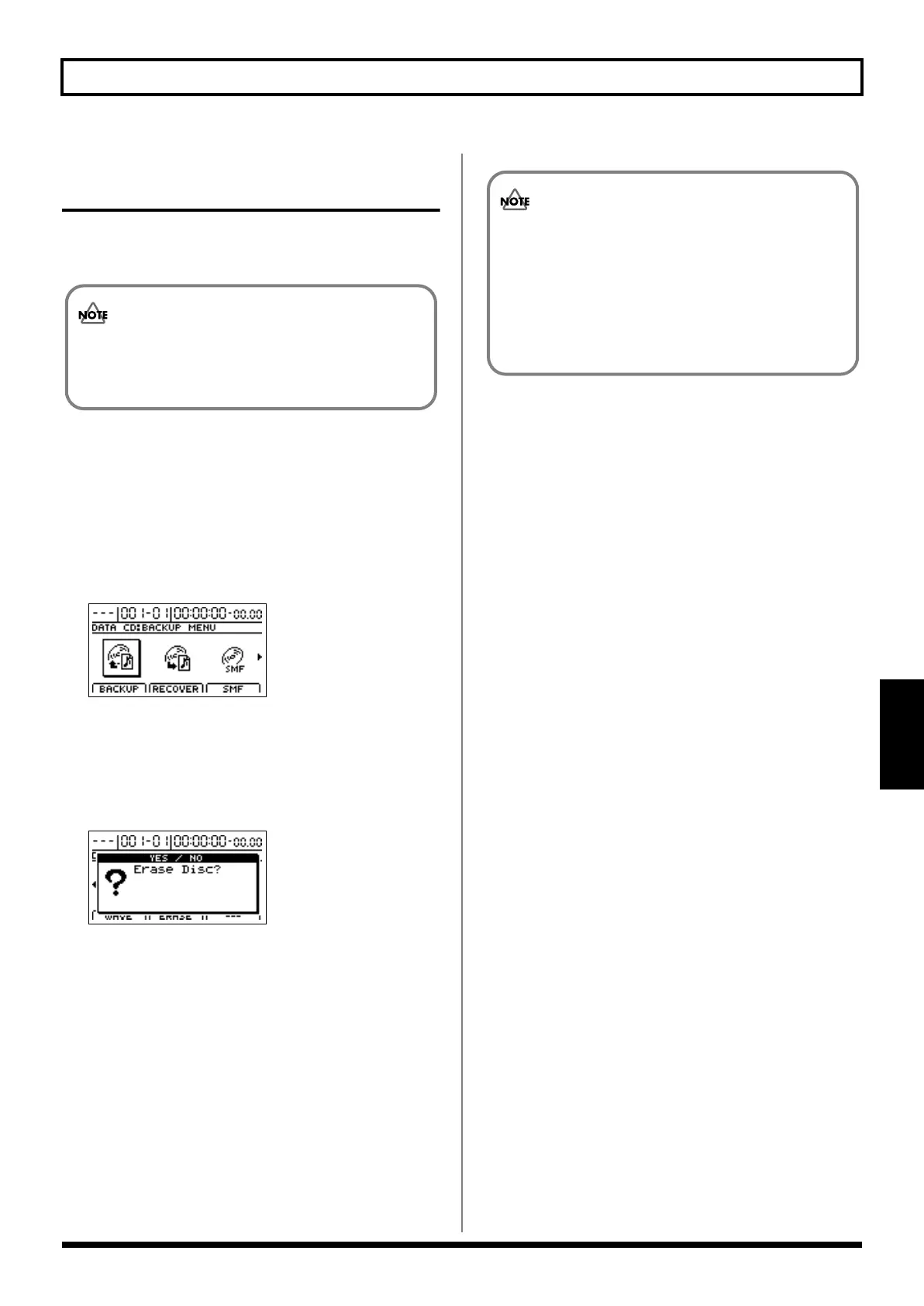
Press CD-R/RW [DATA SAVE/LOAD].
The Data CD Menu screen will appear.
fig.41-05d
3.
Move the cursor to the ERASE icon and press [ENTER/
YES].
Alternatively, you can press [F2] (ERASE) if the ERASE
icon is currently displayed.
The message “Erase Disc?” will appear.
fig.41-31d
4.
Press [ENTER/YES].
Press [EXIT/NO] to cancel deletion.
The data erasure will begin and the state of progress will
be displayed. When the message “Complete!” appears, it
indicates that erasing has been completed.
5.
Press [EXIT/NO] several times to return to the Top
screen.
6.
Press the CD-R/RW drive’s EJECT button to eject the
disc.
• This process results in all data being erased from a disc.
• Data erasure is possible only with CD-RW discs.
Data cannot be erased from CD-R discs.
• Once erasing has been started, it will not be possible
to cancel this process.
• The amount of time required for erasing data will
depend on the type of CD-RW disc used.
• In certain cases, a period of several seconds will pass
before the disc is actually ejected.
BR-1200CD_e.book 237 ページ 2007年8月24日 金曜日 午前11時33分



 To Next Page