43
Basic operation of the recorder
Rev0.02
Basic Operation
Using markers
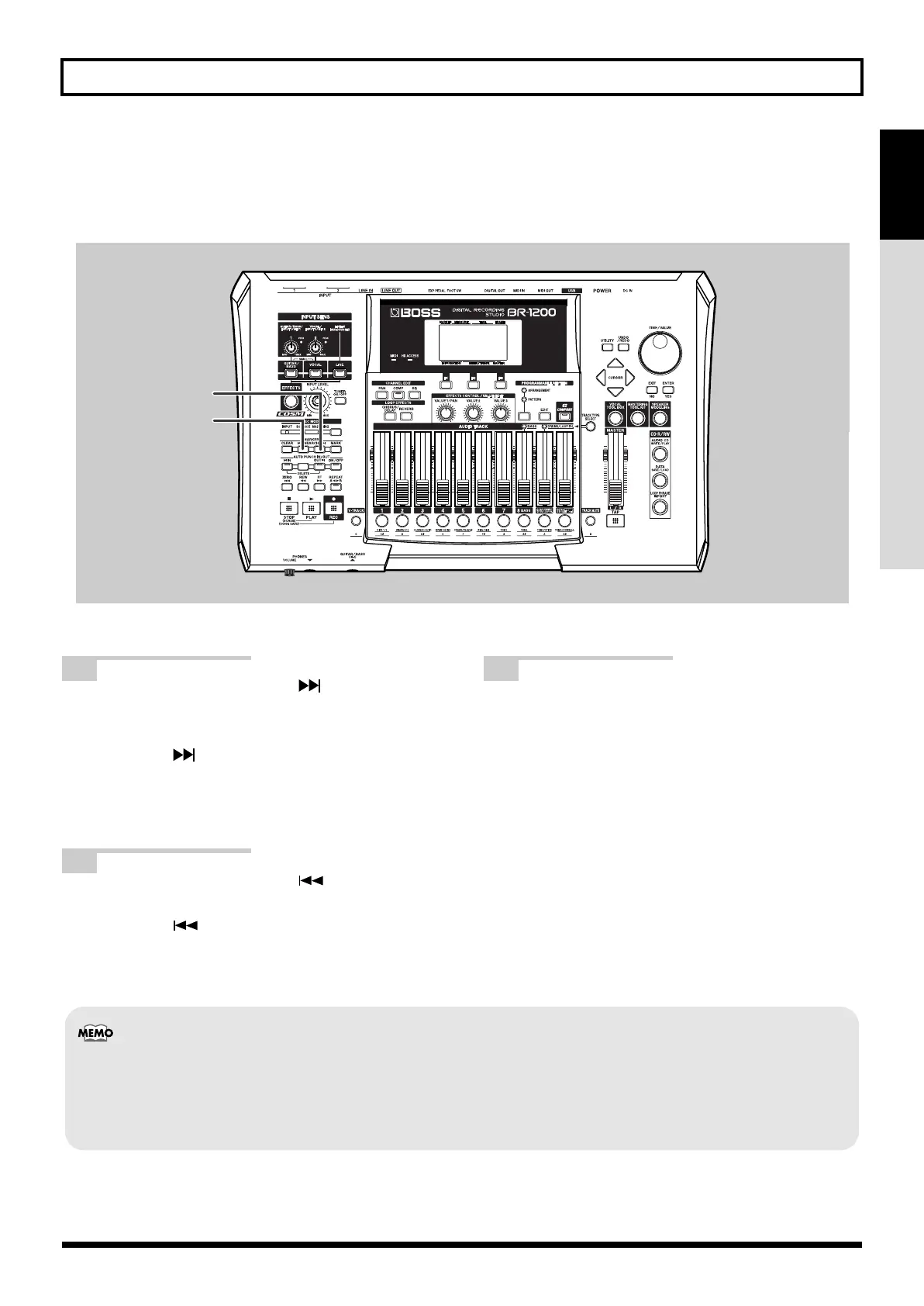
A number of song markers are set up in the demo songs in advance. These markers can be used to jump to the
corresponding positions within the song.
fig.07-09D
1
Press MARKER [SEARCH ].
The current position will jump to the location of one
of the markers that has been set. Each time
[SEARCH ] is pressed, the current position will
jump forward to the next nearest marker. Note that
the marker number corresponding to the current
position is displayed at this time.
2
Press MARKER [SEARCH ].
The current position will jump back. Each time
[SEARCH ] is pressed, the current position will
jump back to the previous nearest marker.
3
Move the cursor to the value in the Marker box,
and then use the TIME/VALUE dial to specify a
marker number.
The current position will jump to the location of the
corresponding marker.
2
1
• Up to 100 markers can be set up at will within a song. For more detailed information, refer to “Placing markers in your
song (Marker)” (p. 90).
• The number of the marker at the current position is shown in the display’s Marker box. If no marker has been set up at
this position, “- - -” is displayed.
BR-1200CD_e.book 43 ページ 2007年8月24日 金曜日 午前11時33分



 To Next Page