42
Basic operation of the recorder
Rev0.02
Using TIME/VALUE dial
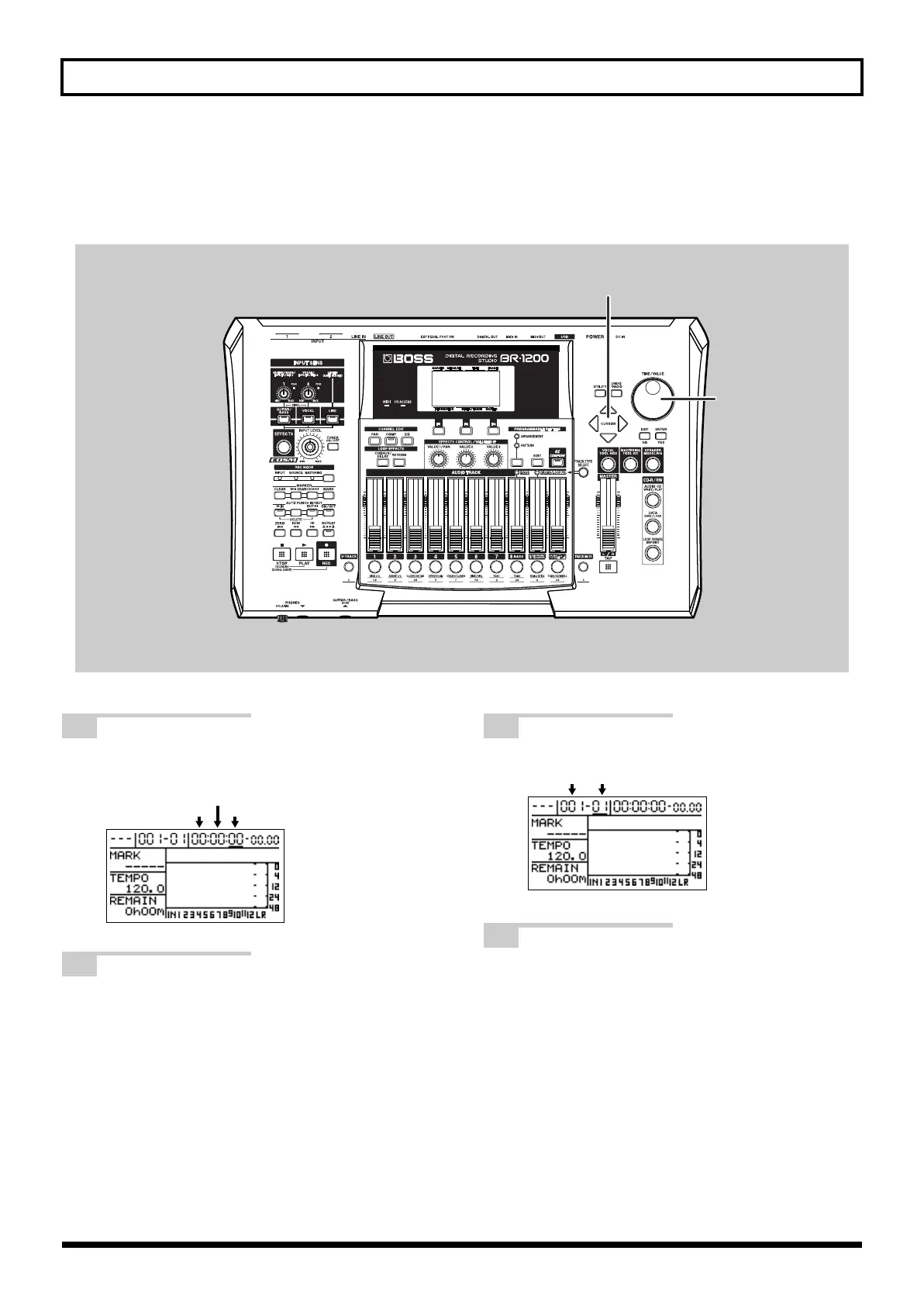
A cursor is displayed below the time for the current position on the top screen. Use the TIME/VALUE dial to change
the time values and to move the current position.
fig.07-09c
1
Move the cursor to the seconds, minutes or
hours value.
fig.07-101d
2
Turn the TIME/VALUE dial.
The current position will change in units of seconds,
minutes or hours.
3
Move the cursor to the measures or beats value.
fig.07-103d
4
Turn the TIME/VALUE dial.
The current position will change in units of measures
or beats. “- - -” will be displayed after measure 999.
Hours
Minutes
Seconds
Measures Beats
BR-1200CD_e.book 42 ページ 2007年8月24日 金曜日 午前11時33分



 To Next Page