44
Basic operation of the recorder
Rev0.02
Changing V-Tracks
Recorded variations that use V-Tracks are included in the demo songs. We will now change V-Tracks to listen to
these variations.
fig.07-09g
1
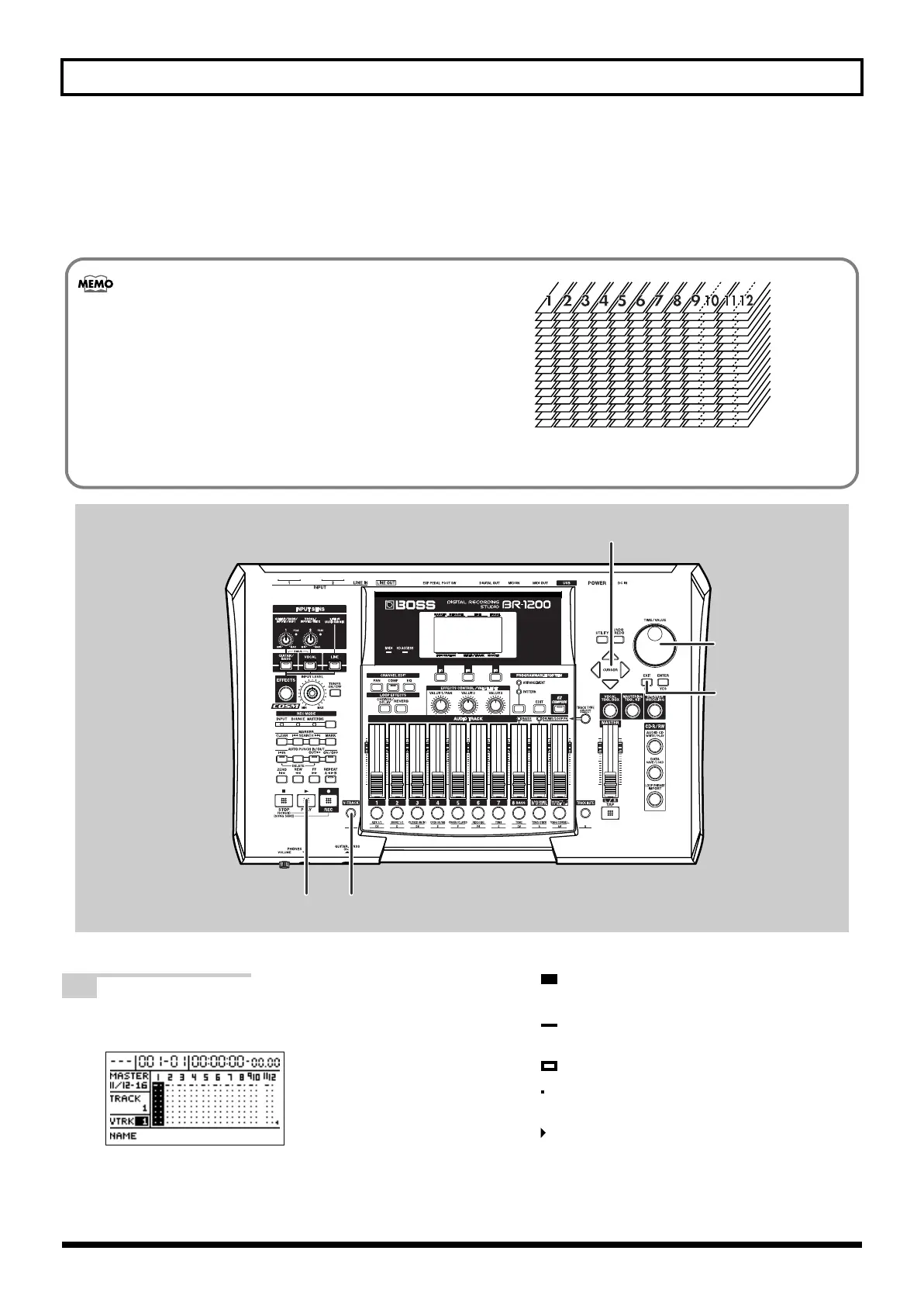
Press [V-TRACK].
The V-Track screen will appear.
fig.07-10d
The V-Track currently selected for each track and the
presence or absence of data in each V-Track are
indicated on the V-Track screen.
( ): Currently selected V-Track (containing
recorded audio data)
( ): Currently selected V-Track (not containing
recorded audio data)
( ): V-Track containing recorded audio data
( ): V-Track not containing recorded audio
data
( ): The V-Track from Track 11/12 last used for
mastering (Final Mastering Track)
What are V-Tracks?
Each BR-1200CD track comprises sixteen different
virtual tracks, one of which is selected for recording
and/or playback. In other words, performances can
be recorded onto a total of 192 tracks (i.e., 12 x 16),
and any sixteen of these tracks can be played back at
any one time. The term “V-Track” is used to refer to
the virtual tracks that make up each BR-1200CD
track.
fig.07-09k
V-Track10
V-Track9
V-Track11
V-Track12
V-Track13
V-Track14
V-Track15
V-Track16
V-Track2
V-Track1
V-Track3
V-Track4
V-Track5
V-Track6
V-Track7
V-Track8
BR-1200CD_e.book 44 ページ 2007年8月24日 金曜日 午前11時33分



 To Next Page