45
Basic operation of the recorder
Rev0.02
Basic Operation
2
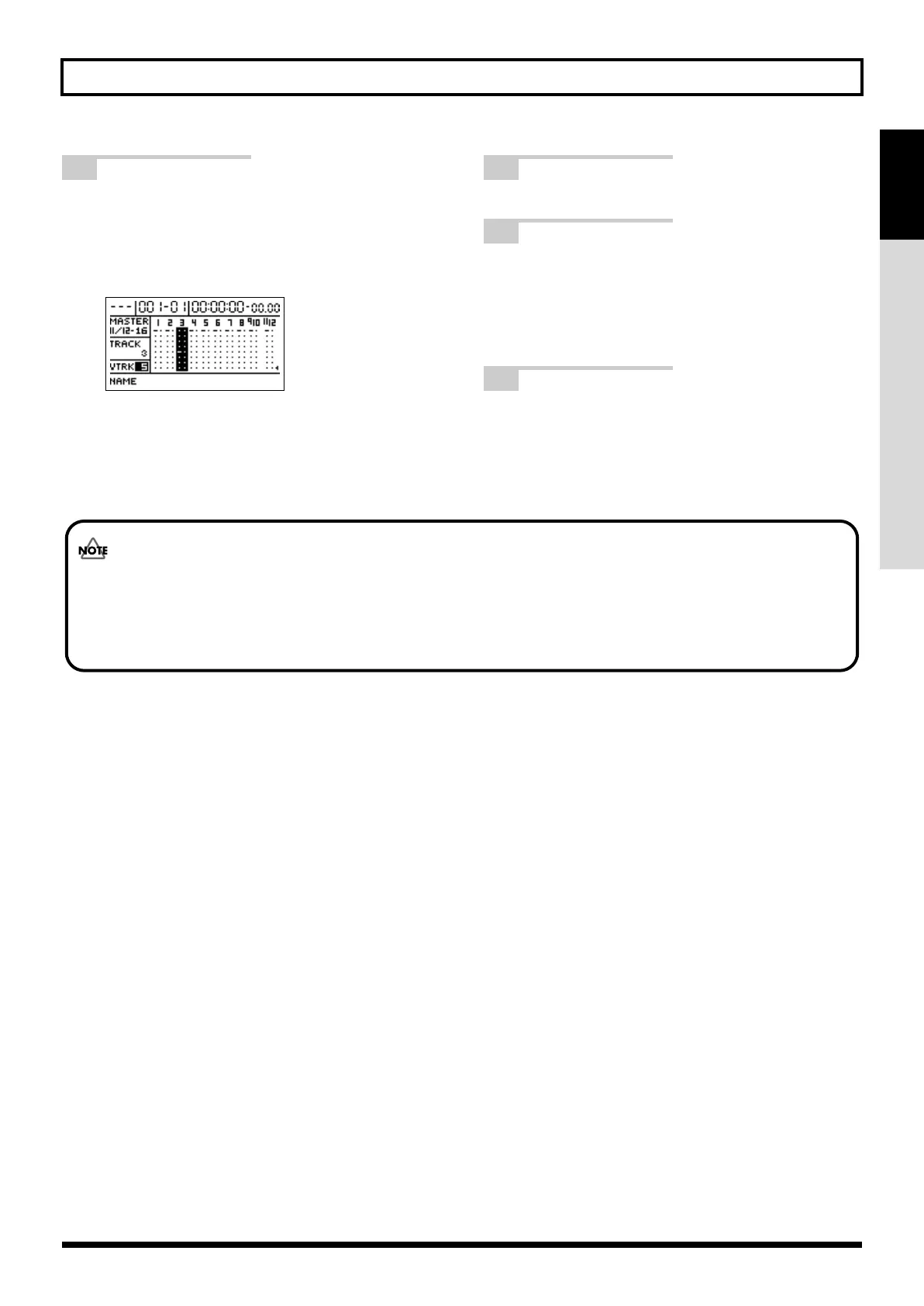
Move the cursor to the track whose V-Track is
to be changed, and then use the TIME/VALUE
dial to select a new V-Track.
The symbol indicating the currently selected V-Track
will move to this new V-Track.
fig.07-106d
3
Press [EXIT/NO] to return to the top screen.
4
Press [PLAY] to start playback.
You will now hear the song with the variation that
has been recorded on the newly selected V-Track.
However, if this V-Track contains no data, the
corresponding track will be silent.
5
If you wish to store the modified settings, save
the current song (p. 70).
• It is not possible to change V-Tracks while recording.
• Tracks 9/10 and11/12 are all set to stereo and each comprises two individual tracks; accordingly, V-Tracks can only be
selected in sets of two for these tracks. In other words, it is not possible to select a different V-Track for the left track
and the right track in a stereo pair.
BR-1200CD_e.book 45 ページ 2007年8月24日 金曜日 午前11時33分



 To Next Page