282
Rev0.02
Initializing all BR-1200CD settings (Initialize)
The Initialize function allows you to return all of the
following BR-1200CD parameters to their original settings.
●
Global Parameters
• Reference Pitch in Tuner parameters
• System parameters
• Sync parameters
• MIDI parameters
• Marker parameters
• Scene parameters
• Scrub and Preview parameters
●
Mixer Parameters
• Track Compressor, EQ, Pan
• Loop Effects
• Input Select
• Recording Mode
●
Effect Patch Data
• User patches from all insert effect banks
• Vocal Tool Box user patches
• Mastering Tool Kit user patches
• Speaker Modeling user patches
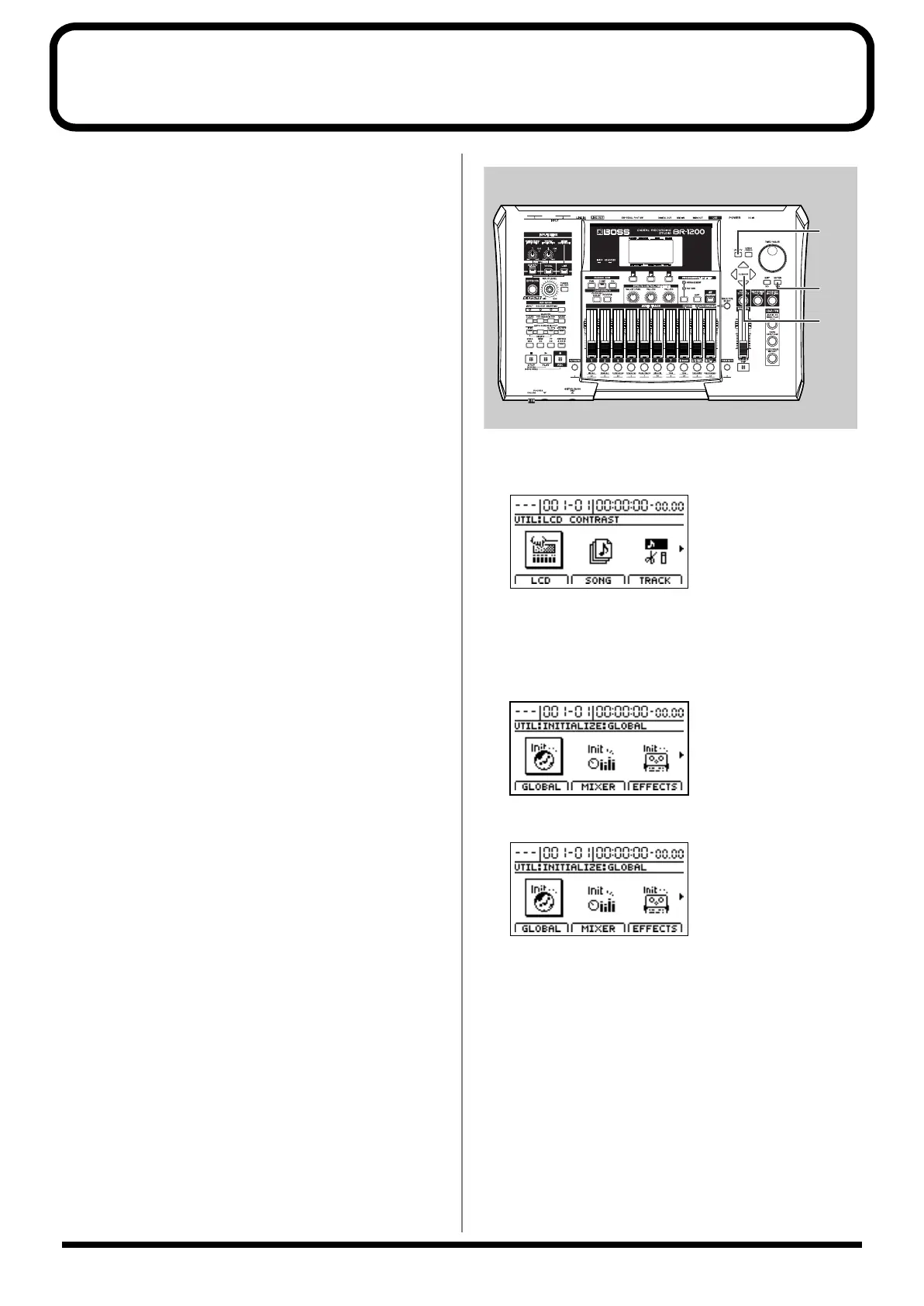
fig.53-28
1.
Press [UTILITY].
The Utility screen will appear.
fig.12-12d
2.
Move the cursor to the INITIALIZE icon and press
[ENTER/YES].
Icons representing the various things that can be
initialized will appear.
fig.53-30d
GLOBAL icon
fig.53-30d
When this icon is selected
• Reference Pitch in Tuner parameters
• System parameters
• Sync parameters
• MIDI parameters
• Marker parameters
• Scene parameters
• Scrub and Preview parameters
will be initialized and returned to the values they had at
the time of purchase.
BR-1200CD_e.book 282 ページ 2007年8月24日 金曜日 午前11時33分



 To Next Page