215
Creating Drum and Bass Patterns Simply and Easily (EZ Compose)
Section 4
Rev0.02
Press [PLAY] to play the pattern with the current
settings.
Press [ENTER], you can play only the measures within
which a fill-in occurs.
If the number of measures specified by INTERVAL is
greater than the number of measures in the pattern, the
measure at which the fill-in occurs will not be played.
Pasting In Rhythm Arrangements
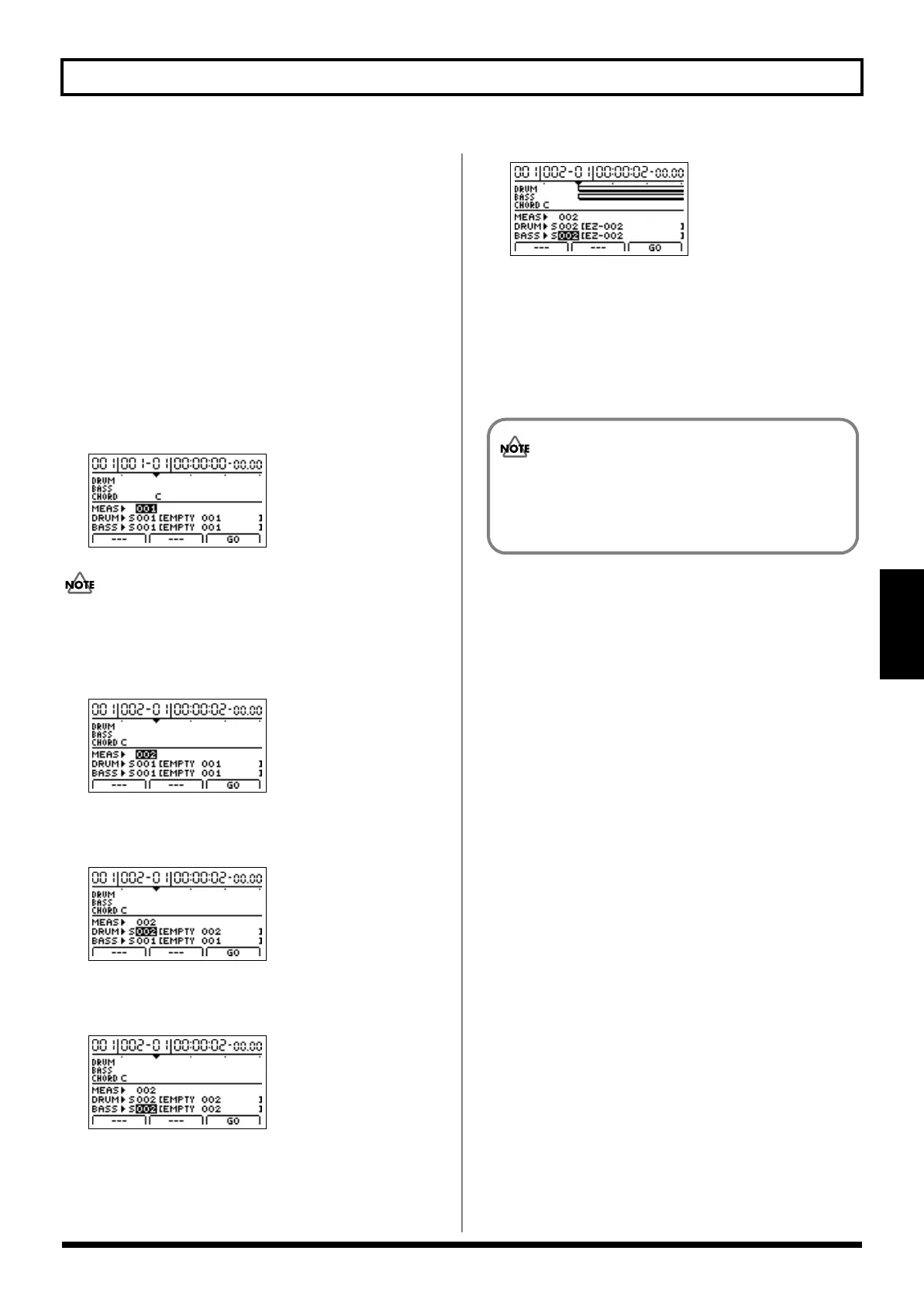
1.
Press [F3] (WRITE).
The screen for pasting the composed pattern to the
rhythm arrangement appears.
fig.04-1930d
The pattern is pasted to the currently selected rhythm
arrangement.
2.
Move the cursor to “MEAS” and specify the pattern’s
starting point with the TIME/VALUE dial.
fig.04-1940d
3.
Move the cursor to “DRUM,” then specify the write
destination for the drum pattern you’ve created.
fig.04-1950d
4.
Move the cursor to “BASS,” then specify the write
destination for the bass pattern you’ve created.
fig.04-1960d
5.
Press [F3] (GO).
The pattern is pasted in the arrangement.
fig.04-1970d
6.
Repeat Steps 1–5 for any further patterns you wish to
paste in.
7.
Press [EXIT/NO] to return to the top screen.
8.
To save the rhythm arrangements with the patterns
pasted in, save the rhythm arrangement (p. 207).
A rhythm arrangement with patterns pasted in is
only temporary.
If you want to keep it stored in memory, be sure to
save the rhythm arrangement.
BR-1200CD_e.book 215 ページ 2007年8月24日 金曜日 午前11時33分



 To Next Page