63
Rev0.02
Basic Operation
Setting an audio input’s left-right position (Input Pan)
When recording from a number of different microphones at the same time or in other similar situations, you can
widen the overall sound by setting the left-right position (i.e., the pan) of each microphone before recording is
started.
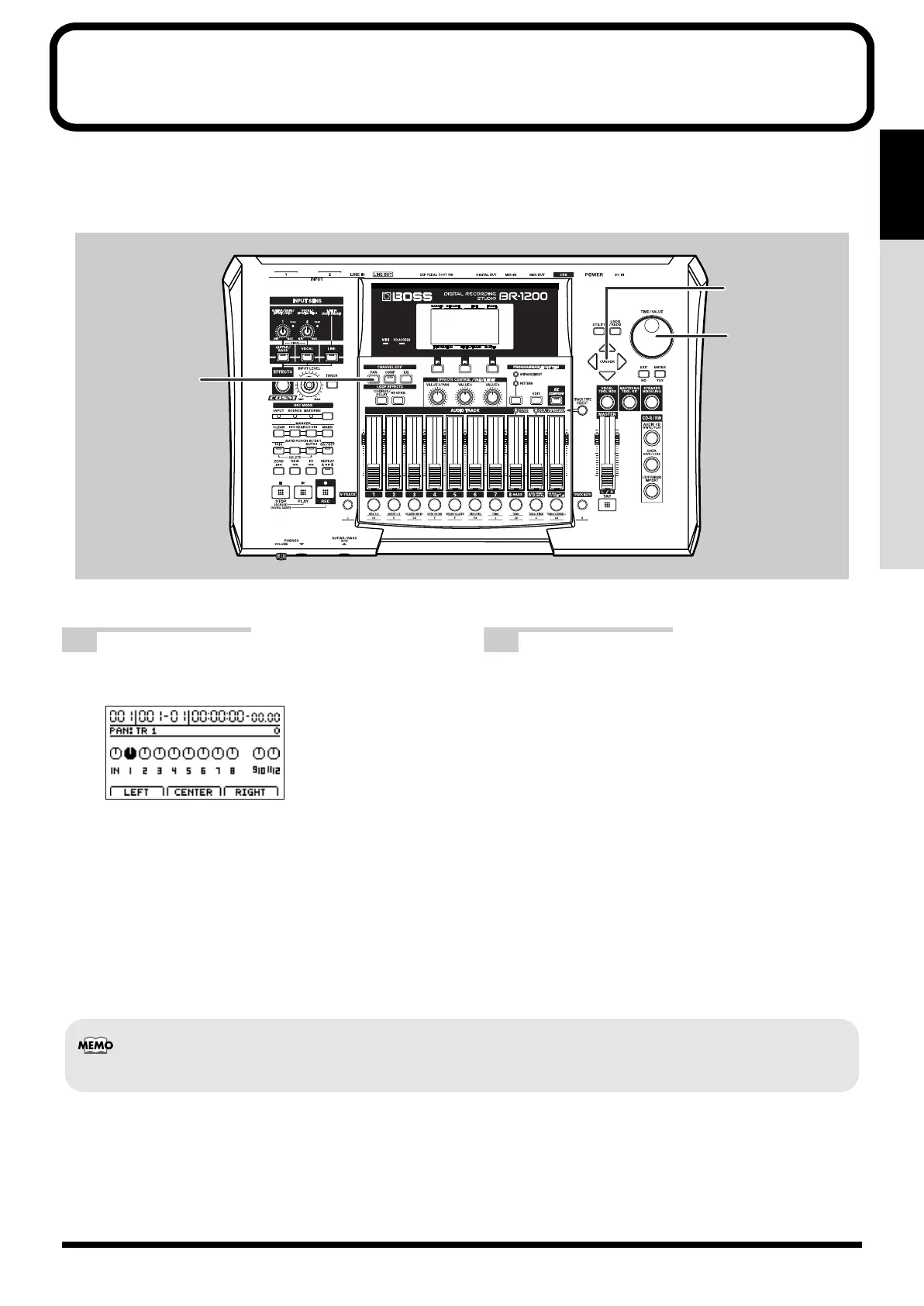
fig.07-34a
1
Press CHANNEL EDIT [PAN].
The pan setting screen will appear.
fig.07-34d
2
Move the cursor to “IN,” and use the TIME/
VALUE dial to make a new pan setting.
The setting can also be carried out using the
VALUE1/PAN knob.
L100:
Audio is moved to the extreme left.
0:
Audio is moved to the center.
R100:
Audio is moved to the extreme right.
You can press [F1]–[F3] at this point to set the pan at a
single touch.
[F1] (LEFT): L100
[F2] (CENTER): 0
[F3] (RIGHT): R100
2
2
1
After recording, the pan values set here for each audio input are automatically copied to the corresponding recorded tracks.
BR-1200CD_e.book 63 ページ 2007年8月24日 金曜日 午前11時33分



 To Next Page