53
Recording with effects (Insert Effects)
Rev0.02
Basic Operation
When you Want to Record the Input Sounds As Is
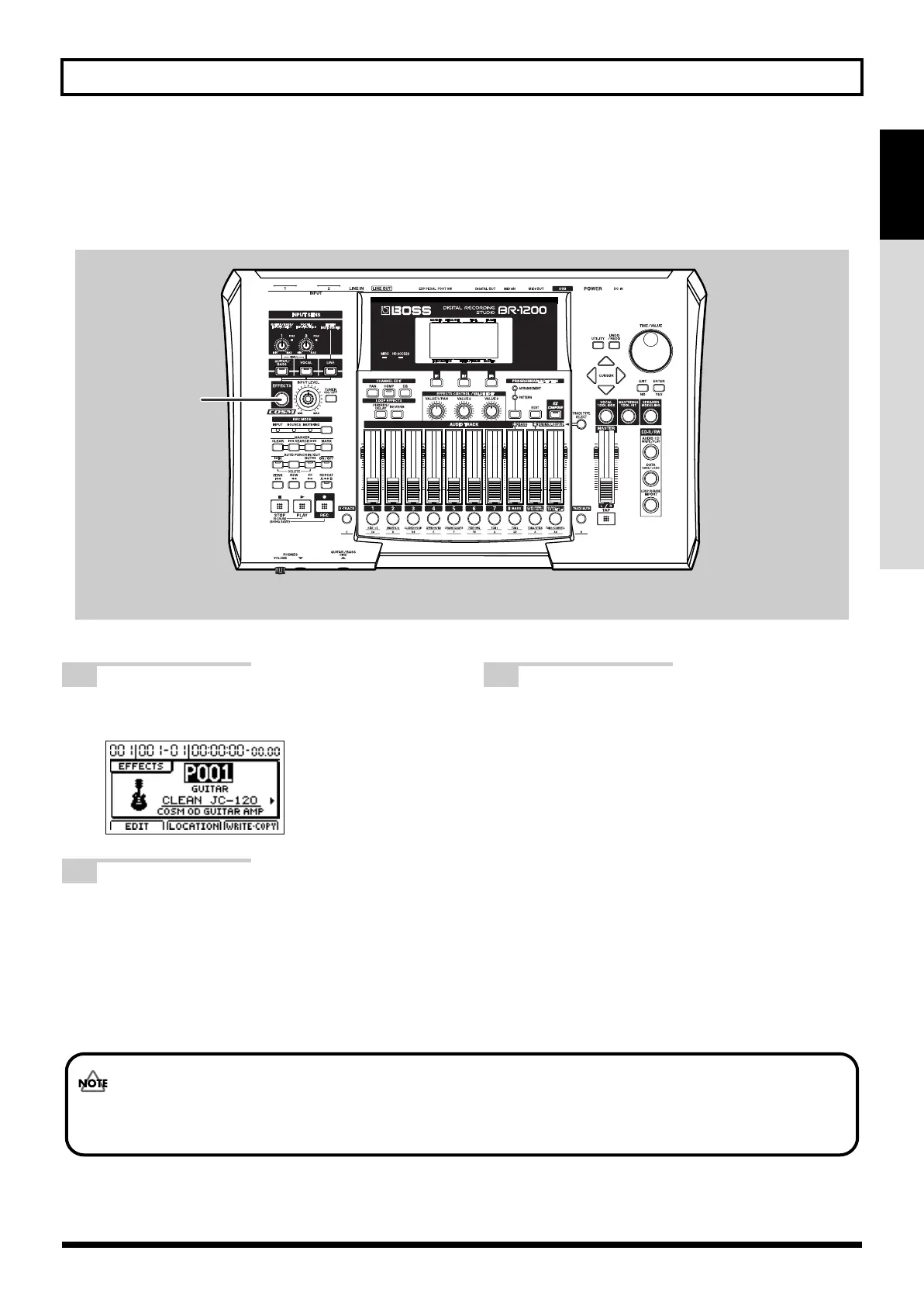
You may want to turn off an Insert Effect in order to record the input source as is. If this is the case, use the following
procedure to turn off the effect (Effect Off).
fig.07-22a
1
Press [EFFECTS].
The insert effects’ patch screen will appear.
fig.07-23d
2
Press [EFFECTS] once again.
The insert effect has been turned off.
[EFFECTS] will go out, indicating that the insert effect
has been turned off.
3
If you would like to re-apply the insert effect,
press [EFFECT] once again.
The insert effect has been turned on.
[EFFECTS] will light up, indicating that the insert effect
has been turned on.
[EFFECTS] is used to toggle the insert effect between on
and off.
1,2,3
Even if an insert effect has been turned off, it will be automatically turned back on whenever a different INPUT
SELECT button is pressed or a different patch is selected.
BR-1200CD_e.book 53 ページ 2007年8月24日 金曜日 午前11時33分



 To Next Page