56
Selecting drums to act as a guide for recording
Rev0.02
Selecting drum patterns
The BR-1200CD features preset drum patterns. Let’s choose one of these patterns to play with.
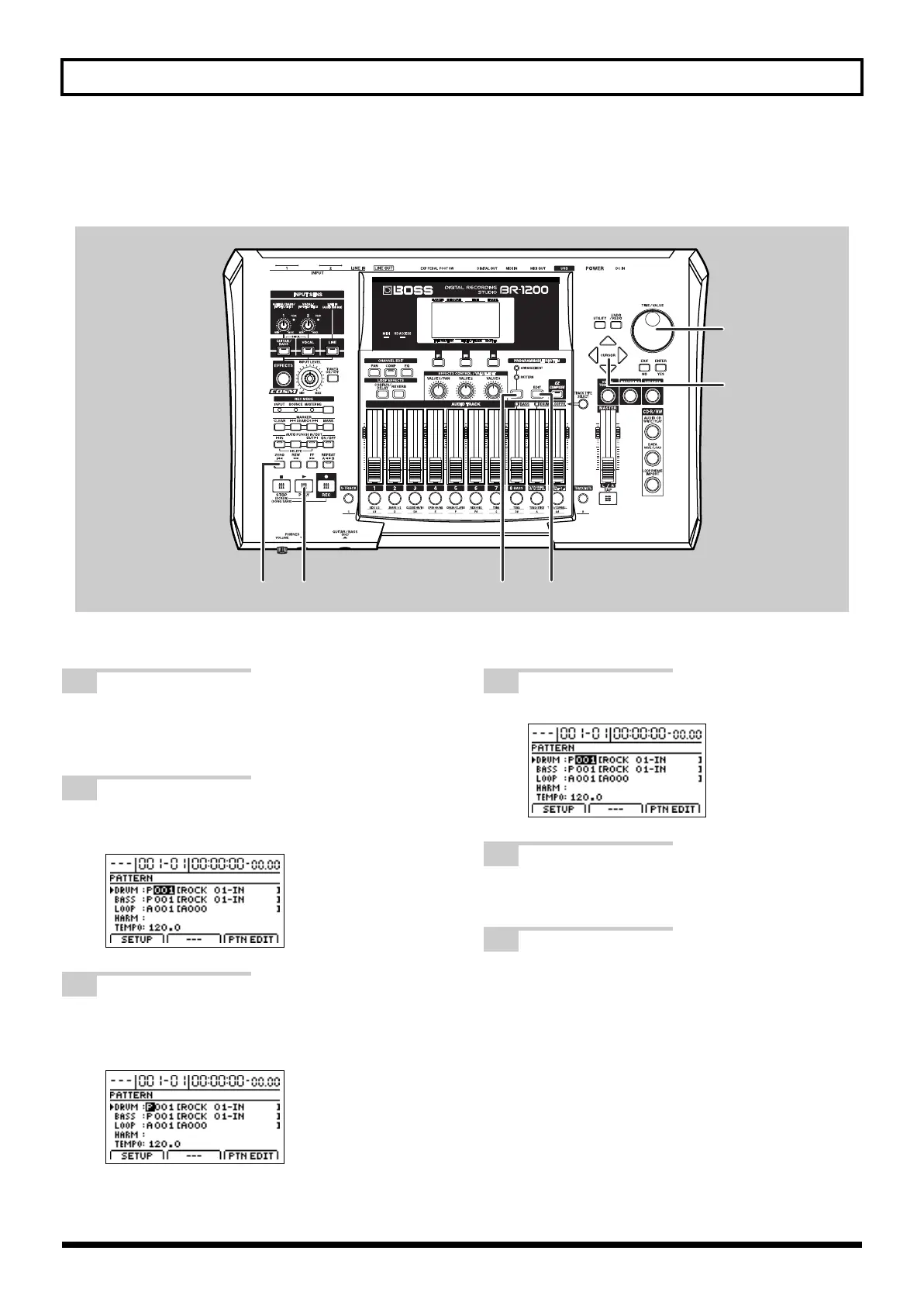
fig.07-07a
1
Press PROGRAMMABLE RHYTHM
[ARRANGEMENT/PATTERN] so the
PATTERN indicator is lighted.
2
Press PROGRAMMABLE RHYTHM [EDIT].
The Pattern Select screen will appear.
fig.07-81d
3
Move the cursor to Drum Pattern Group in
“DRUM,” and turn the TIME/VALUE dial to
“P” for the Drum Pattern Group.
fig.07-81d
4
Move the cursor to the drum pattern number.
fig.07-30d
5
Select a drum pattern number using the TIME/
VALUE dial.
6
Play the song from the beginning.
The BR-1200CD will start playback of the selected
drum pattern.
1266
3,4
3,5
BR-1200CD_e.book 56 ページ 2007年8月24日 金曜日 午前11時33分



 To Next Page