259
Before Using USB (Overview)
Section 7
Rev0.02
Connecting a computer
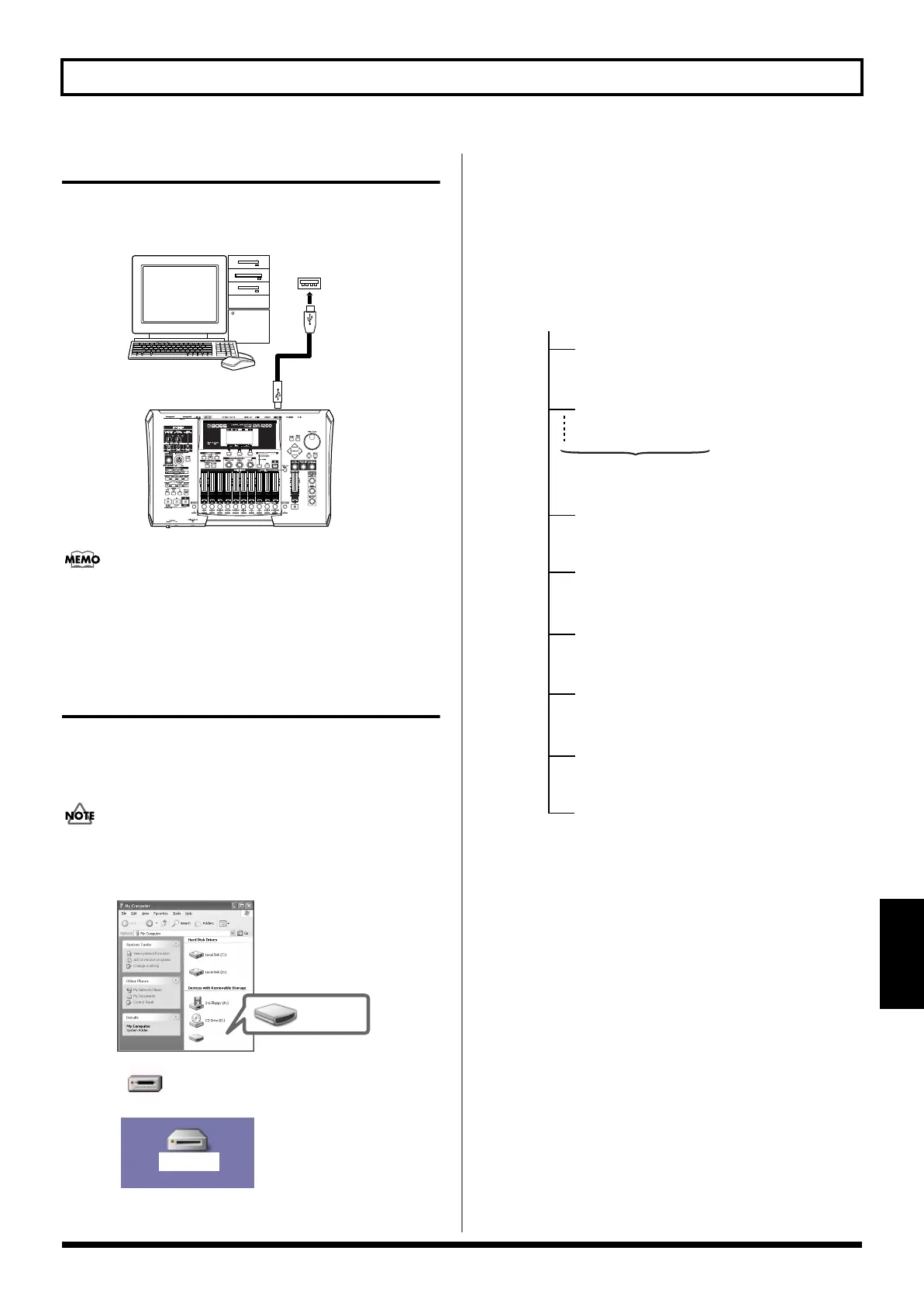
Use the USB cable to connect the BR-1200CD to your computer.
Purchase USB cables at computer stores or other retailers.
fig.52-01
If the BR-1200CD's hard disk has been initialized with a
number of different partitions, only the current partition
will be connected to the PC.
Structure of data on the BR-
1200CD’s hard disk
When you connect the BR-1200CD to a PC via USB and
perform USB menu operations, all of the folders and files on
the hard disk will be displayed on the PC monitor.
With certain versions of Windows OS, the “Removable
Disk (*:)” icon may be displayed.
fig.52-02
When you double-click the BR-1200CD icon or the
“Removable Disk (*:)” icon in Windows, or double-click the
BR-1200CD icon in Mac OS, all of the files and folders
contained in the BR-1200CD’s hard disk will be displayed on-
screen.
The structure of the files and folders on the hard disk is as
follows.
fig.52-03
USB cable
USB connector
of your computer
Windows XP
Windows 2000
Macintosh
BR-1200CD
BR-1200CD
Removable disk (*:)
(Ex.)
(Ex.)
(Ex.)
BR-1200CD
BR-1600CD
Root directory
SONG0001 folder
Song data folder
User data folder
USB data folder
Loop phrase folder
Temporary work folder
Temporary work folder
System data files
USERDATA folder
USB folder
USERLPH folder
TEMP
TEMPLPH
SYSINFO.BR2
SONG0002 folder
The folders are created
each song
BR-1200CD_e.book 259 ページ 2007年8月24日 金曜日 午前11時33分



 To Next Page