52
Rev0.02
Recording with effects (Insert Effects)
When an input source is chosen, a suitable insert effect for that input source will be selected automatically by the BR-
1200CD. For example, when GUITAR/BASS has been chosen, an effect will be selected from the guitar bank; when
VOCAL has been chosen, an effect will be selected from the MIC bank; and so on.
Each bank contains a number of different effects (Effect Patches) with various different settings that affect the sound.
Let’s now select some of these patches.
fig.07-21
1
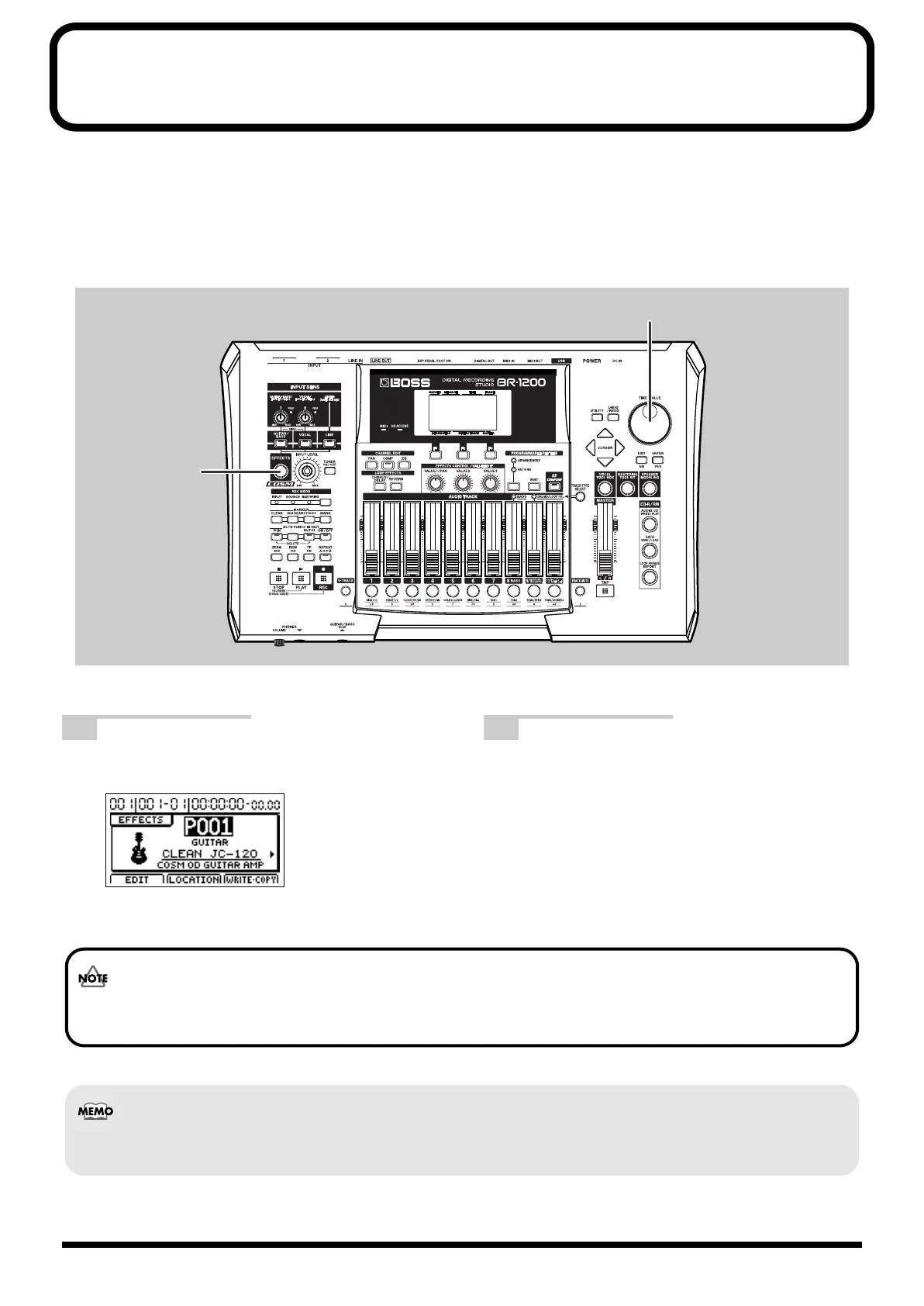
Press [EFFECTS].
The insert effects’ patch screen will appear.
fig.07-22d
2
Using the TIME/VALUE dial, change the patch
number and select the desired effect.
The sound of the insert effect will change each time a
different patch is selected.
Whenever a patch is selected, the effect sound will be muted for a short period of time (i.e., 100 to 400 ms (approx.)) in
order to prevent switching noise being output.
At the time of purchase, the BR-1200CD’s preset banks and user banks will contain the same effects.
BR-1200CD_e.book 52 ページ 2007年8月24日 金曜日 午前11時33分



 To Next Page