BRAILLO
l
B 650 SF
48
Recoverable errors:
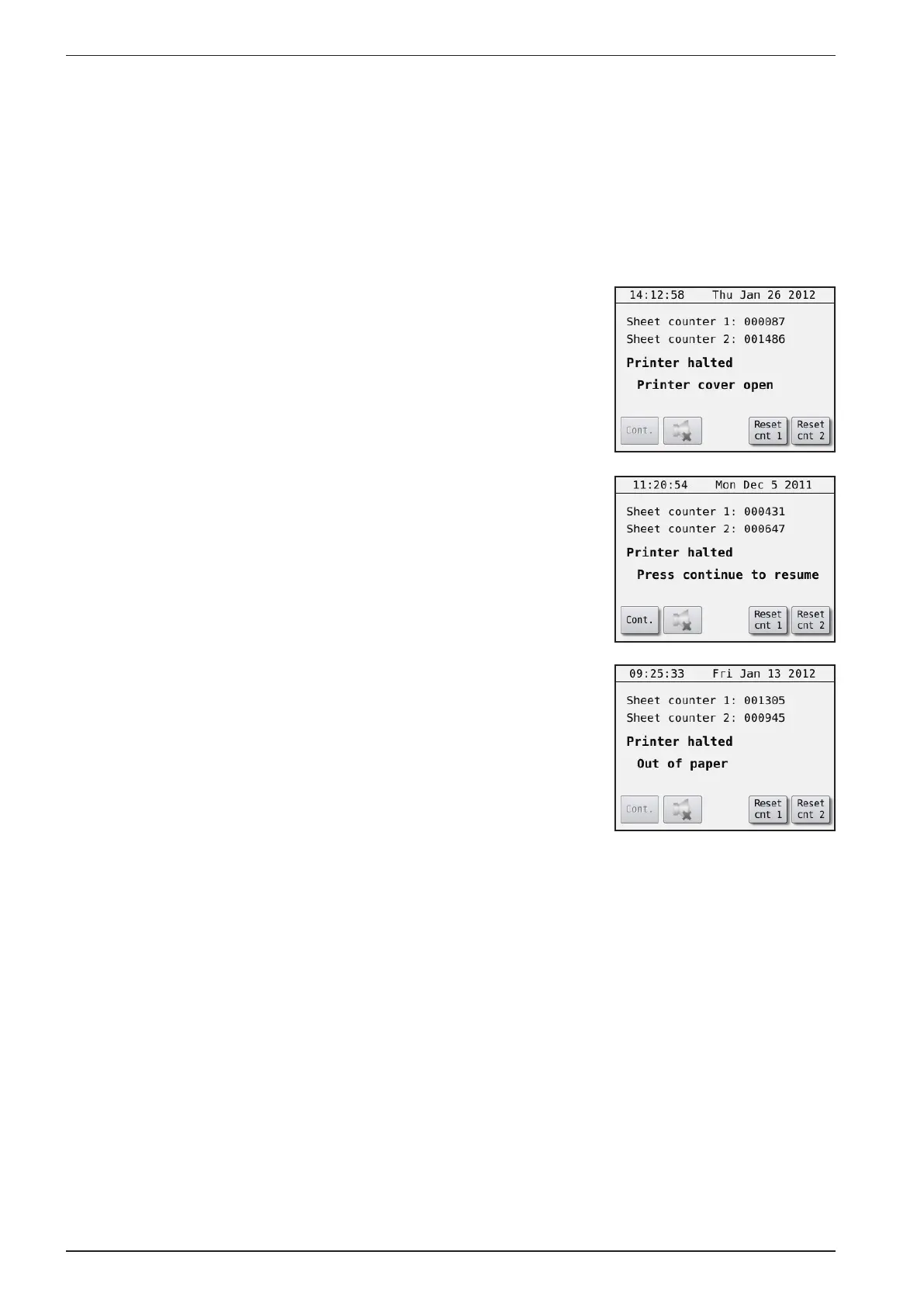
When there is a recoverable error, the display will show what has hap-
pened e. g. “Printer halted, Printer cover open”. And it will stay like
that until the error is xed. Then the display will change to “Printer
halted, Press continue to resume”. By pressing “Continue” the Printer
will resume the printing from where it was before.
The different recoverable errors are:
- Printer cover open
This occurs when one or more side panels on the Printer cover are
open. When the side panels are put back in place, the display will
change to “Press continue to resume”.
- Press continue to resume
- Out of paper
The Printer has run out of paper and are waiting for more paper.
When more paper is detected, the display will change to “Press con-
tinue to resume”.



 To Next Page