BRAILLO
l
B 650 SF
13
A
B
G
G
G
2.2 Removing the Printer cover
See gures below and on the next pages.
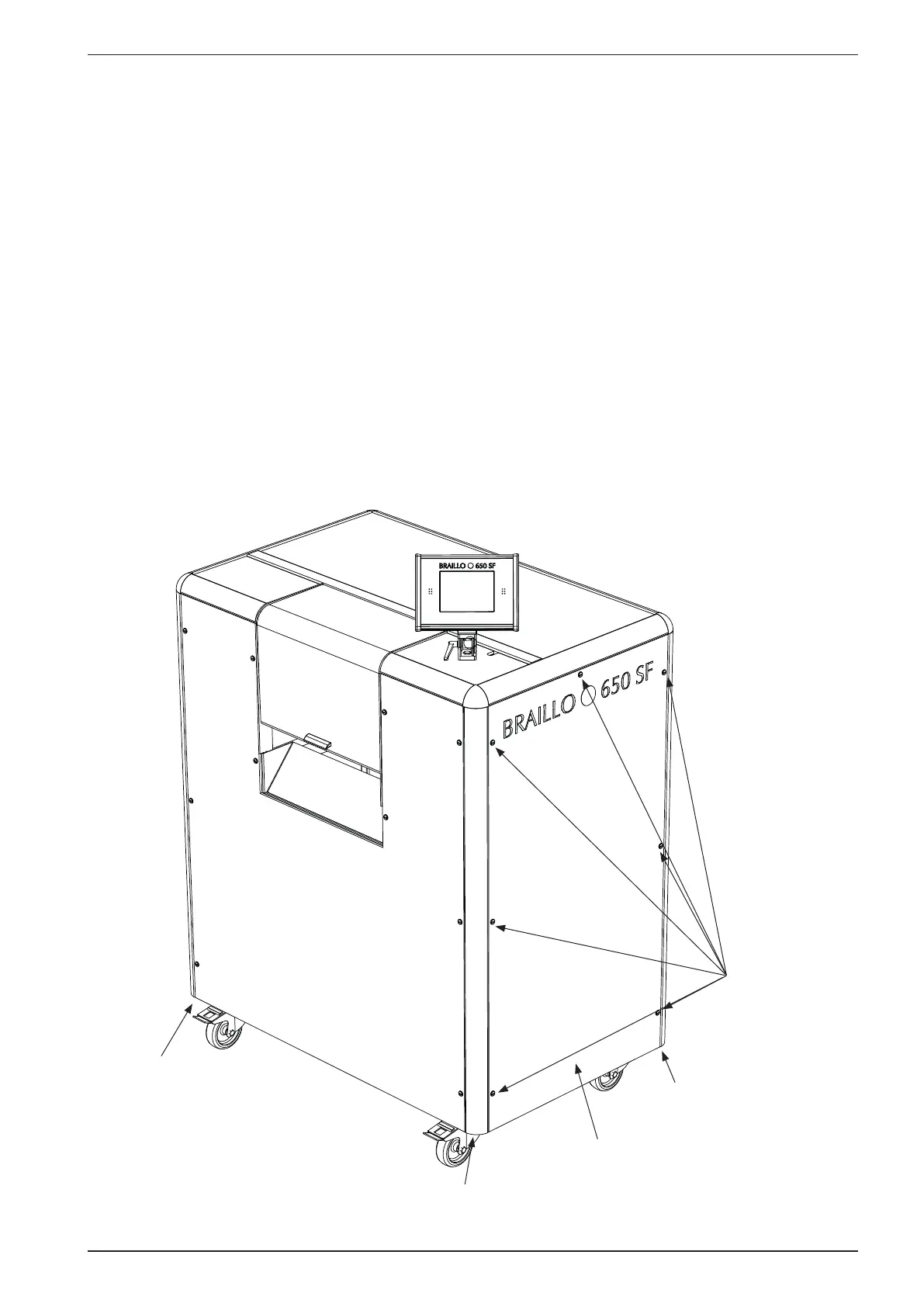
The cover is constructed of an aluminium frame which is fastened with four screws (G) under the base-
board of the Printer, there is one screw in each corner. On this frame the sides, front and back panels
are fastened. Some of these panels can be taken off for better access e.g. for smaller repairs or to con-
nect to the electrical unit.
However, if the printer is going to be lifted or moved, and the Printers own wheels cannot be used, the
cover must be taken off completely.
It can be done like this:
Disconnect the mains.
Open the panel (A) by turning the seven screws (B) counter clockwise 1/4 of a revolution - use a coin
or a screwdriver. Pull out the panel. Place it aside. The same procedure can then be done on the rest of
the panels.



 To Next Page