BRAILLO
l
B 650 SF
52
3.7 Functions Staple and Fold operating panel
Please see also chapter 7, “Paper cutter/Staple and fold unit”.
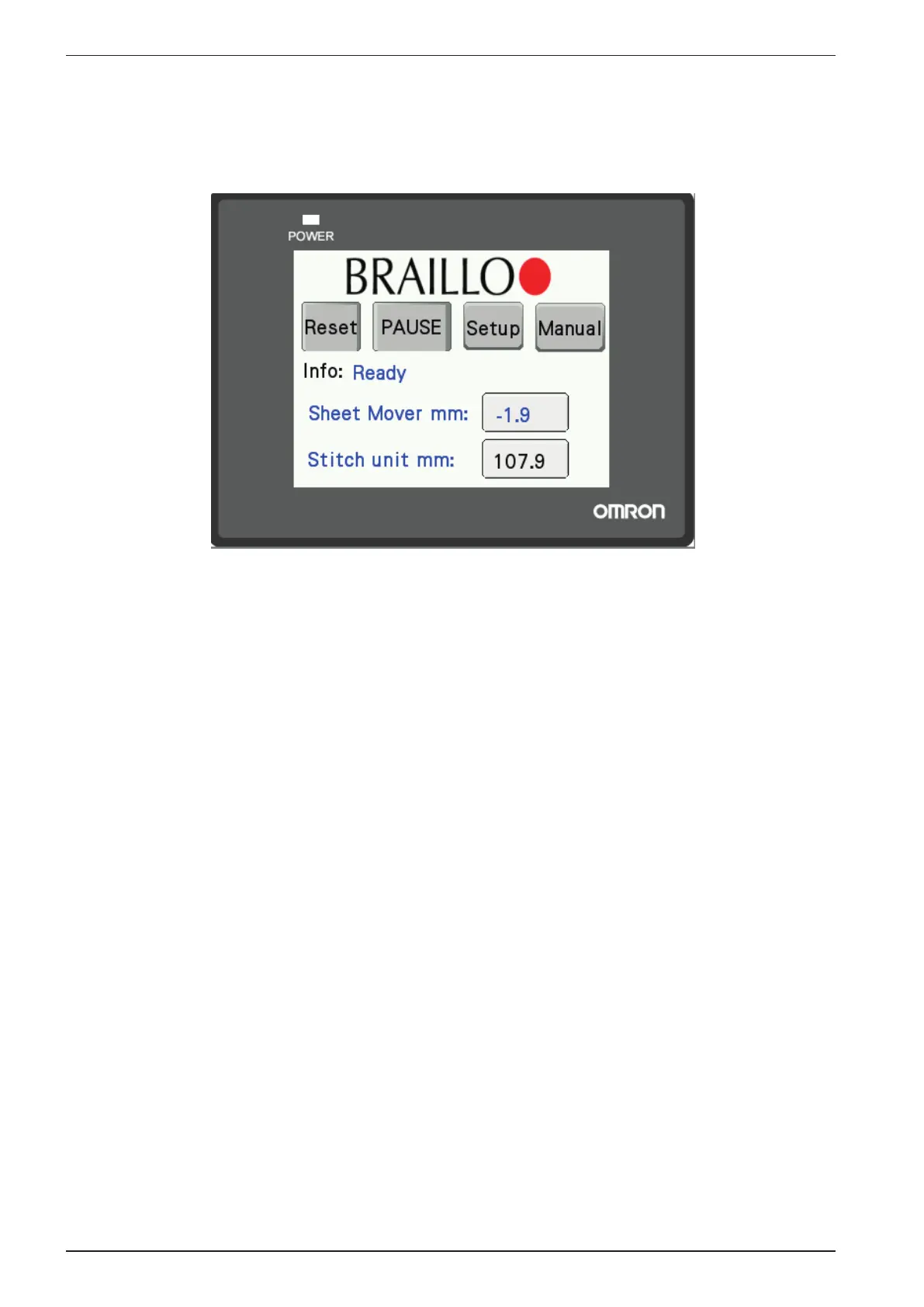
Main menu.
- Reset
This resets the SF program.
- Pause
Depending on the previous pause setting, pressing Pause will toggle Pause on and off. If you are turn-
ing pause on, it will send a pause signal to the Printer, and the Printer will stop.
To restart, open and close one of the hatches or select Pause again. When the message “Press continue
to resume” appears on the Printer display, press the “Continue” button.
- Setup
Takes you to the setup menu.
- Manual
Opens a menu where it is possible to run different functions manually.



 To Next Page