BRAILLO
l
B 650 SF
22
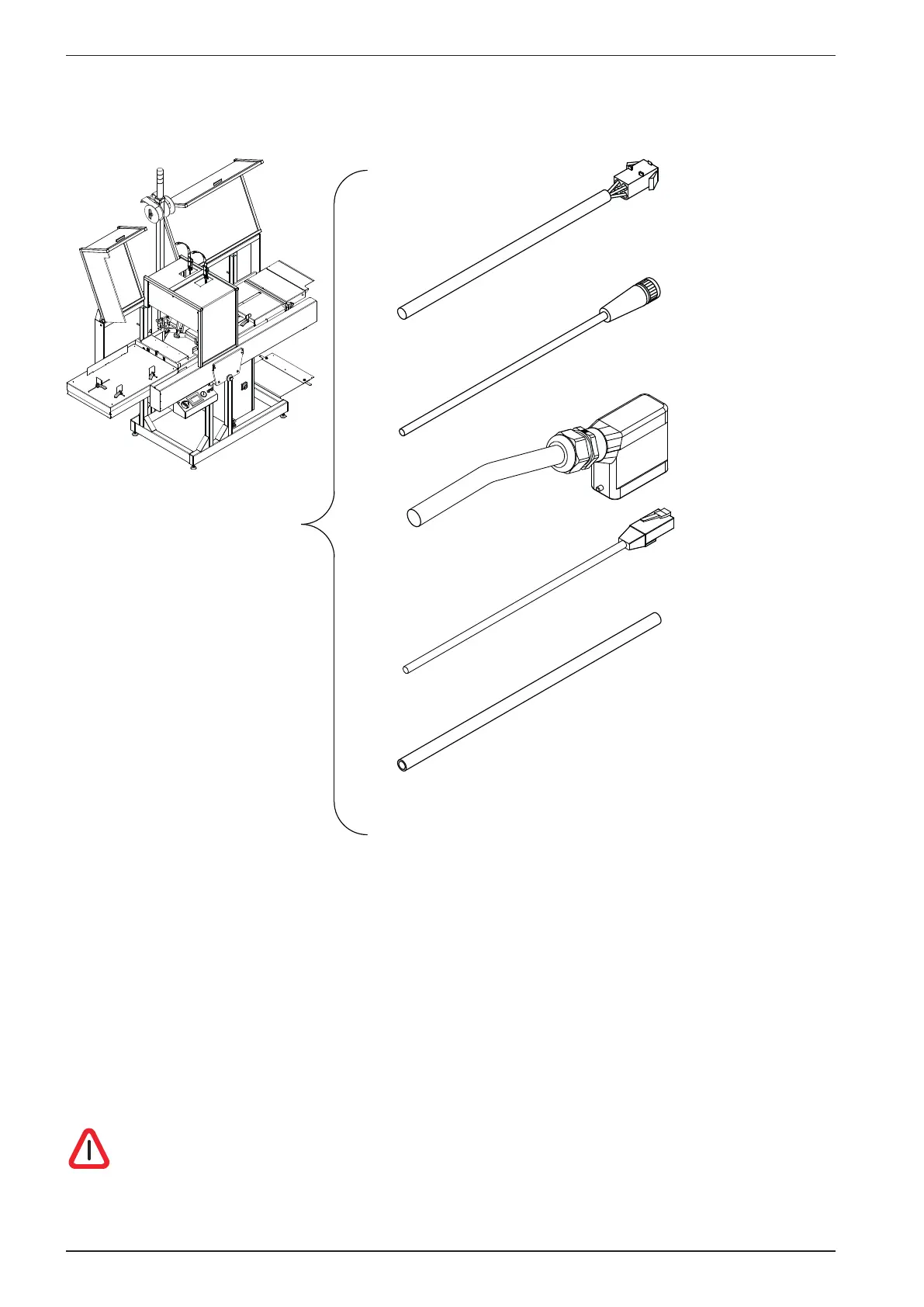
Valves on paper cutter
Sensor on paper roll
Power
Inside printer
Ø10 pipe for
compressed air
(connect under printer)
From/to the
S&F unit
Sync.
Inside printer
2.8 Connecting the Printer to the mains and computer.
The mains is connected trough the Paper Roll Feeder for all the units.
Note! If the plug on the mains power cable is to be replaced with one that is compatible with the local
electric contact points, observe that the yellow/green wire is the grounding (earthing) wire. Also make
sure that you are connecting to 230 V 50/60 Hz!
ALWAYS CONNECT THE YELLOW/GREEN WIRE IN THE MAINS CABLE TO
GROUND!



 To Next Page