BRAILLO
l
B 650 SF
58
C
C
C
D
D
D
C
C
C
D
B
B
B
B
B
A
A
A
A
D
B
A
Paper
direction
4. SERVICE AND MAINTENANCE
When doing service or maintenance, the cover must be taken off. Some procedures covered in this
chapter might be done simply by removing for example a side panel. But we recommend for “bigger
operations” to remove the cover completely. Please see chapter 2.2 “Removing the Printer cover” on
how to do this.
When the cover is removed, the operator panel is also removed. To be able to run tests and so on, you
can place the front panel beside the Printer so that you are able to connect the cables to the operator
panel. Or you can unscrew the panel from the cover and keep it near the Printer.
Please observe that the operator panel is an electrical board, and MUST NEVER BE PLACED ON A
CONDUCTIVE SURFACE! If there is a short circuit on the board, it might damage the board.
The Printer can be run without the cover on when it’s set in “Service Mode”.
4.1 Printing principle
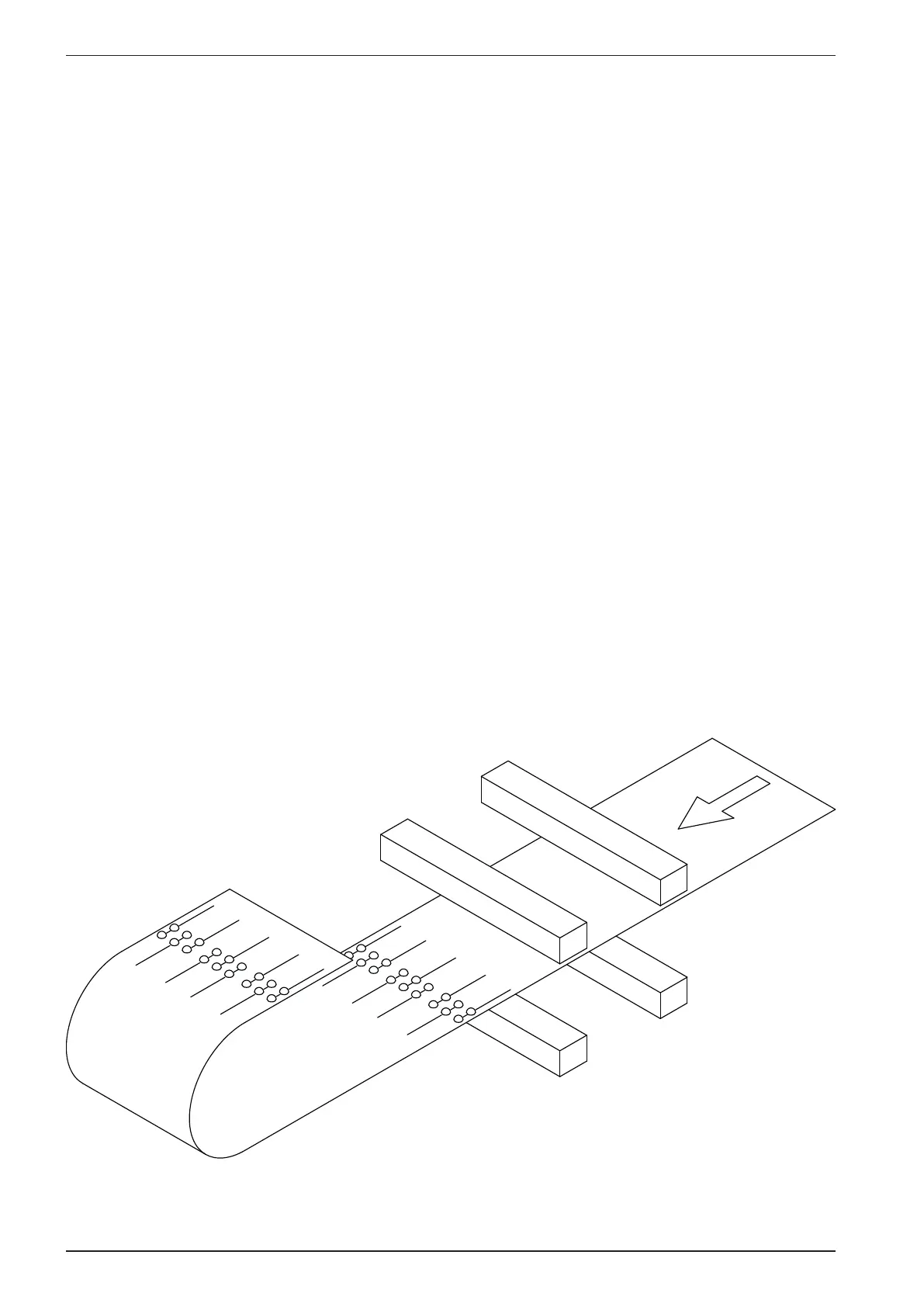
The gure below is a very simplied version of the printing mechanisms in this Printer.
The four “bars” across the paper indicates the magnet racks.
The magnet racks are named from A to D.
Magnet rack A and B make dots on the side of the paper facing down, and magnet rack C and D makes
dots on the side facing up.



 To Next Page